36 | www.eddy.com
Using Reddy with Sharck Probes
7. Tap Next.
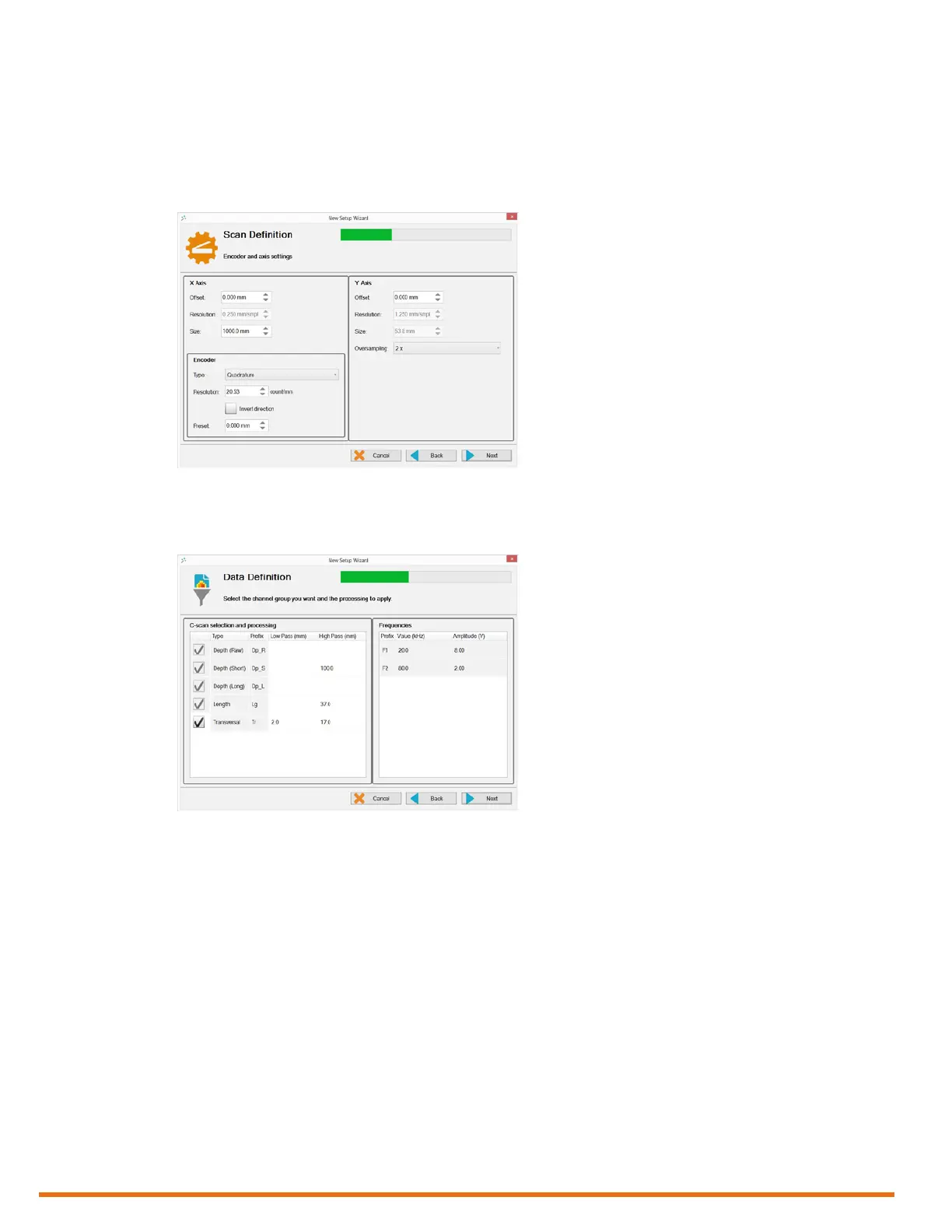
8. Congure the encoder and the starting position.
Note
Apart from the Preset value, you should not modify any of the encoder parameters because they
are already optimum for the Sharck probe.
Figure 5–17 Scan denition: congure encoder and start position
9. Tap Next.
10. In Data Denition, adjust the properties of your lters.
Figure 5–18 Data denition: conguring lters
Notes
• Sharck probe setups are tailored for carbon steel. That is why you cannot change the frequencies
and injection voltages of these setups. Moreover, as most channel groups are necessary for
analysis, you can only disable the transverse group.
• We strongly recommended that you do not modify the median lter value, as it is congured to
detect and size 25 mm long defects in C-scan short.
11. Tap Next.
12. In Indication Codes, create the indication code list you wish to use during your analysis.



 To Next Page