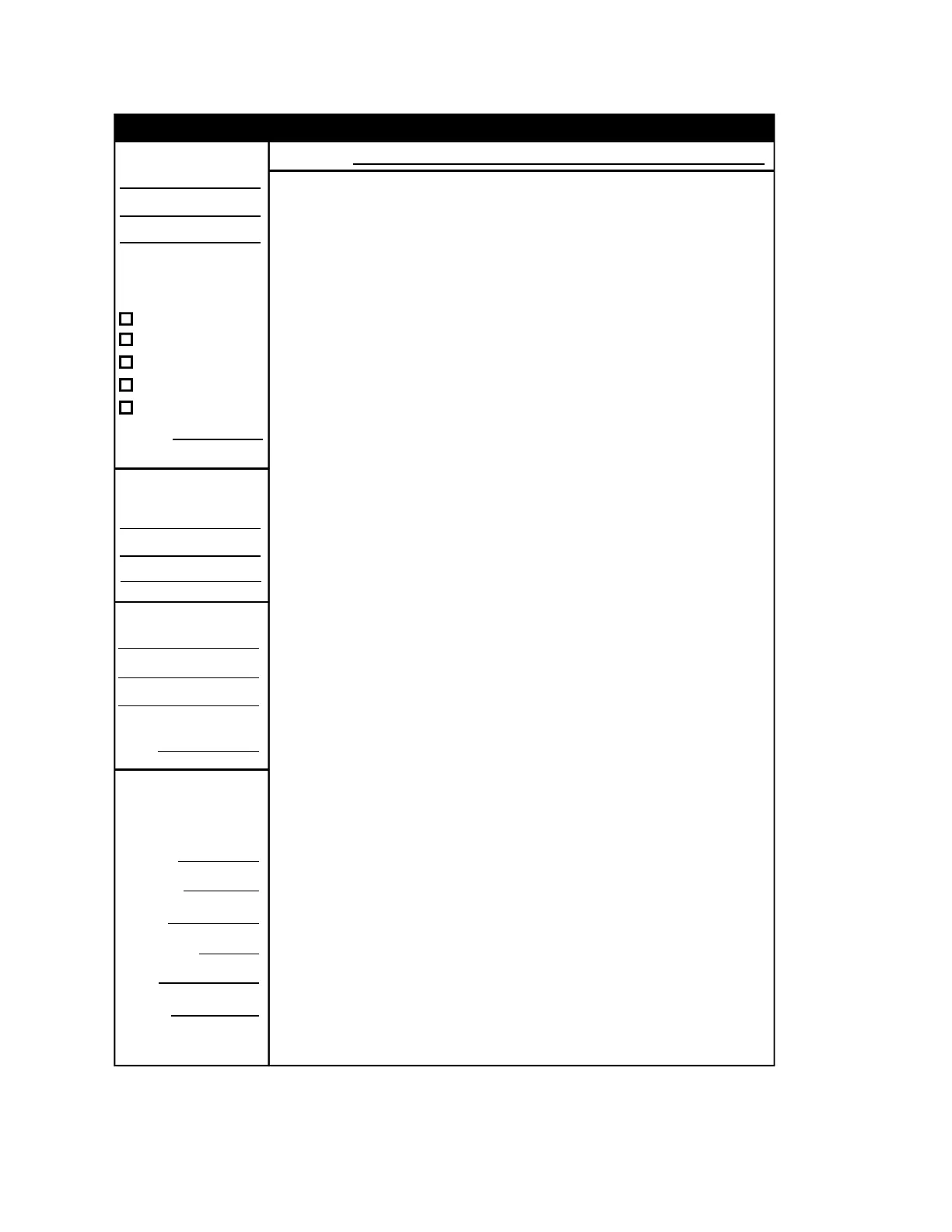
Operator instructions
A.4 EST2 System Operations Manual
Installed By:
Location:
Per NFPA Standard:
For Service Contact:
Inspected By:
Power Supply:
Primary
Location
Fuses
Secondary
Type
Specs.
72, Ch 3 - Local
72, Ch 4 - Auxiliary
72, Ch 4 - Remote Sta.
72, Ch 4 - Proprietary
72, Ch 4 - Central Sta.
Dated:
Date:
STDOP008.CDR
Normal Condition:
Alarm Condition:
Note:
Supervisory Condition:
Trouble Condition:
Monitor Condition:
Fire Drill:
Microphone Operation:
Telephone Operation:
The Power LED (green) is on. All other LEDs are off.
The Alarm LED (red) turns on, the display shows the alarm location
and zone, and the internal buzzer pulses.
To view other alarm messages: Press the ALARM review switch (down arrow).
To silence audible devices: Press the Alarm Silence switch.
To reset the system: Find the cause of alarm condition correct it, and press the
Reset switch.
The Supervisory LED (yellow) turns on, the display shows the
supervisory condition, location, and zone, and the internal buzzer pulses.
To view other supervisory messages: Press the SUPVR review switch (down arrow).
To silence buzzer: Press Local Silence switch. Investigate the cause.
To clear the system: Find the cause of the supervisory condition, correct it, and press
the Reset switch.
The system Trouble LED (yellow) turns on, the display shows the
trouble location and zone, and the internal buzzer pulses.
To view other trouble messages: Press the TRBLE review switch (down arrow).
To silence the buzzer: Press the Local Silence switch.
To clear the system: Find the cause of the trouble and correct it. The system
automatically clears itself upon correction of trouble condition.
The Monitor LED (yellow) turns on, the display shows monitor
conditions, and the internal buzzer pulses during a non-fire alarm condition.
To view other monitor conditions: Press the MONTR review switch ( down arrow).
To clear system: The system automatically clears itself upon restoration of monitor
condition.
Notify the fire department before you run the test. All audible and visual
notification appliances will operate during a drill.
To drill all notification appliances: Press the Drill switch.
To end the drill: Press the Drill switch a second time, or press Alarm Silence.
To page the fire area:
1 Pick up the microphone handset.
2 Press the Page-to-Evac switch.
3 Press the Push-to-Talk (PTT) switch on the microphone.
4 When the pre-announcement tone ends, speak into the microphone.
To page the alert area:
1 Pick up the microphone handset.
2 Press Page-to-Alert switch.
3 Press the PTT switch on the microphone.
4 When the pre-announcement tone ends, speak.
The buzzer indicates an incoming call.
To respond to an incoming call:
1 Pick up the telephone handset.
2 Press the Silence Call-In switch.
3 Select the incoming phone circuit on the LED/Switch module.
4 Communicate with the calling party.
To page by phone:
1 Pick up the telephone handset.
2 Press the Phone-to-Evac (or Alert) switch.
3 When the pre-announcement tone ends, speak.
Frame these instructions and mount them next to the emergency communications panel.
For additional information, see the .
Each new alarm will resound the audible devices, but you cannot resound
them by pressing the Alarm Silence switch a second time.
System Operations Manual
Emergency Communications Operating Instructions
Figure A-2: Emergency communications operating instructions



 To Next Page