103
Integrated Color Profiler Suite Profiling Method and Patch Layout
If Fiery Color Profiler Suite 3.x or newer is installed on the Fiery server running Command WorkStation, the patch set and device to use for
integrated media profile creation from the Calibrator wizard can also be specified. This allows the user to create an ICC profile for a paper
in the same wizard-based workflow that the new calibration set is created in. By doing this as one process, user error is reduced because
the proper calibration set is loaded when profiling patches are printed and then linked to the resulting ICC output profile automatically
when it is loaded on the Fiery server. Because the wizard configures all expert profiling settings in Color Profiler Suite, even entry-level
users can make calibration sets and ICC output profiles have top-quality color on any paper.
Benefits
Saves time because calibration and profiling are completed at the same time.
Greatly increases user success levels because users do not have to be experts at how to load a certain calibration set when
profiling; this is the point at which most users fail with other profiling tools that are not integrated directly with the Fiery server.
Configures expert settings automatically, giving even novices professional-quality profiling results.
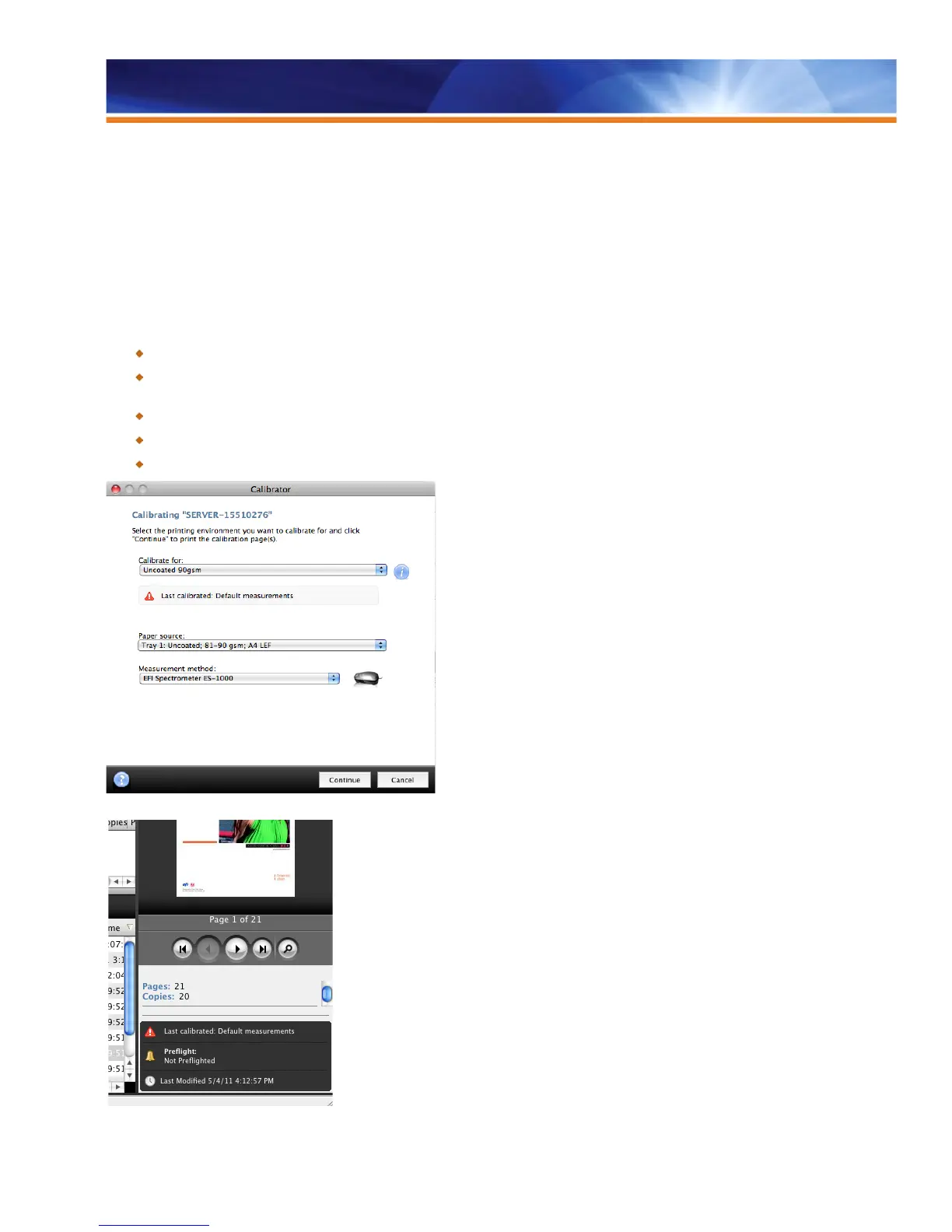
Improves color consistency with status icons that remind operators to recalibrate.
Saves time and minimizes waste by suspending jobs with expired calibration.
Calibration Guard in the Calibrator interface
Calibration Guard in Job Summary interface



 To Next Page