66
Benefits:
Provides a quick way to make additional customization at the last possible production stage.
Increases productivity by shortening the job setup and applying automation to complex job definitions.
Decreases waste by automating complex finishing settings.
Media Defined Profiles
Fiery servers offer various properties for selecting the Output Profile in Expert Settings from the Fiery driver or Job Properties on
Command WorkStation 5. If the Output Profile option is set to “Use Media Defined Profile,” the Fiery system’s unique Media Defined
Profile feature automatically assigns color profiles. For mixed-media jobs, it determines which profile to use for each media from the media
settings in Job Properties.
When the user selects a media in Fiery Paper Catalog, the feature automatically applies the correct profiles for the media. It also supports
media with different profiles per sheet surface, specifying the correct profiles for front and back.
Benefits:
Provides the most accurate color output for mixed-media jobs with media-driven color profiling.
Offers easy-to-relate color profiles for each media through the simplified interface, for best quality color output.
Booklet Maker
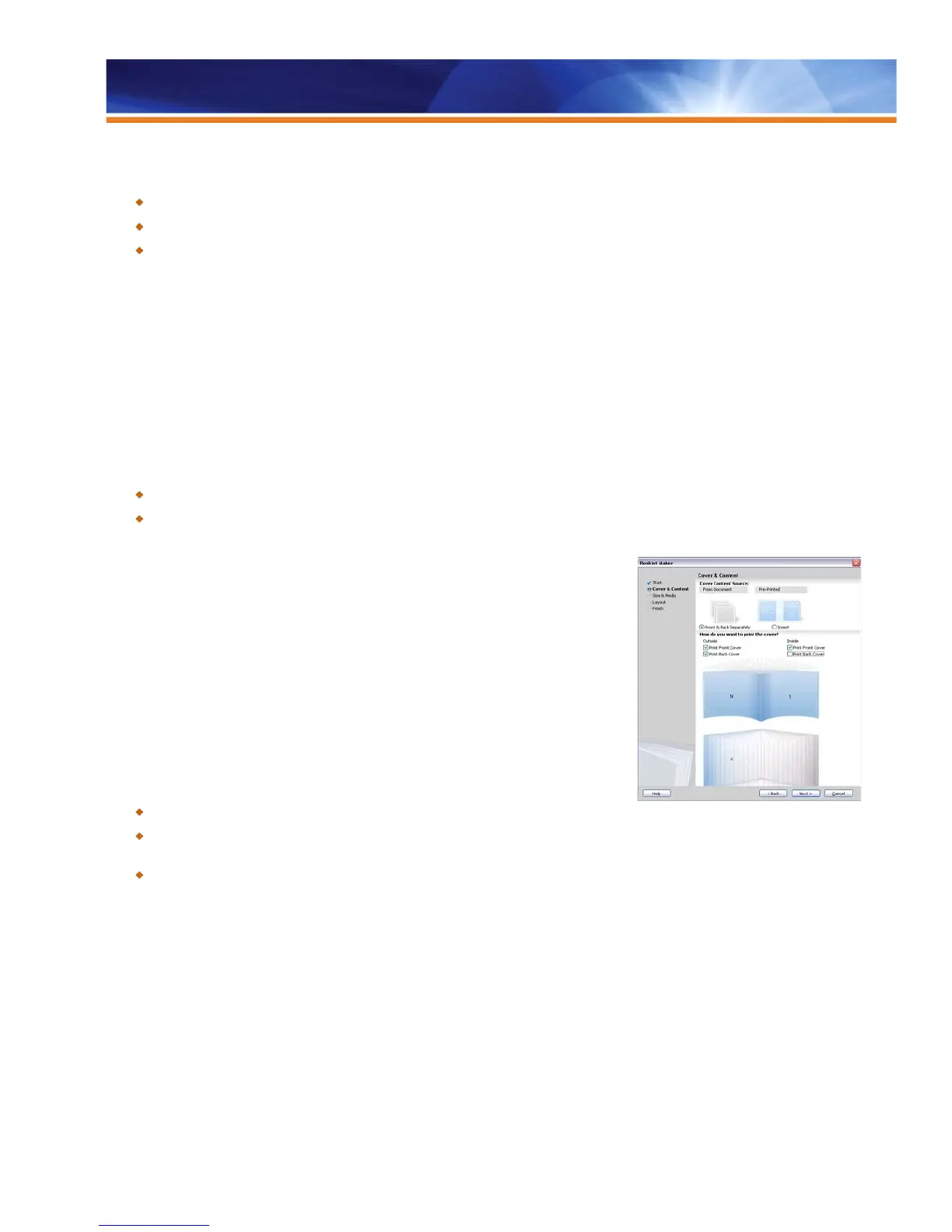
The Fiery Booklet Maker is the imposition tool in Job Properties that allows users to print
multiple pages of a print job, from any application, in a booklet style — without the need for
more advanced imposition programs.
The interface in Booklet Maker is interactive and intuitive to help users achieve the expected
printed output every time.
Booklet Maker provides a visual and interactive way to specify the page number of the
source document for cover paginations, enabling it to correlate the correct page numbers
with the correct cover pages.
Benefits:
Produces sophisticated results with a simple operation.
Intuitive UI minimizes training requirements. A graphical and intuitive wizard-based
interface guides the user in setting up professional-looking booklets more quickly and with fewer errors.
Supplies most of the user’s imposition requirements and provides an upgrade path to Fiery Impose for experts.
Job Properties Print Actions
The Print Actions from Job Properties have been extended to include Print and Hold, Print and Delete, Process and Hold and Proof Print,
allowing users do what they want with fewer clicks.
Easy to Use Booklet Maker interface



 To Next Page