73
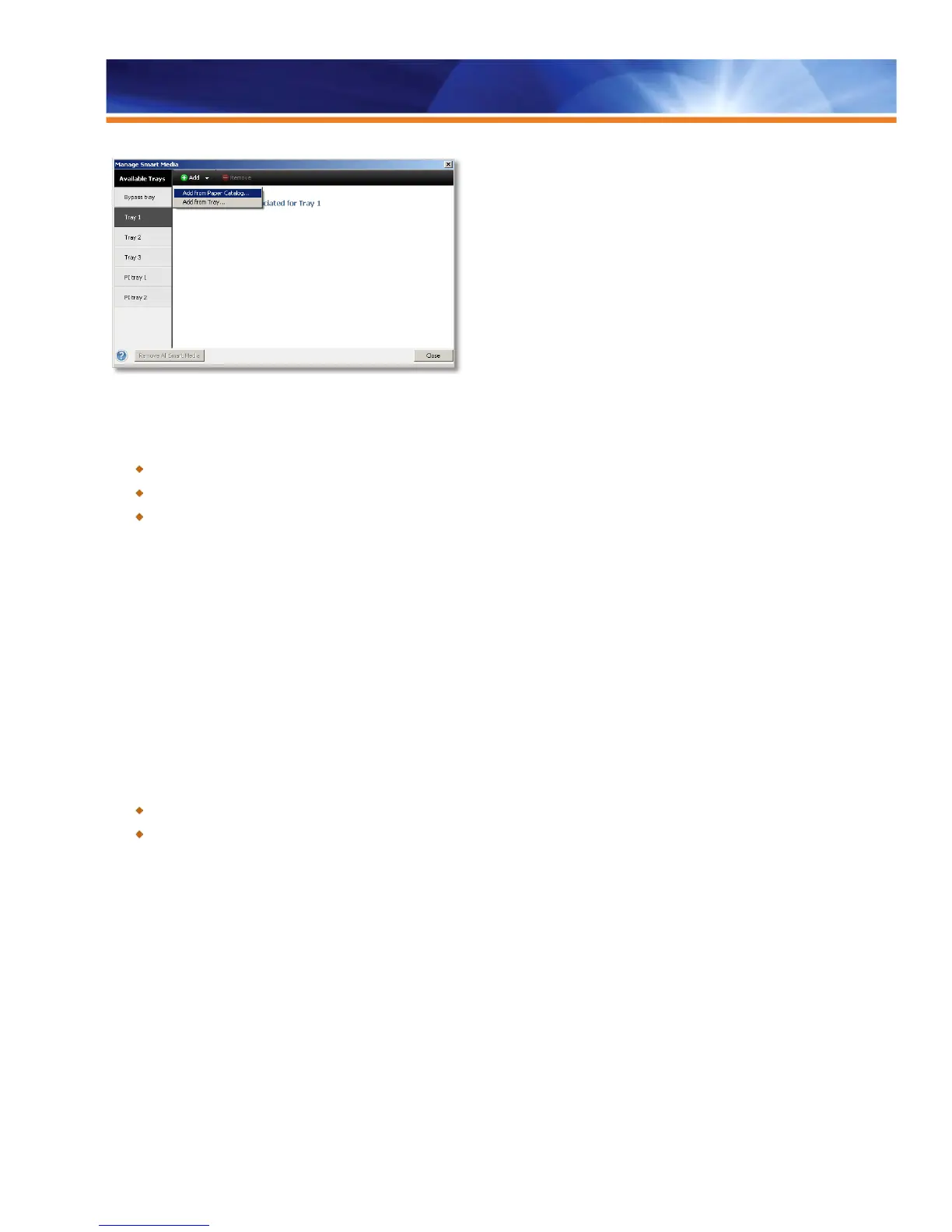
Add Smart Media to a tray so it will be automatically assigned next time media with the same attributes is loaded.
Benefits:
Streamlines and simplifies the process of adding new media to Paper Catalog and saves valuable time.
No additional steps are required to add a media when a favorite (smart) media is loaded in a tray.
Increases reliability for media-driven workflows: minimizes errors when setting up media and operator intervention.
Mixed Media Viewer for Perfect Binding
Mixed Media viewer for perfect binding gives operators visual feedback of page-level operations such as duplex, media, insert and
spine settings for a perfect-bound job. With this, operators will understand the pagination implications of specifying these settings.
It allows users to specify multiple types of media for perfect-bound books. Plus, pagination is handled automatically and intuitively so that
the perfect-bound jobs with different media print as expected. It shows users how a spine is included as the last page of the document.
It adds a mixed-media interface directly in the perfect-binder user interface and a wireframe mode to the perfect binder mixed media
interface — giving operators quick and easy visual feedback.
Mixed Media viewer for perfect binding is available as long as the engine has a perfect binder option installed. Mixed Media viewer is
available from the Job Properties interface in Command WorkStation, giving the Fiery server the entire job to properly specify pagination.
Benefits:
Gives the operator precise controls over pagination.
Provides quick and easy visual feedback about the following settings:
- Which page in the document is used for the spine
- The reading order of the rest of the pages of the document (when page-level duplex settings are used)
- The desired pages that are affected by a media definition



 To Next Page