Appendix 4: Expert Mode
BA_Elmasolvex_VA_EN_Vers.05.2018 © Elma Schmidbauer GmbH
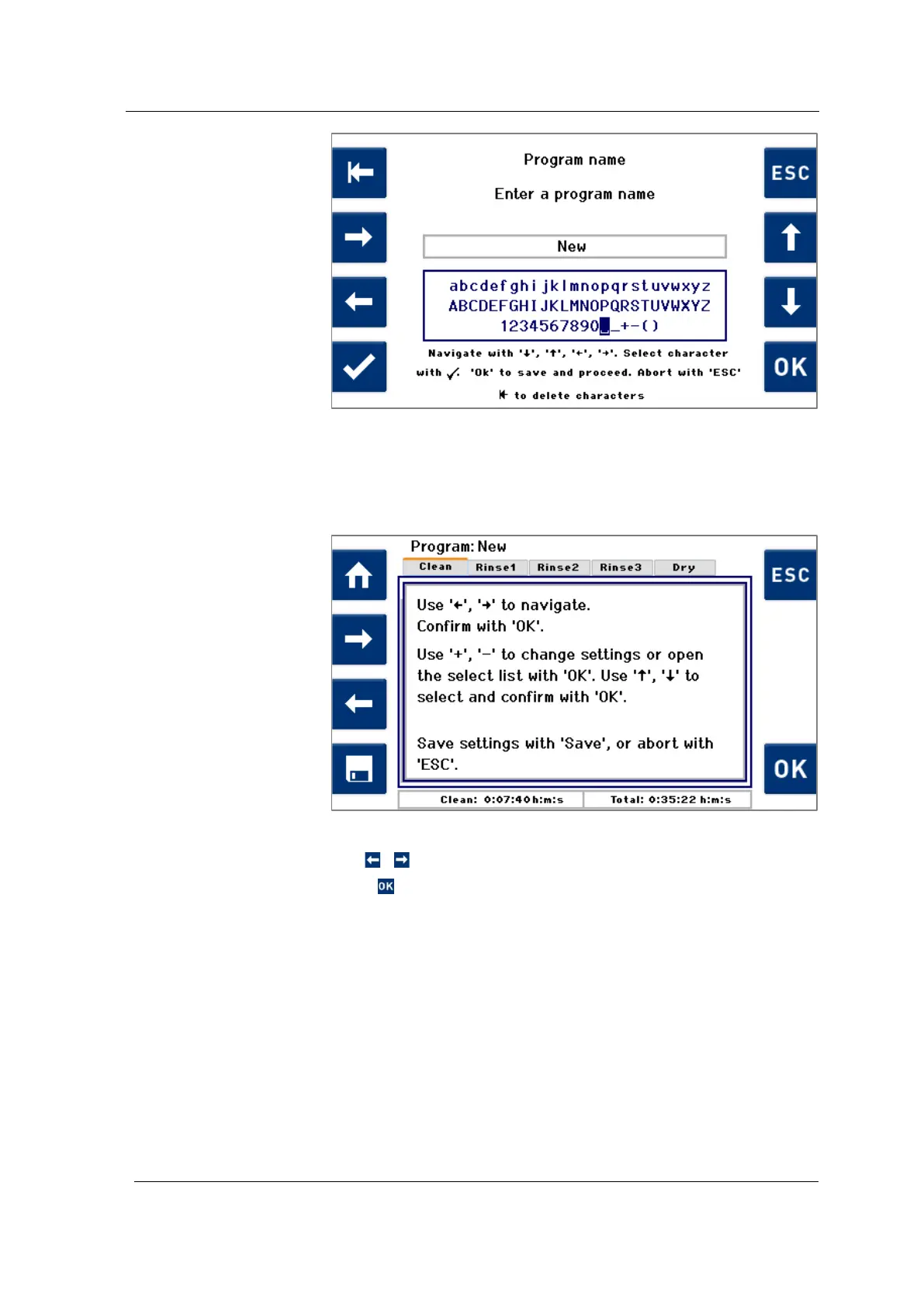
Fig. 7.2.1.2 Enter program name
The initial display screen allows the user to navigate between
the tabs for the individual process steps (Fig. 7.2.1.3).
Fig. 7.2.1.3 Display screen – tabs with individual process steps
Use / to navigate between the tabs.
Press on the Cleaning tab to display sub-steps for cleaning
(Fig. 7.2.1.4).
Navigate through the sub-steps of the Cleaning process
parameters in the same way as you navigate through the tabs
of the entire cleaning program.
Specifying/changing
program parameters
the
parame




 To Next Page