Settings
BA_Elmasolvex_VA_EN_Vers.05.2018 © Elma Schmidbauer GmbH
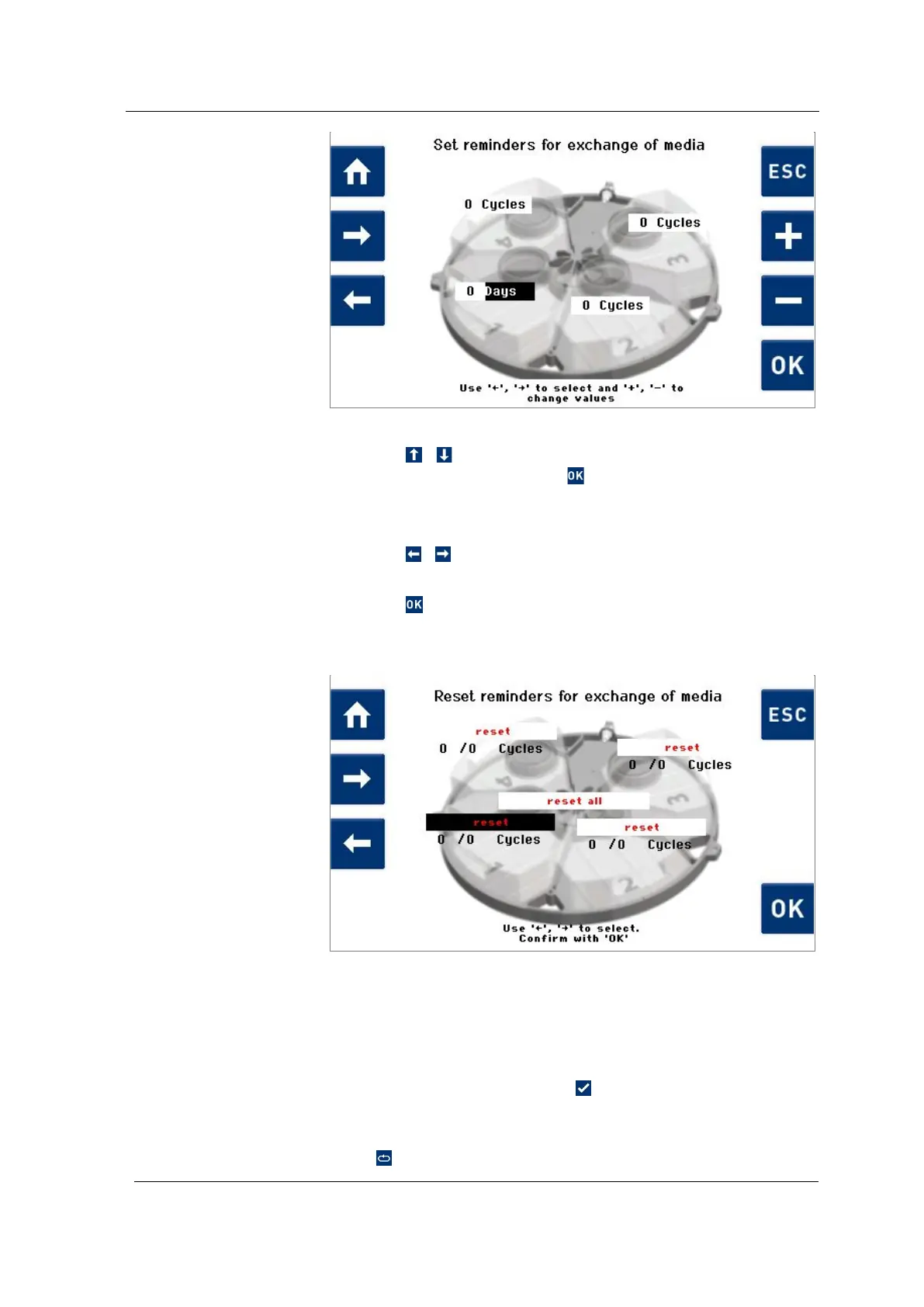
Fig. 7.1.6.5 Display Set Unit
1. Using / , in the selection list (Fig. 7.1.6.1), select Reset
reminders and confirm with .
The Reset reminders for exchange of media (Fig. 7.1.6.6)
display is shown.
2. Press
/ to reset the counted cycles or days individually
or completely to 0.
3. Press to reset the counted cycles or days individually or
completely to 0.
The counting starts again from 0.
Fig. 7.1.6.6 Display Reset reminders for exchange of media
If the set input value is reached, the Change Medium!
(Fig. 7.1.6.7) display is shown after program execution. The
relevant media tank is marked with a warning symbol.
Now perform the media change.
After changing the media, press .
All counted cycles or days are reset to 0.
If you would like to perform the media change at a later time,
press to be reminded again after the next program run.
Procedure for
resetting reminders
Reminder for media
change




 To Next Page