Settings
© Elma Schmidbauer GmbH BA_Elmasolvex_VA_EN_Vers.05.2018
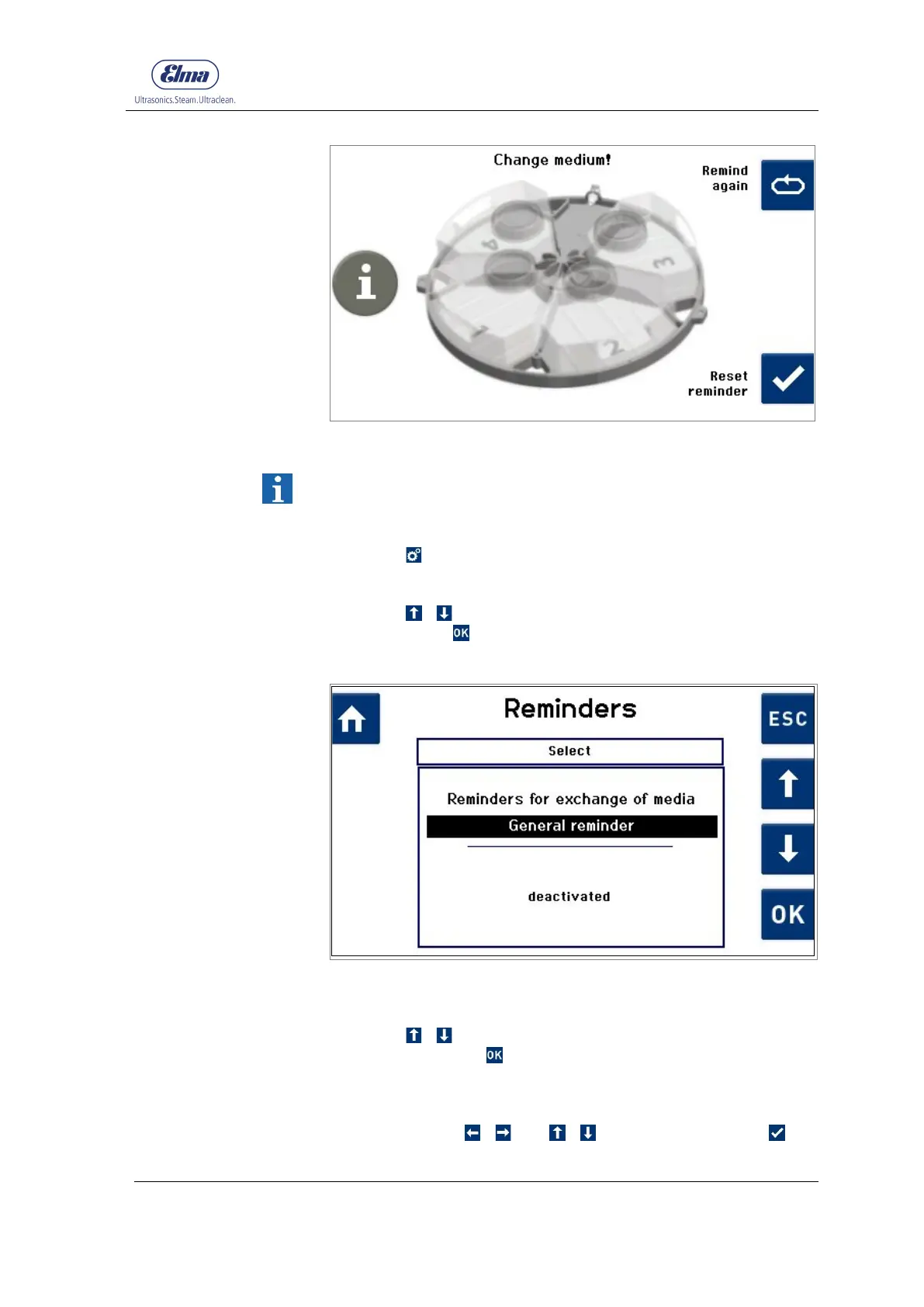
Fig. 7.1.6.7 Display Reminder for exchange of media
The menu item General reminder enables the activation of any
reminder and the specification of the reminder interval.
Starting from the display Program Selection:
1. Press .
The display Machine Settings (Fig. 7.1.2) is shown.
2. Using / select Reminders in the selection list and
confirm with .
The display Reminders (Fig. 7.1.6.8) is shown.
Fig. 7.1.6.8 Display Reminders (General reminder deactivated)
Starting from the display Reminders:
3. Using / select General reminder in the selection list
and confirm with .
The following screen is displayed: Assign a description to the
general reminder (max. 30 characters) Fig. 7.1.6.9
4. Navigate with / and / . Select character with to
save and proceed.
General




 To Next Page