100
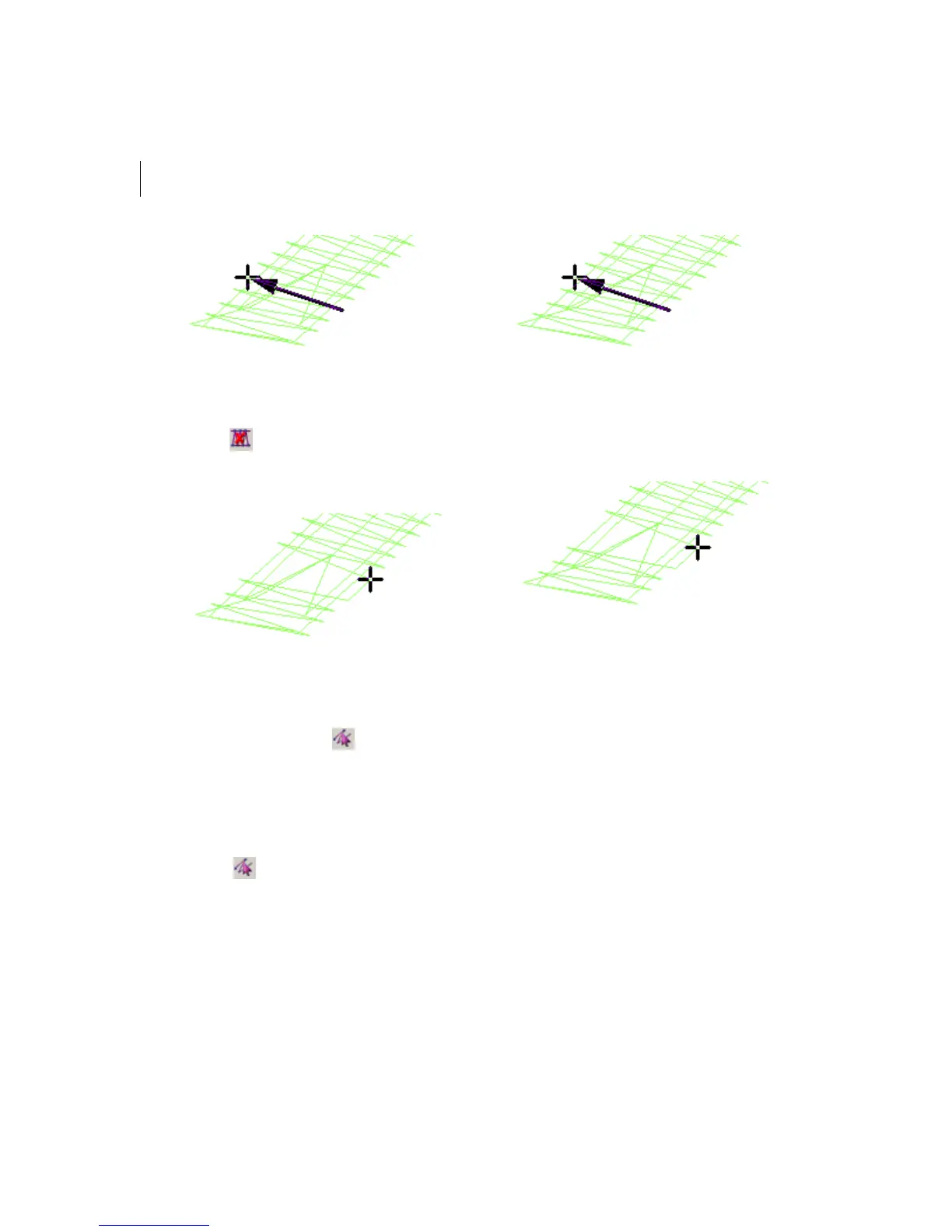
5 In the Stitch Edit toolbar, click the Delete
Stitch tool.
The pointer becomes a pencil eraser.
6 Click the stitch you want to delete.
7 Continue clicking the stitches to delete
multiple stitches.
8 Click the Stitch Select tool to return to
the stitch mode.
To delete stitches using Backspace on
your keyboard:
1 In the Stitch Edit toolbar, click the Stitch
Select tool.
2 Select the stitch where you want to start
deleting.
3 Press backspace on your keyboard.
4 Continue to select stitches and press
backspace to delete multiple stitches.
To delete stitch groups:
1 Select the group of stitches you want to
delete.
For more information, see "Selecting
stitches in various ways".
2 Press Ctrl+E on your keyboard and
choose Delete Group from the menu.



 To Next Page