ELNA XPRESSIVE II 29
User’s Guide
Editing Tools
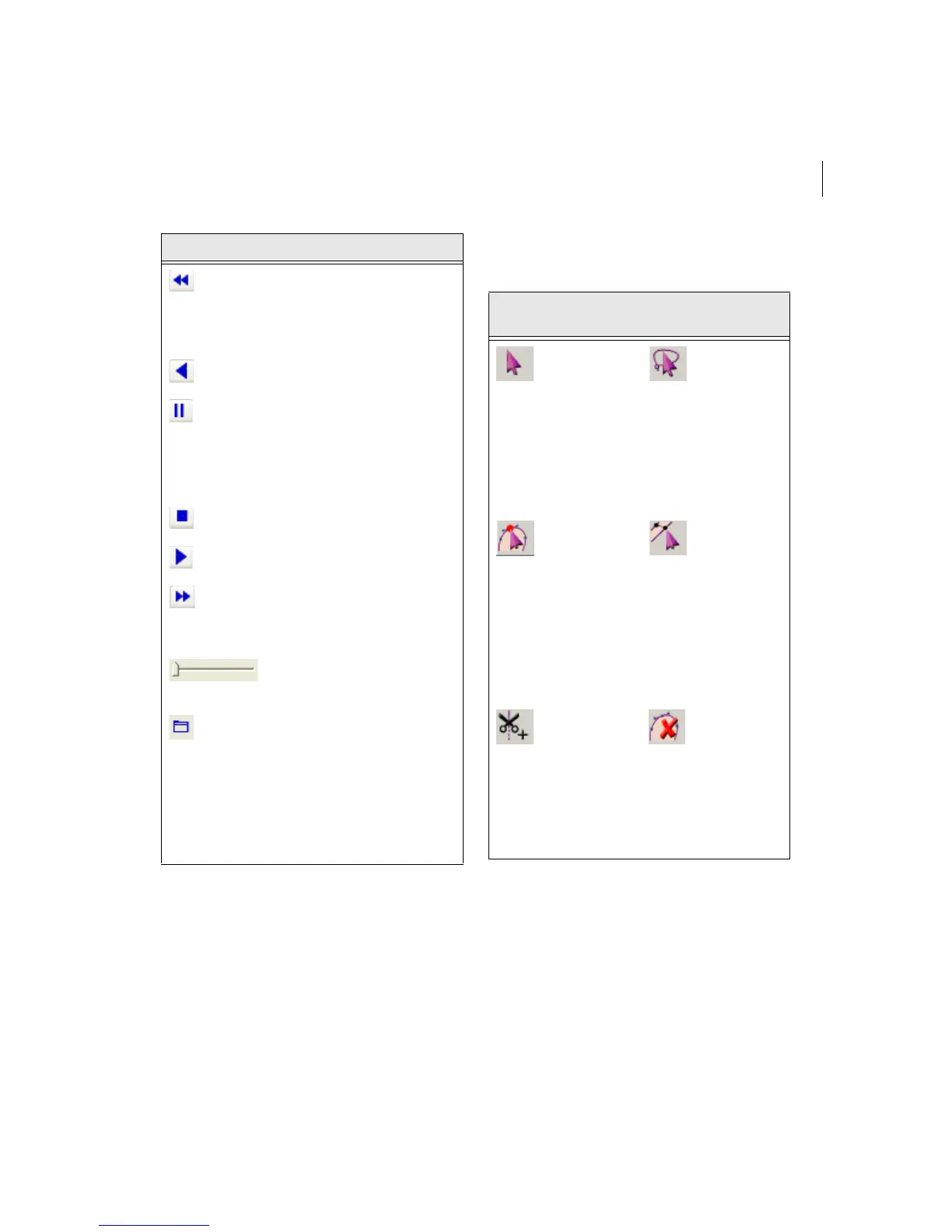
Play backward one color:
Move backward in the design
to the beginning of the
previous color or selected
command.
Play backward: Move
backward through the design.
Pause: Pause the design
while drawing. When you play
or resume sewing your
design, stitching will continue
from the location of the last
stitch.
Stop: Stop the design while
drawing.
Play forward: Move forward
through the design.
Play forward one color:
Move forward in the design to
the beginning of the next
color or selected command.
Speed Control: Slide the
speed control to vary the rate
of sewing.
Draw ribbon mode setting:
Use these settings to
customize draw ribbon
commands. You can select
draw modes, show segments
as being gray after being
active or select commands
that sewing simulator buttons
will stop at.
Tools What is does
Tool
What it
means
Tool
What it
means
Select:
Selects
outline
segments.
Lasso
Select:
Selects
one or
more
outline
segments
to edit
(with a
polygon).
Vertex
Select:
Selects
points and
individual
outline
segments,
allowing
for
advanced
editing.
Angle
Lines:
Adds
angle
lines.
Insert
Trim at
End:
Inserts
trim at the
end of
current
segment.
Delete
Outline:
Deletes
one
outline
point at a
time in
design
files.



 To Next Page