ELNA XPRESSIVE II 19
User’s Guide
Calibrating your
Screens for Accurate
Measurements
Xpressive allows you to calibrate your
monitor to display design dimensions
accurately. When you use the Back to 1:1
tool, a tool used to display designs in their
original size, the ruler measurements will be
accurate and match the number of
centimeters or inches that the design
measures.
To calibrate your screen:
1 Start Xpressive.
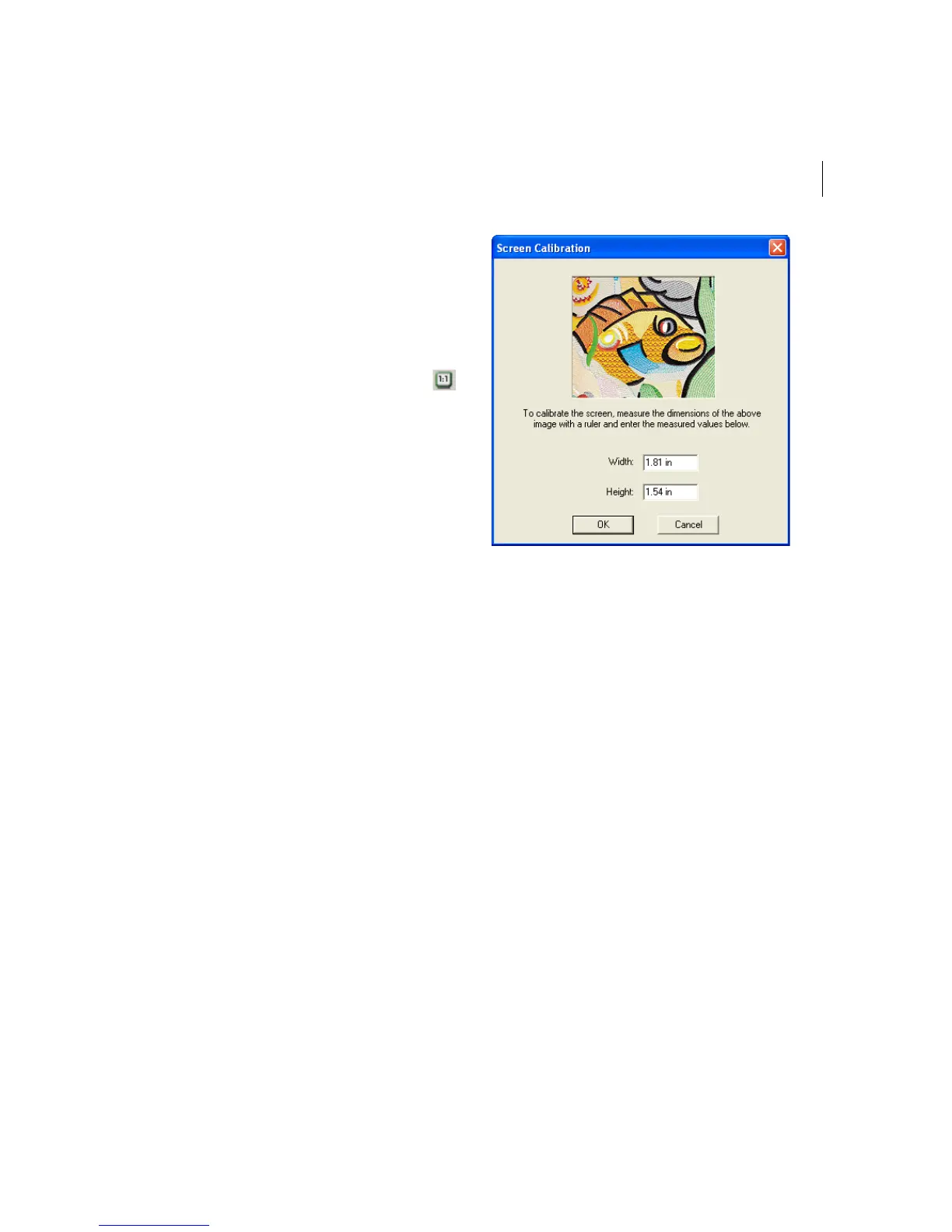
2 Choose Tools—Configuration—Calibrate
Screen...
You see the Screen Calibration dialog
appear.
3 To calibrate the screen, place a ruler
against your monitor and measure the
dimensions of the image shown in the
dialog.
4 In the Width box, enter your width
dimensions for the image shown.
5 In the Height box, enter your height
dimensions for the image shown.
6 Click OK.



 To Next Page