ELNA XPRESSIVE II 13
User’s Guide
3 Select I received a serial number & I have
an internet connection on this machine
and click Next.
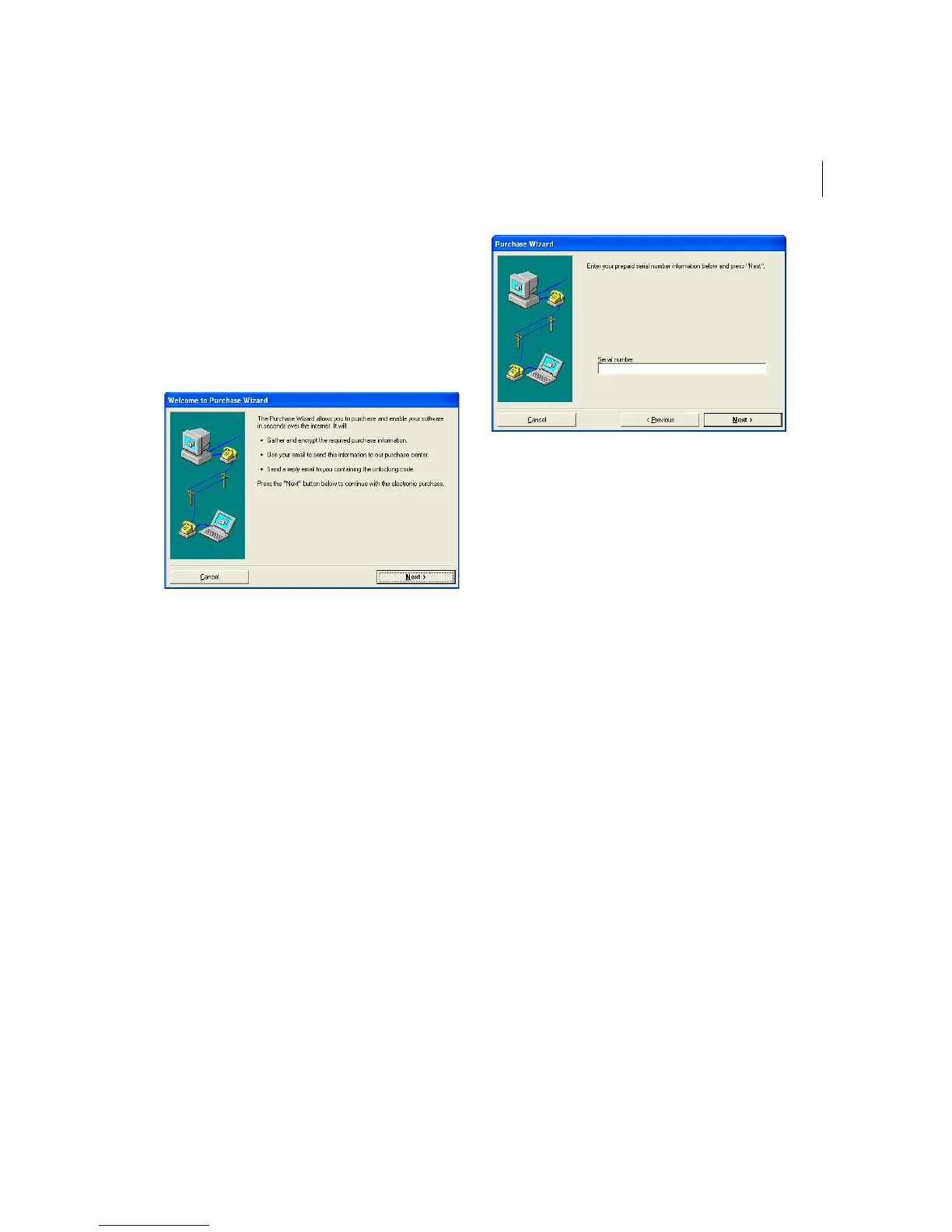
You will see the Welcome to Purchase
Wizard page appear.
4 Read the information shown and click
Next.
You will see the Purchase Wizard page
appear.
5 In the Serial number field, enter the serial
number you received and click Next.
You will see another Purchase Wizard
page appear.
6 To finish obtaining a license for Xpressive,
click Finish.
Obtaining a License for
Xpressive without Internet
Access
If you do not have an Internet connection,
you will need to contact your dealer or
distributor to obtain a license. Please refer to
the contact information that you received with
your package.
To obtain a license without Internet
access:
1 To open the Xpressive License Activator
wizard, select one of the following
procedures:
If you are using the 30-day trial mode
for Xpressive, choose Help—Open
License Activator.



 To Next Page