ELNA XPRESSIVE II 113
User’s Guide
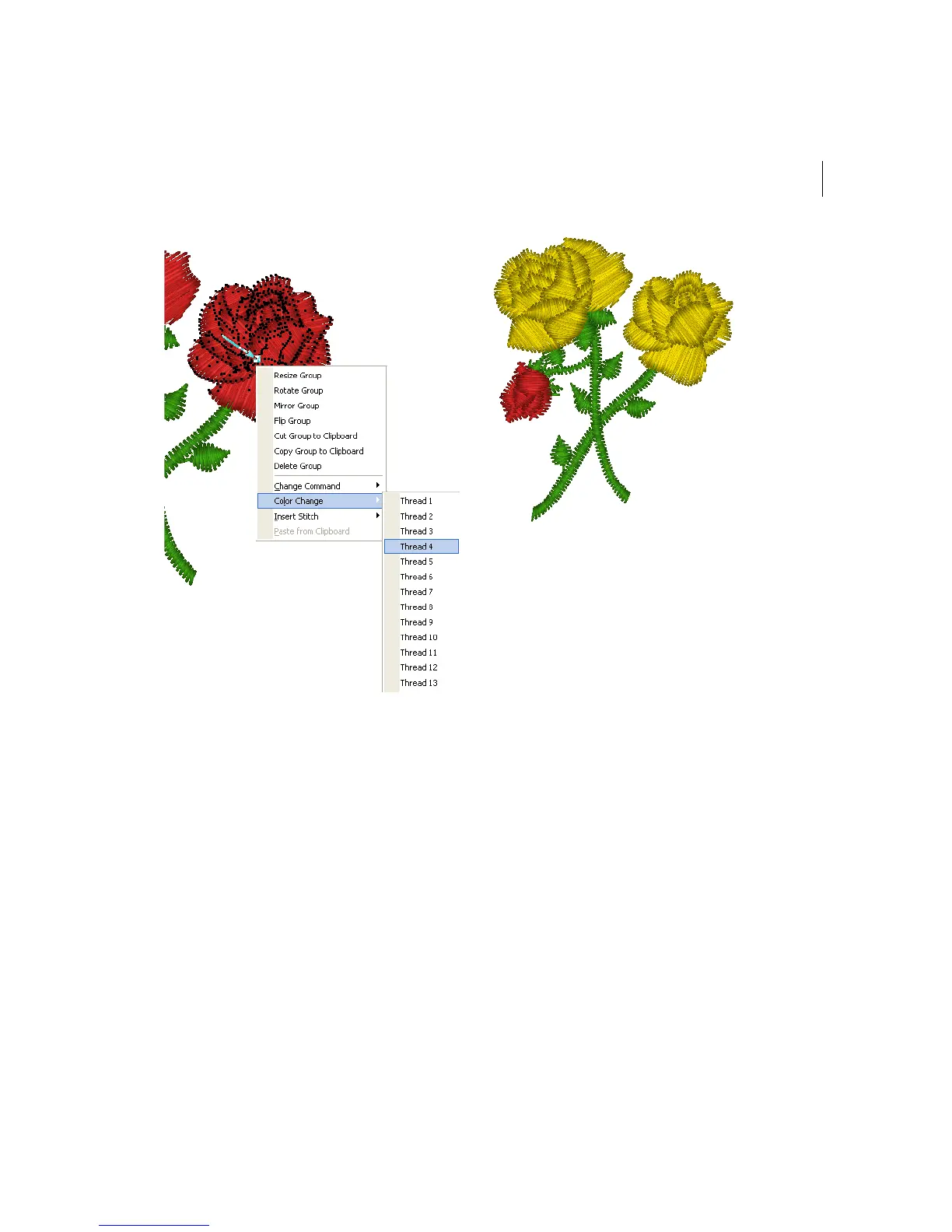
All the stitches from that point forward
change to the thread color number you
select.
Changing existing
machine commands
You can change embroidery machine
commands for a specific stitch. Although
Xpressive inserts jumps and stops where
they are required, you may choose to change
an existing machine command from the Edit
menu or the shortcut menu.
To change an existing machine
command:
1 Select the stitch you want to edit.
For more information, see "Selecting
stitches in various ways".
The stitch becomes highlighted.
2 Do one of the following:
Choose Edit—Commands.
Press Ctrl+E on your keyboard and
choose Change Command from the
shortcut menu.
3 Choose one of the following command
types from the menu:



 To Next Page