112
To make a thread color change:
1 Click the Zoom tool to Zoom in on the
area where you want to change the
thread color.
For more information, see "Magnifying
and reducing the view".
2 In the Stitch Edit toolbar, click Stitch
Select tool.
3 Select the first stitch of the segment
where you want to insert the color
change.
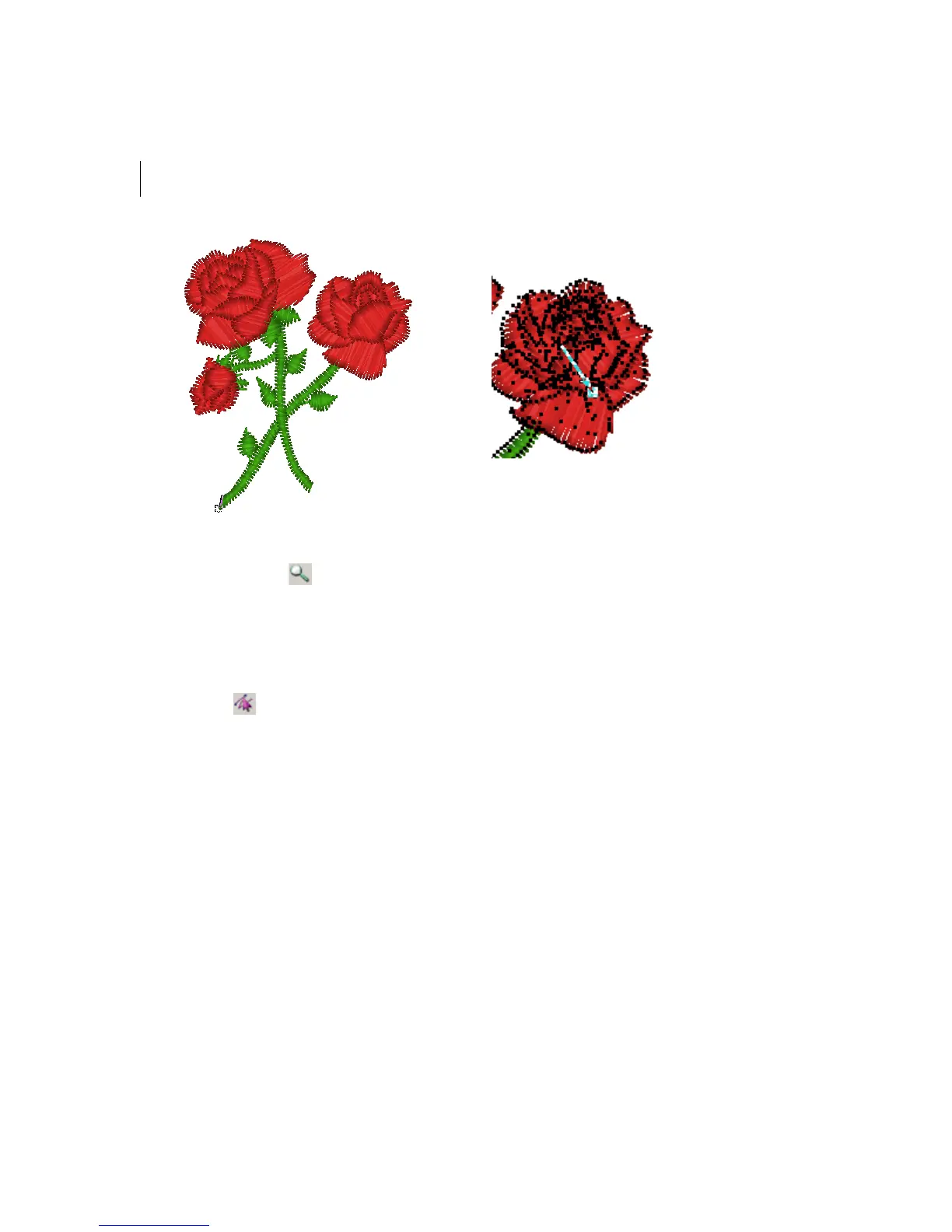
In this case, we want to change the red
rose to apricot.
The black square represents the stitch that
needs to be selected.
4 Press Ctrl+E on your keyboard and
choose Color Change from the menu.
5 Select the thread number you want to
change the color to.



 To Next Page