12
Any time during the evaluation period you
can start the registration using the Help
menu. You can choose one of the following
options to obtain a license:
• Using a serial number (requires Internet
connection).
• Providing an unlocking key given to you
by phone or e-mail.
• Transferring a license from another
computer.
Obtaining a License for
Xpressive from the
Internet
If you received a product serial number with
the program, the number can be used to
obtain a license. If you have an Internet
connection, you can have the program
automatically obtain a license.
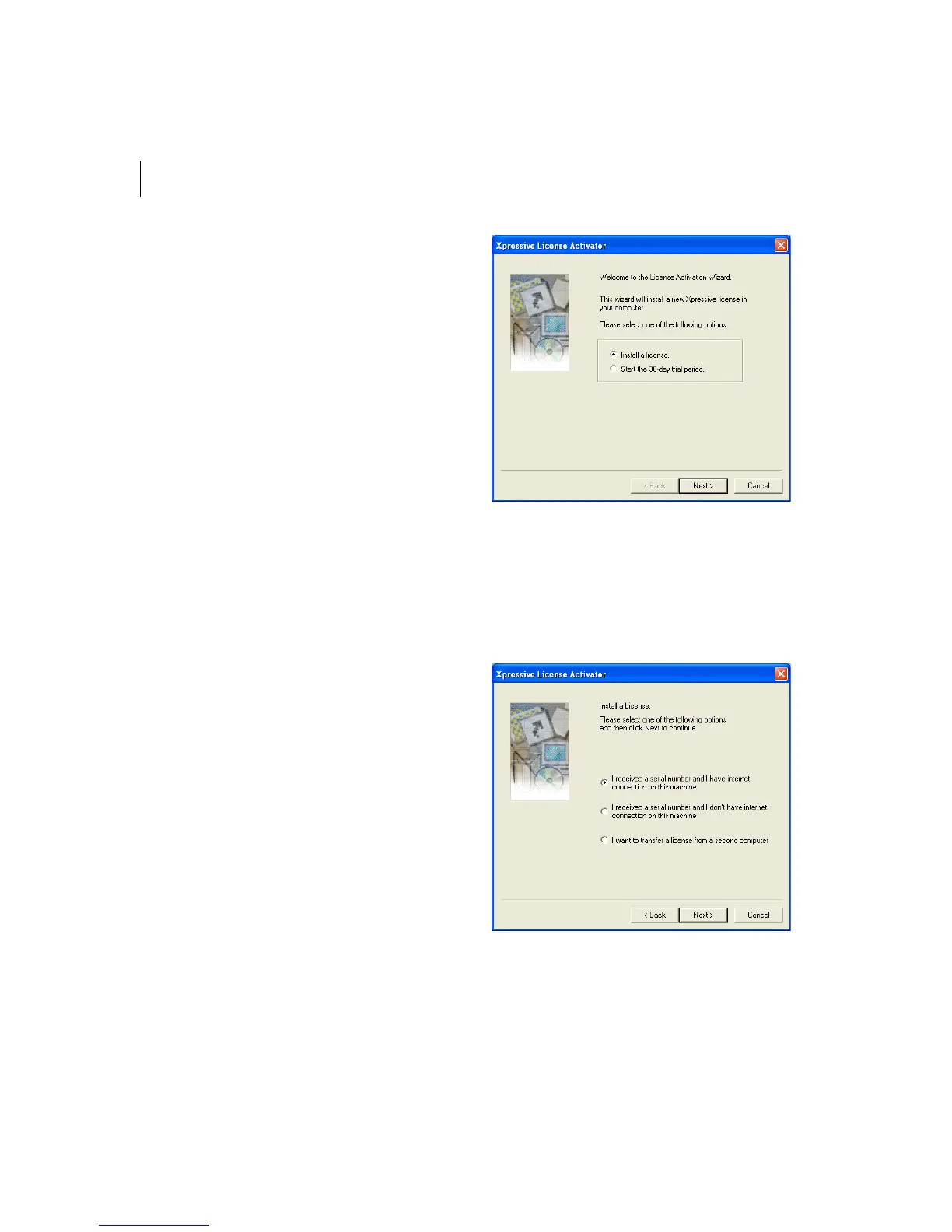
To obtain a license from the Internet:
1 To open the Xpressive License Activator
wizard, select one of the following
procedures:
If you are using the 30-day trial mode
for Xpressive, choose Help—Open
License Activator.
If your 30-day trial mode has expired,
double-click the Xpressive link on your
computer desktop.
You will see the Xpressive License
Activator wizard appear.
2 Select the Install a license option and
click Next.
You will see another Xpressive License
Activator wizard page appear.



 To Next Page