ELNA XPRESSIVE II 101
User’s Guid
e
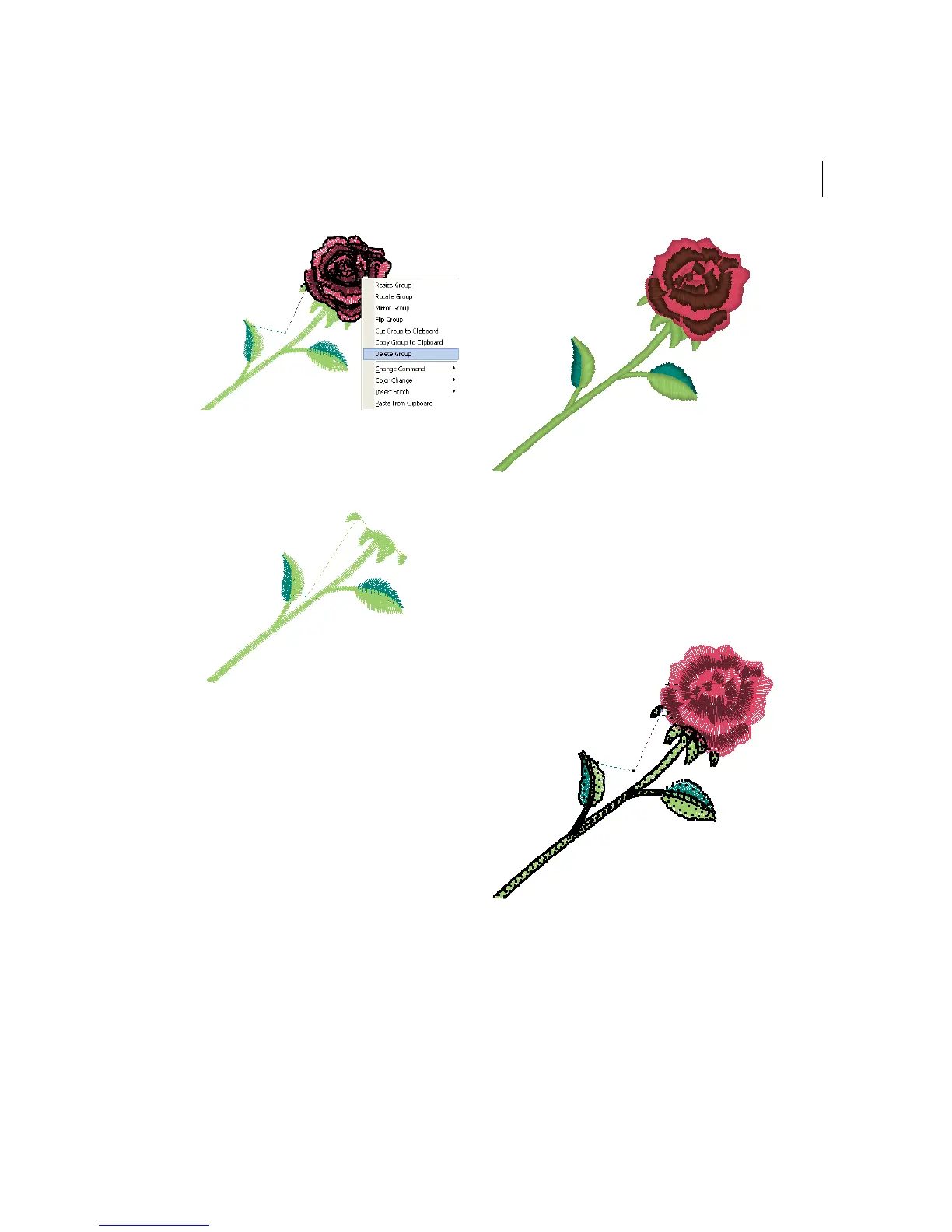
The stitch group is deleted.
Flipping stitches in a
design file
You can flip stitches along the horizontal axis
using Flip Group. You can resize stitches
using Resize Group. Depending how your
stitches are grouped, you can choose to
group the stitches differently.
To flip stitches in a design file:
1 Select the stitches you want to flip.
For more information, see "Selecting
stitches in various ways".
Selected stitches are highlighted in black.
2 Press Ctrl+E on your keyboard.
You see the shortcut menu.



 To Next Page