ELNA XPRESSIVE II 91
User’s Guide
Changing
Programmed Fill
properties
Adjusting the stitch
length for Programmed
Fill patterns
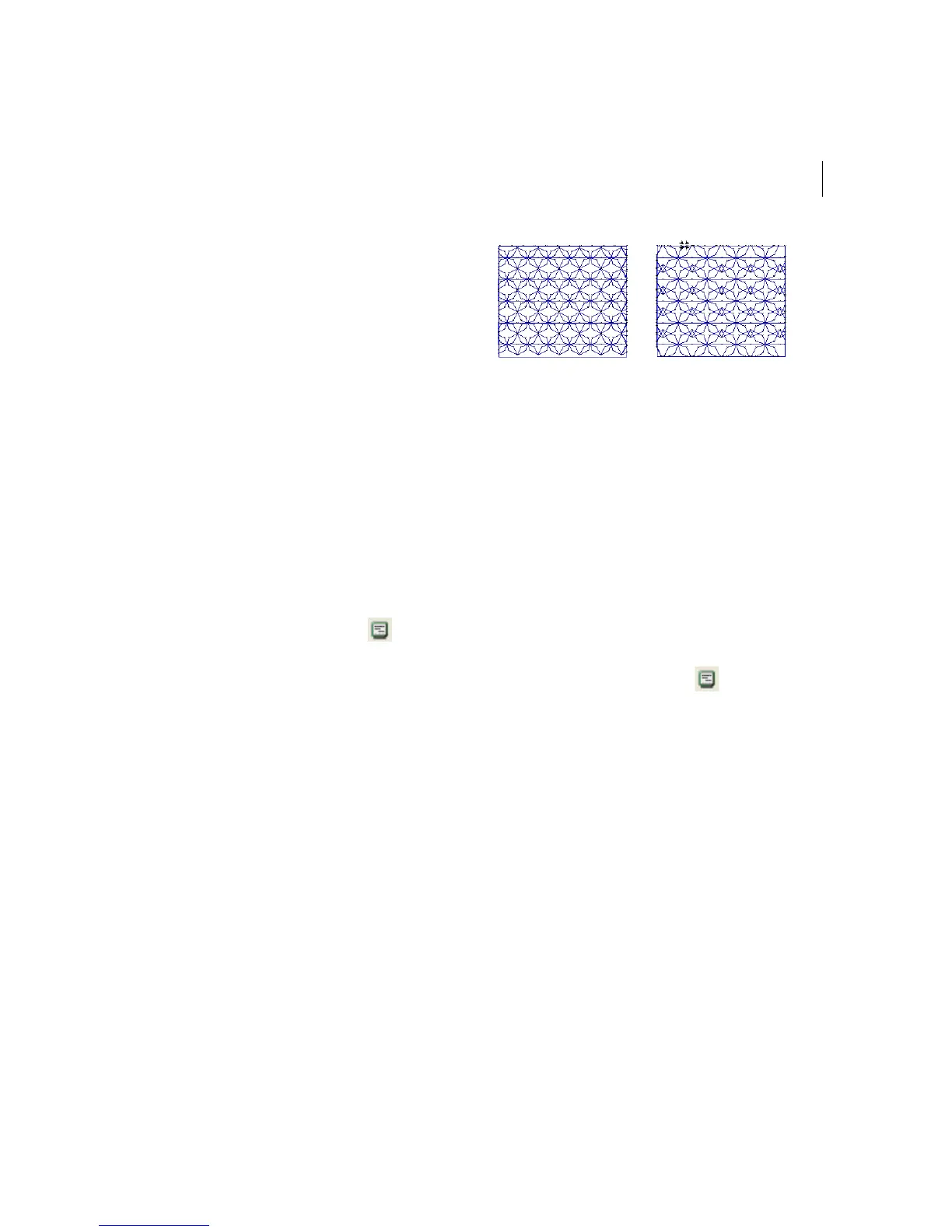
When you create Programmed Fill patterns
you may need to adjust their stitch length.
You can adjust the stitch length in the Stitch
Length text box in the Programmed Fill
property page. Adjusting the stitch length can
help control the pattern’s size.
To adjust the stitch length of
Programmed Fills:
1 Select the Programmed Fill segment.
2 Click the Segment Settings
tool on
the ribbon.
You see the Segment Settings property
pages.
3 Click the Complex Fills property page.
4 In the Stitch Length text box, enter the
stitch length
5 Click OK.
You will see your segment altered
accordingly.
Choosing a Programmed
Fill pattern
When you install Xpressive, Programmed Fill
patterns are installed on your computer. You
can select a Programmed Fill pattern from
the Programmed Fill Pattern box in the
Complex Fills property page.
To choose a Programmed Fill pattern:
1 Select the Programmed Fill segment.
2 Click the Segment Settings
tool on
the ribbon.
You see the Segment Settings property
pages.
3 Click the Complex Fills property page.
4 In the Programmed Fill Pattern list, select
a pattern.
5 Click OK.
You will see your segment altered
accordingly.
Stitch Length set to
50 pts
Stitch Length set to
70 pts



 To Next Page