166
Carved Fills
Xpressive comes with many Carved Tile
patterns. These patterns create satiny
regions with a grooved texture. You can apply
Carve Patterns to a Complex Fill segment or
to a TrueType® font.
Applying Carved Fills to
TrueType® lettering
You can apply a Carved Tile pattern to
TrueType® lettering. You need to convert the
lettering to segments and then apply a
pattern.
To apply Carved Fills to TrueType®
lettering:
1 In the Lettering toolbar, click the Text
tool.
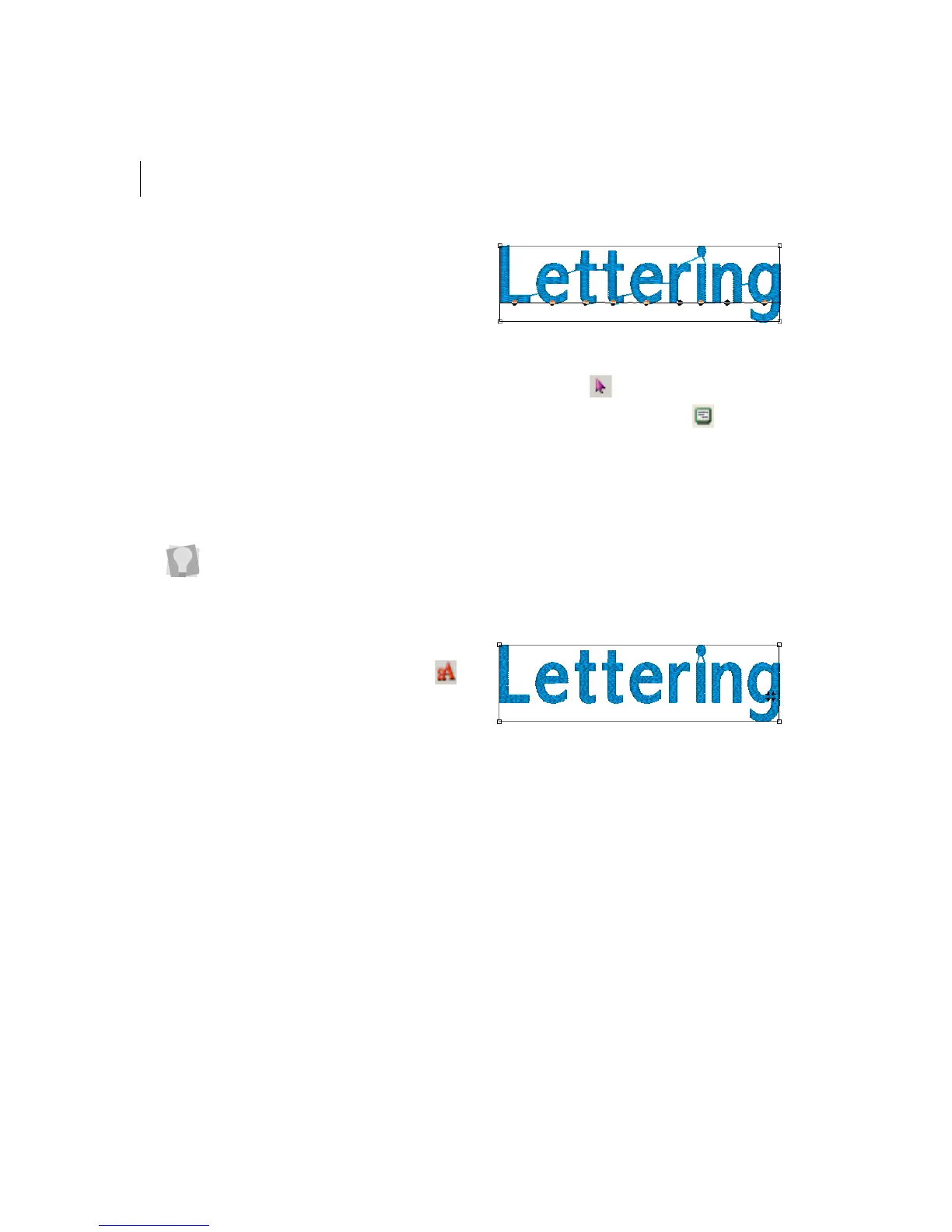
2 Create the TrueType® lettering.
For more information, see "Creating
lettering using the Text tool".
3 Press S on your keyboard to active the
Select tool .
4 Click the Segment Settings
tool on the
ribbon.
5 Click the Complex Fills property page.
6 In the Fill Pattern Type list, select Carved
Tile.
7 In the Carved Tile Pattern list, select the
pattern you want for your lettering.
8 Click OK.
You see your segment altered accordingly.
Make sure Show 3-D Stitches is
selected to view the pattern as it will be
sewn.



 To Next Page