ELNA XPRESSIVE II 191
User’s Guide
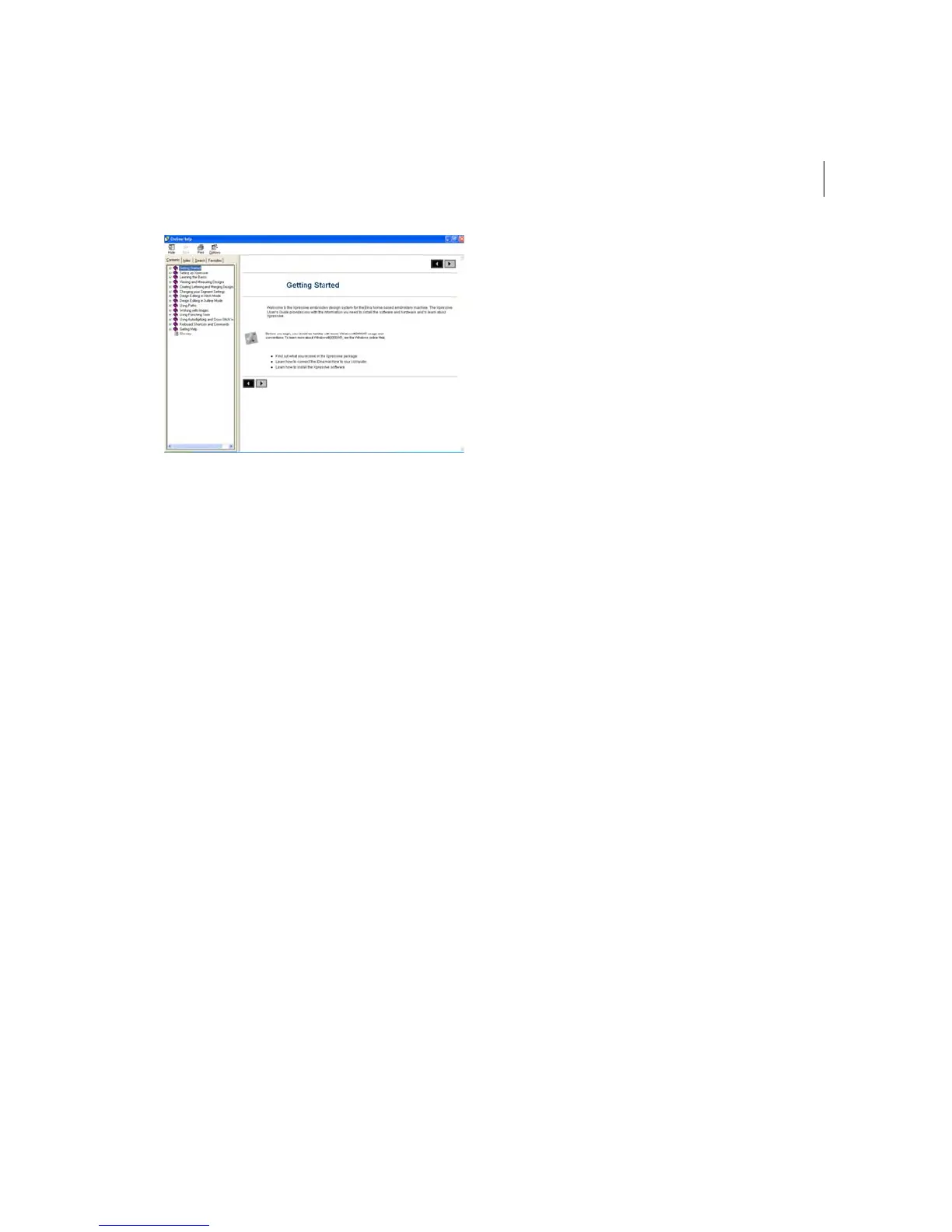
Using the Contents
The online help has a table of contents. Each
book contains a series of related topics.
To use the Contents:
1 Choose Help—Contents.
2 Double-click the book you want to open.
3 Click the topic you want to see.
You see the topic in the right window pane.
Using the Index
The online Help index is similar to the index
in a book.
To use the Index:
1 Choose Help—Contents.
2 Click the Index tab.
3 In the box, enter the word or words you
want to search.
In the list, you see the topics that most
closely match your query.
4 Click the term you want to learn more
about.
If there is more than one topic for the
keyword, you see a menu.
5 Click the topic you want to see.
You see the topic in the right window pane.
Using Search
The Search tab lets you search using
keywords or phrases in a database of all the
words found in the Xpressive online Help.
To use Search:
1 Choose Help—Contents.
2 Click the Search tab.
You see the Find Setup Wizard.
3 Click Next, and then Finish.
The online Help builds a term list.
4 In the text box, enter the first few letters of
the word you are searching.
In the list, you see the topics that most
closely match.
5 Click the topic you want to view.
You see the topic in the right window pane.



 To Next Page