ELNA XPRESSIVE II 107
User’s Guide
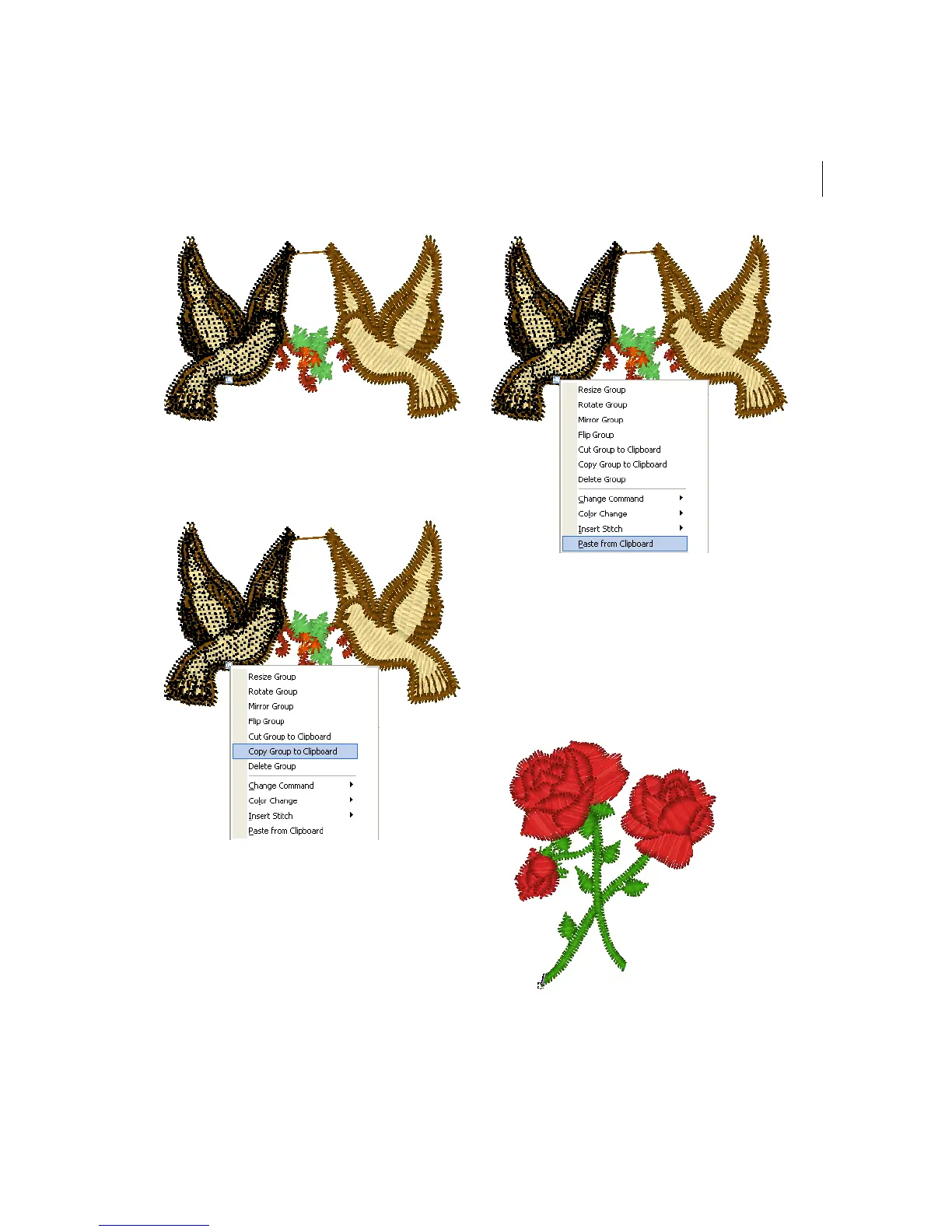
2 Press Ctrl+E on your keyboard and
choose Copy Group to Clipboard from the
menu.
3 Click where you want to paste the
stitches.
4 Press Ctrl+E on your keyboard and
choose Paste from Clipboard from the
menu.
The selection is pasted where you wanted.
Resizing stitches in a
design file
You can resize stitches using Resize Group.
Depending how your stitches are grouped,
you can choose to group the stitches
differently.



 To Next Page