106
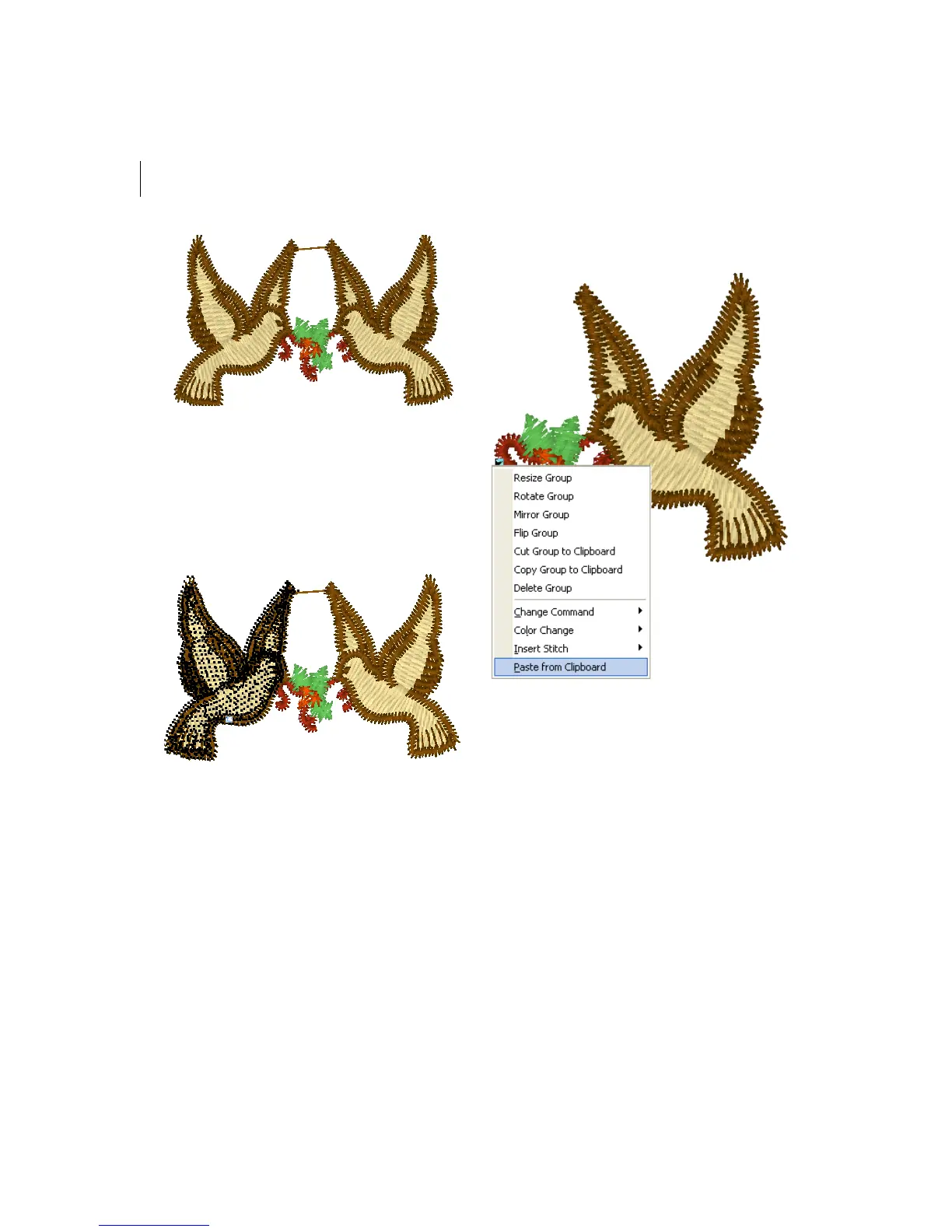
To cut to the Clipboard:
1 Select the stitches you want to cut.
For more information, see "Selecting
stitches in various ways".
Selected stitches are highlighted in black.
2 Press Ctrl+E on your keyboard and
choose Cut Group to Clipboard from the
menu.
The stitch group is removed from its
placement.
3 Click where you want to paste the
stitches.
4 Press Ctrl+E on your keyboard and
choose Paste from Clipboard from the
menu.
The selection is pasted where you wanted.
To copy to the Clipboard:
1 Select the stitches you want to copy.
For more information, see "Selecting
stitches in various ways".
Selected stitches are highlighted in black.



 To Next Page