108
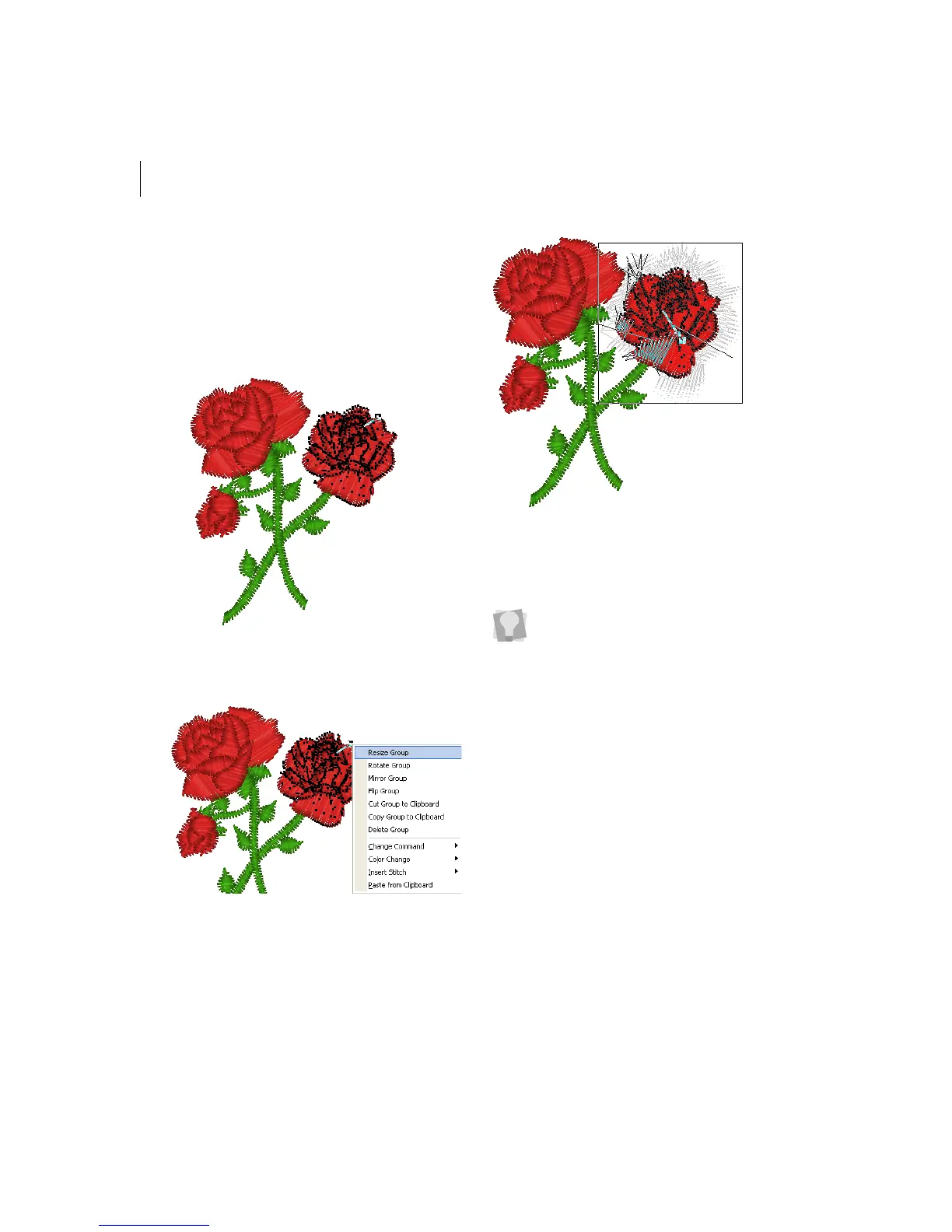
To resize stitches in a design file:
1 Select the stitches you want to resize.
For more information, see "Selecting
stitches in various ways".
Selected stitches are highlighted in black.
2 Press Ctrl+E on your keyboard and
choose Resize Group from the menu.
You see a floating box that you can move
using the mouse.
3 Right-click the design workspace.
You see the Enter Resize Percentage box.
4 In the Resize (%) box, enter the
percentage value.
For example, enter 125%.
5 Click OK.
The stitch group is resized.
You can also resize the group choosing
Resize Group, and then you move the
flexible box with your mouse. The status
bar shows the percentage by which you
resize the group. Click when you are
finished.
To cancel Resize Group, press
ESC on
your keyboard.



 To Next Page