162
To create Satin or Fill stitches with
holes:
1 In the Punching toolbar, click the Complex
Fill tool.
The pointer becomes a cross hair.
2 From the ribbon, click the Segment
Settings tool.
You see the Segment Settings dialog
appear.
3 Click the Complex Fill property page.
4 In the Standard Pattern list, select a Satin
type or a Fill pattern.
5 Click OK.
6 Left-click to punch the segment.
7 Click the Auto Close tool on the
ribbon or press H on your keyboard to
complete the outside of the segment.
8 Continue clicking inside the segment to
punch where you want the holes. Click
the Auto Close tool on the ribbon or
press H on your keyboard again to
complete the inside of the segment.
9 Press ENTER on your keyboard.
10 To set the entry and exit points and angle
line, see the following steps:
When the pointer becomes a green
arrow with a white bead, click the
location you want the entry point
(green bead).
When the pointer becomes a red
arrow with a white bead, click the
location you want the exit point (red
triangle bead).
When the pointer becomes a small
arrow with a bead, click and drag from
left to right to place an angle line in
your segment.
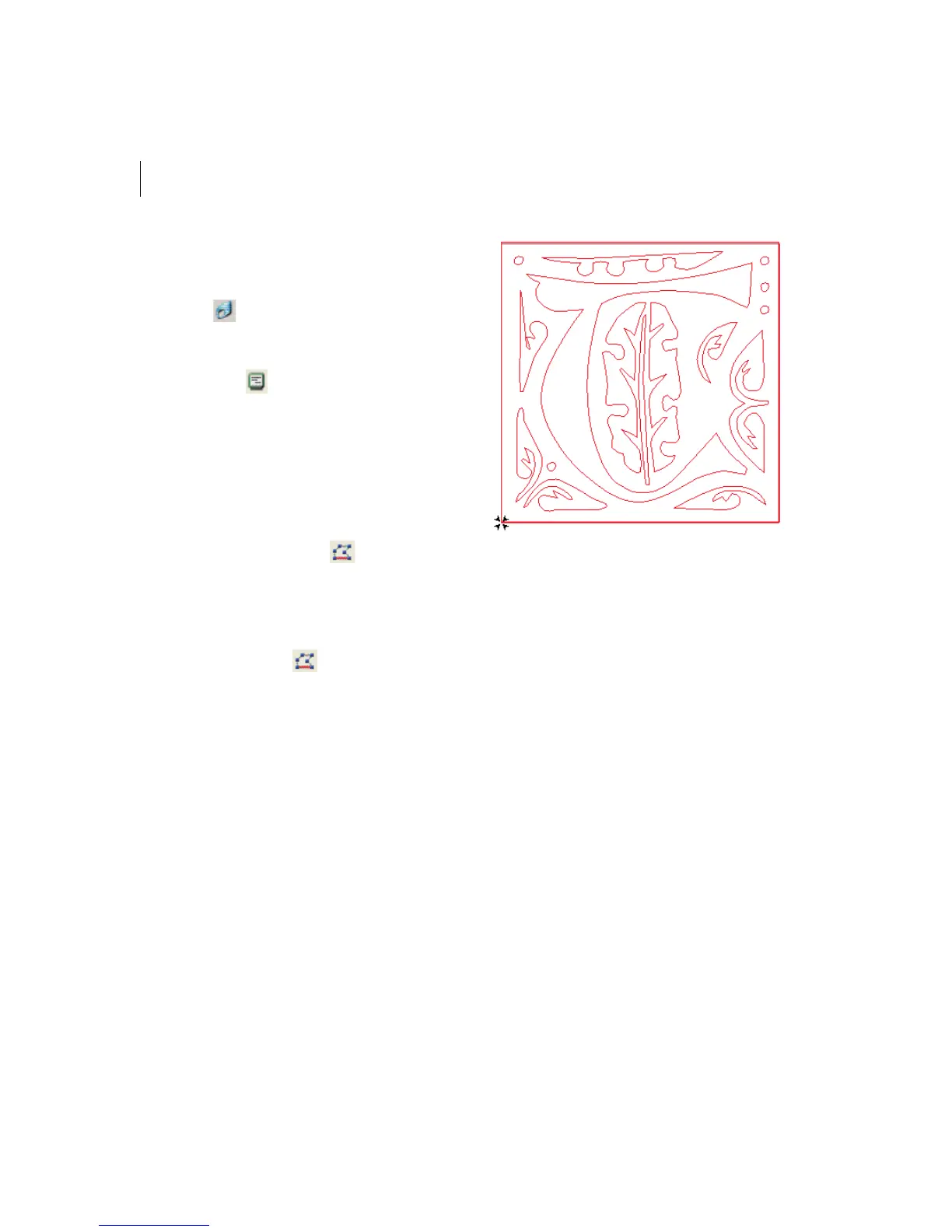
You see the Complex Fill segment with
holes created.



 To Next Page