ELNA XPRESSIVE II 175
User’s Guide
In the Cross size (stitches/inch) field,
edit the cross size parameter in terms
of stitches per inch.
From the Repeats list, select the
number of times you want the
embroidery machine to sew over the
branches of a single cross-stitch.
In the Overlap (pt) field, edit how far
you want to extend the diagonal
stitches over the edge of the grid box.
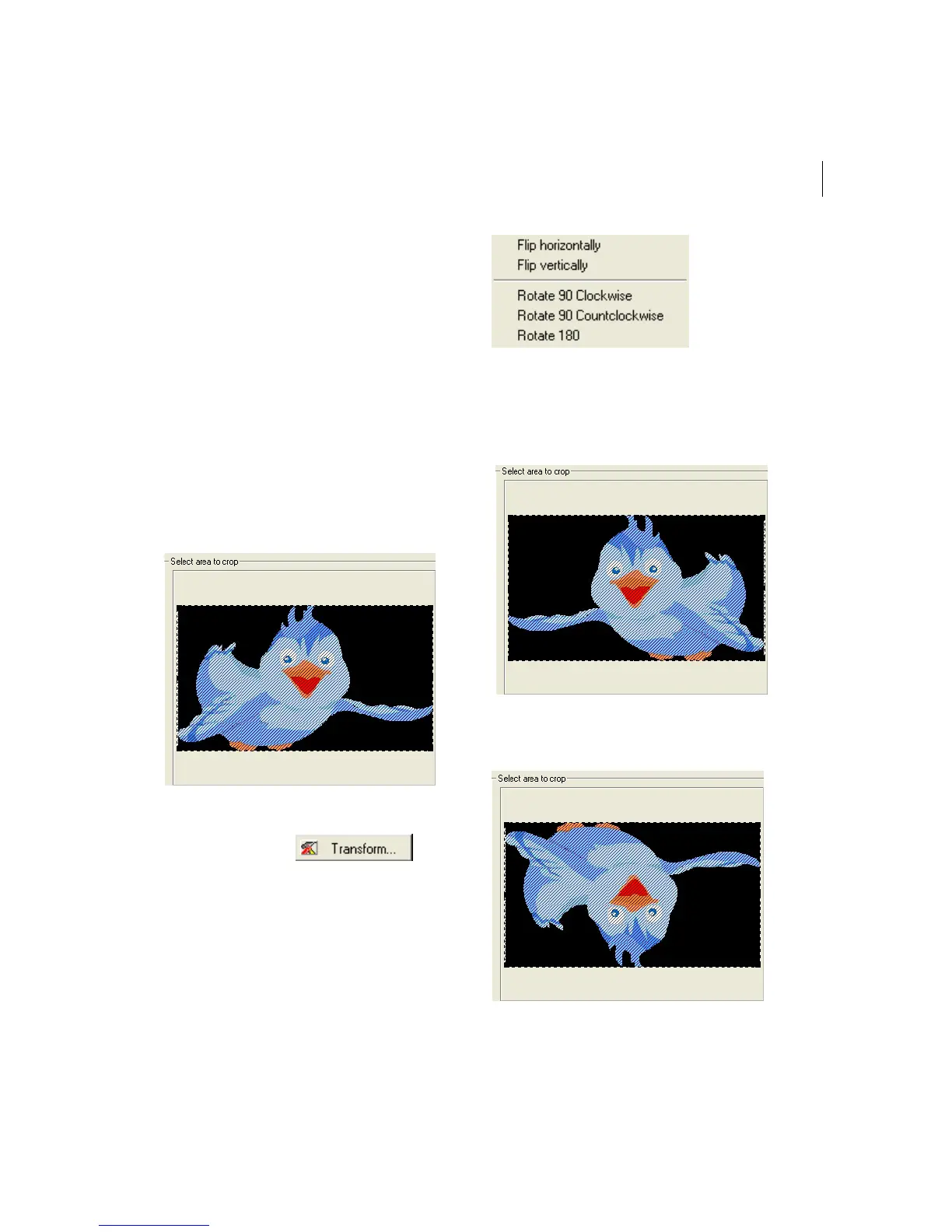
Transforming an Image
Cross-Stitch Wizard allows you to change the
source image’s orientation and mirroring
commands.
To transform an image:
1 Click Transform .
You will see a menu appear.
2 From the menu, choose to do any of the
following:
To flip your image horizontally, select
Flip horizontally.
To flip your image vertically, select
Flip vertically.



 To Next Page