66
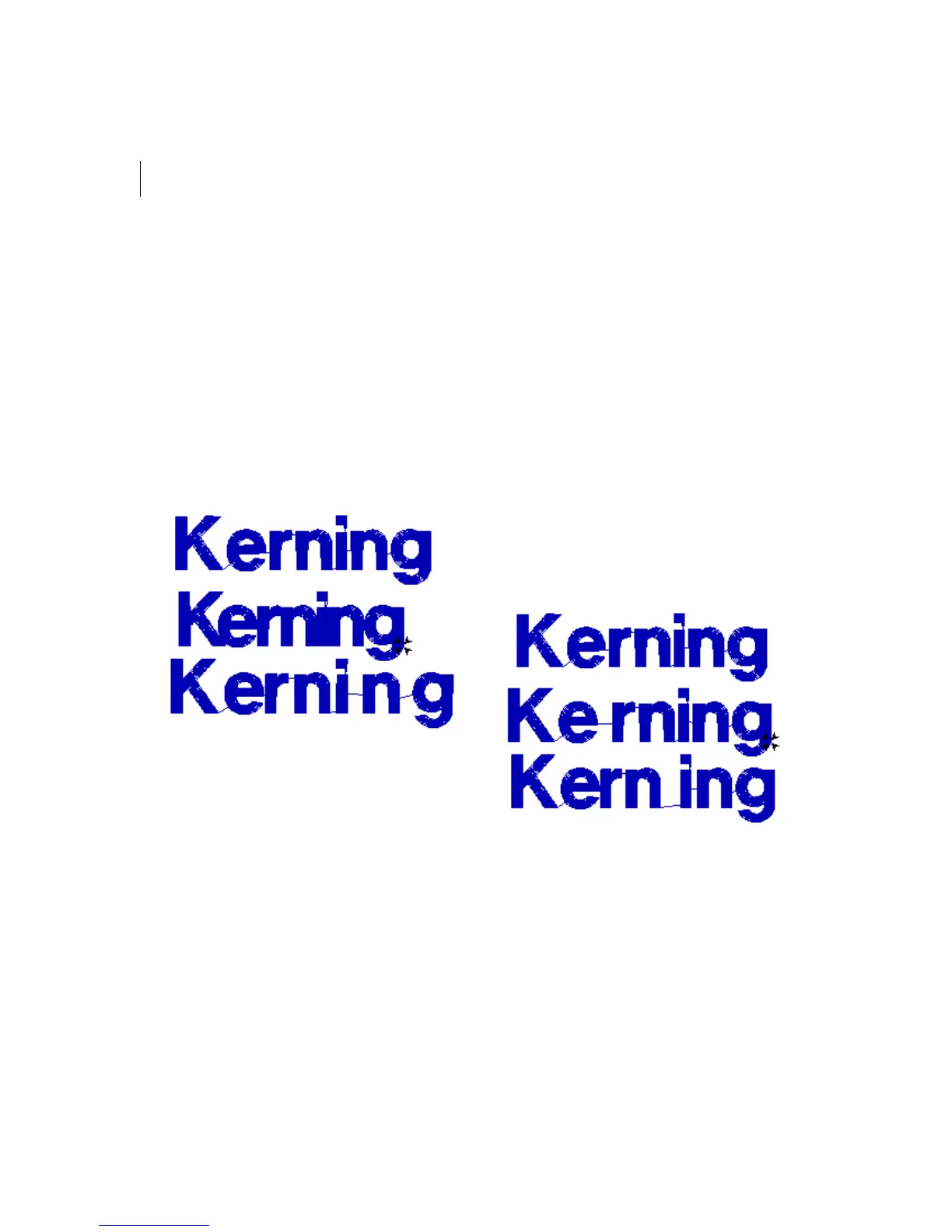
To kern the space between letters
visually:
1 Create your lettering.
2 Select your lettering, if it is not already
selected.
3 Place your pointer over the kerning point
located at the base of the letter you want
to move.
The mouse changes to a small triangle.
4 Click the point and drag the letter.
The lettering changes accordingly.
To kern the space between groups of
letters visually:
1 Create your lettering.
2 Select your lettering, if it is not already
selected.
3 Place your pointer over the kerning point
located at the base of the letters you want
to move.
The mouse changes to a small triangle.
4 Press CTRL on your keyboard.
5 Click the point and drag the letters.
All the letters to the left of the selected
letters, including the selected letter, are
moved as a group. The spacing between
these letters remains unaltered.
The lettering changes accordingly.



 To Next Page