72
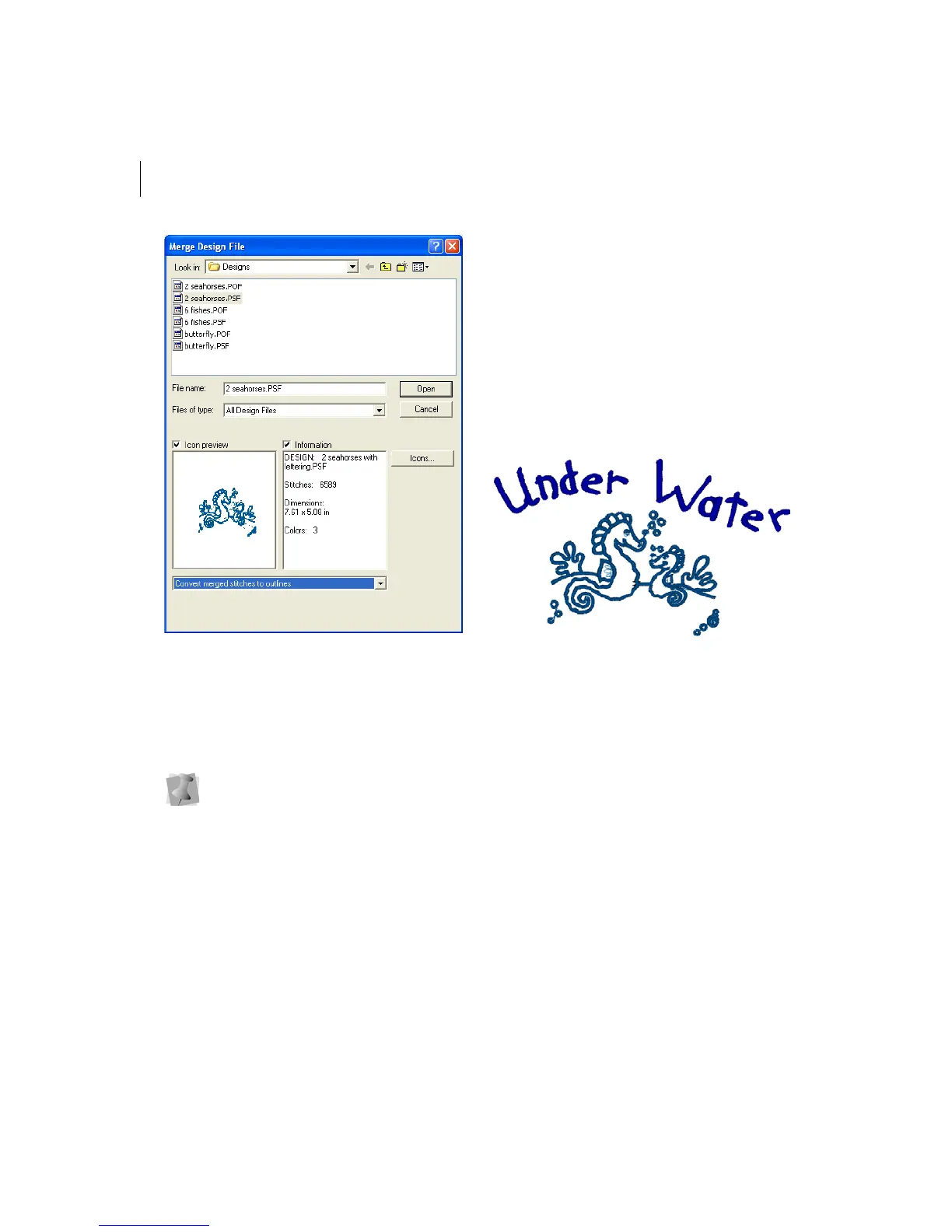
4 Select the design file that you want to
merge.
The default is a Xpressive Unified File
(*.ESX).
5 If you are opening stitch files, select one
of the following options from the list:
Convert stitches to outlines
Open as stitch segments
6 Click Open.
7 Move the cursor to the design workspace.
The cursor turns into a box with a cross
hair.
8 Left-click and place the box where you
want the design merged.
The merged design appears in the design
workspace.
9 Alter the merged and existing designs
accordingly.
See the sections on "Design Editing in
Stitch Mode" and "Design Editing in
Outline Mode".
Before you place the design, press CTRL
on your keyboard to insert a color
change at the beginning of the merged
design.



 To Next Page