34
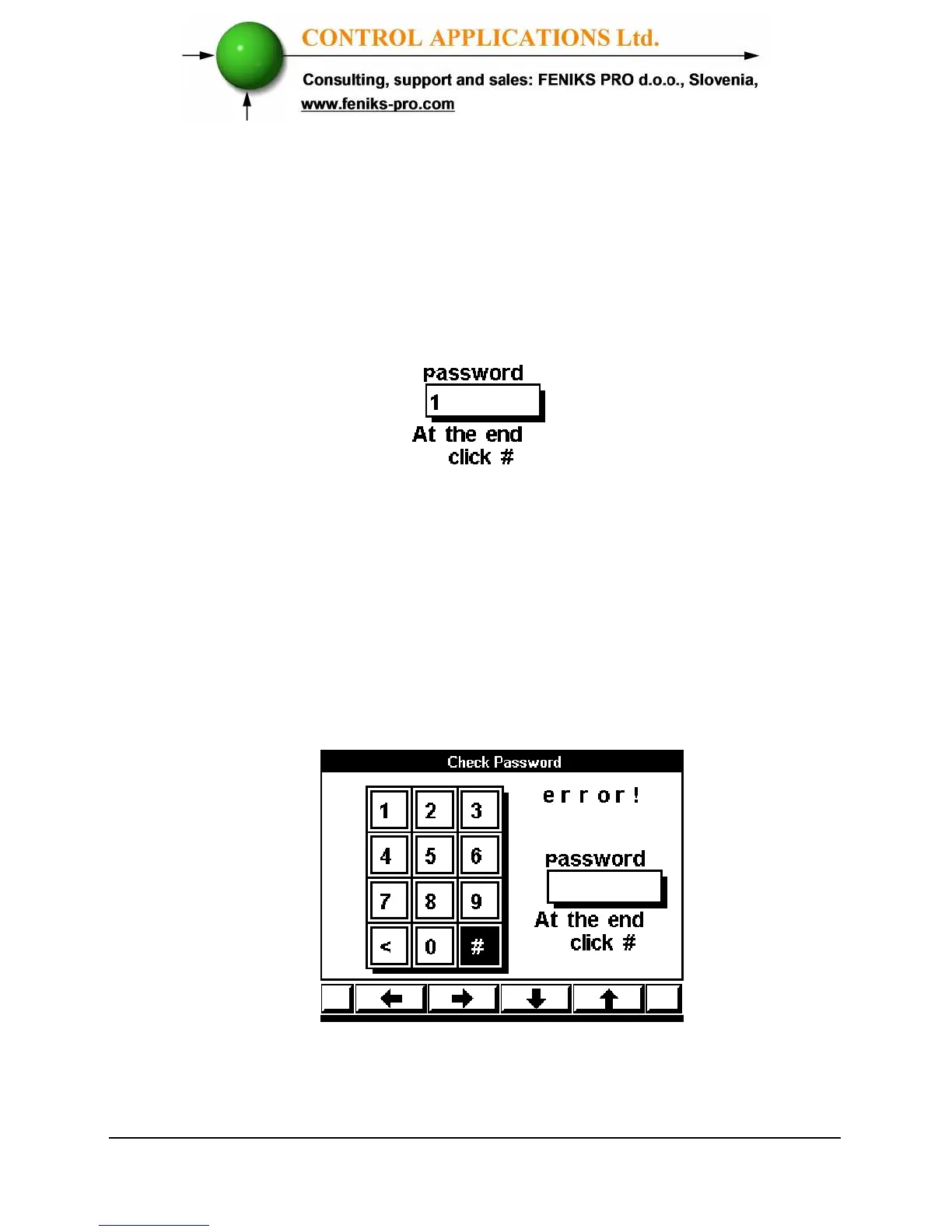
3 Move the cursor with the F1, F2, F3, & F4 buttons to
number 1. (See Section 3.2 for description of button
functions).
4 Click "Enter", the number 1 will appear in the
password field.
Figure 4.2. Password Field
5 Move the cursor to the # Sign with F1, F2, F3, & F4
buttons, (See Section 3-2 for description of button
functions).
6 If the incorrect password is inserted into the
Password field, an Error message appears.
Figure 4.3. Error Message
7 Return to step 3 and start again.



 To Next Page