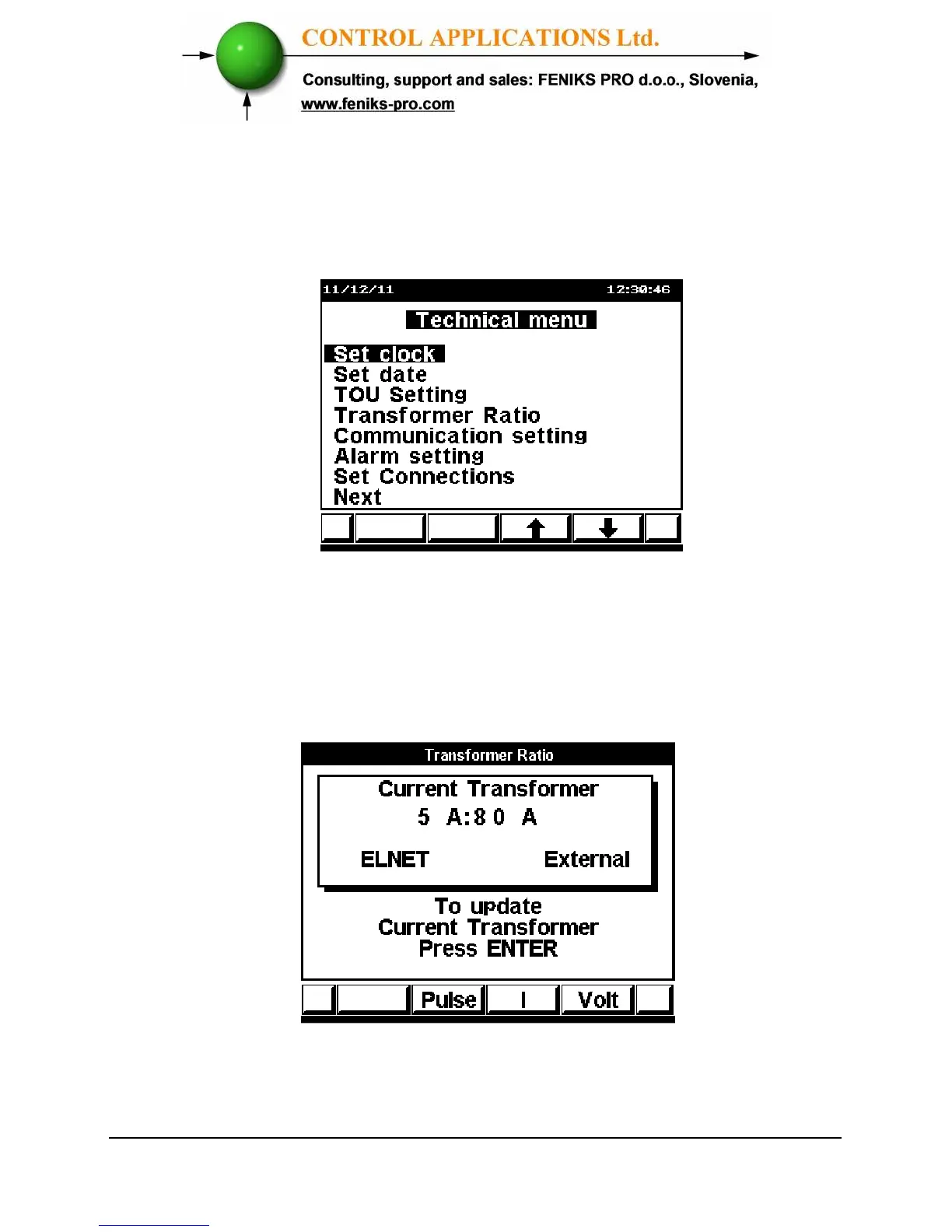
8 Click “Enter” the Technical Menu screen appears.
Figure 4.4. Technical Menu
9 Scroll to Transformation Ratio.
10 Click “Enter” The Current Transformer screen
appears.
Figure 4.5. Current Transformer
The present setting for the Current Transformer is shown.



 To Next Page