If a demand to start the record a few seconds before the
long event begins:
1 Repeat on steps 1 to 4 from chapter 5.11.7.
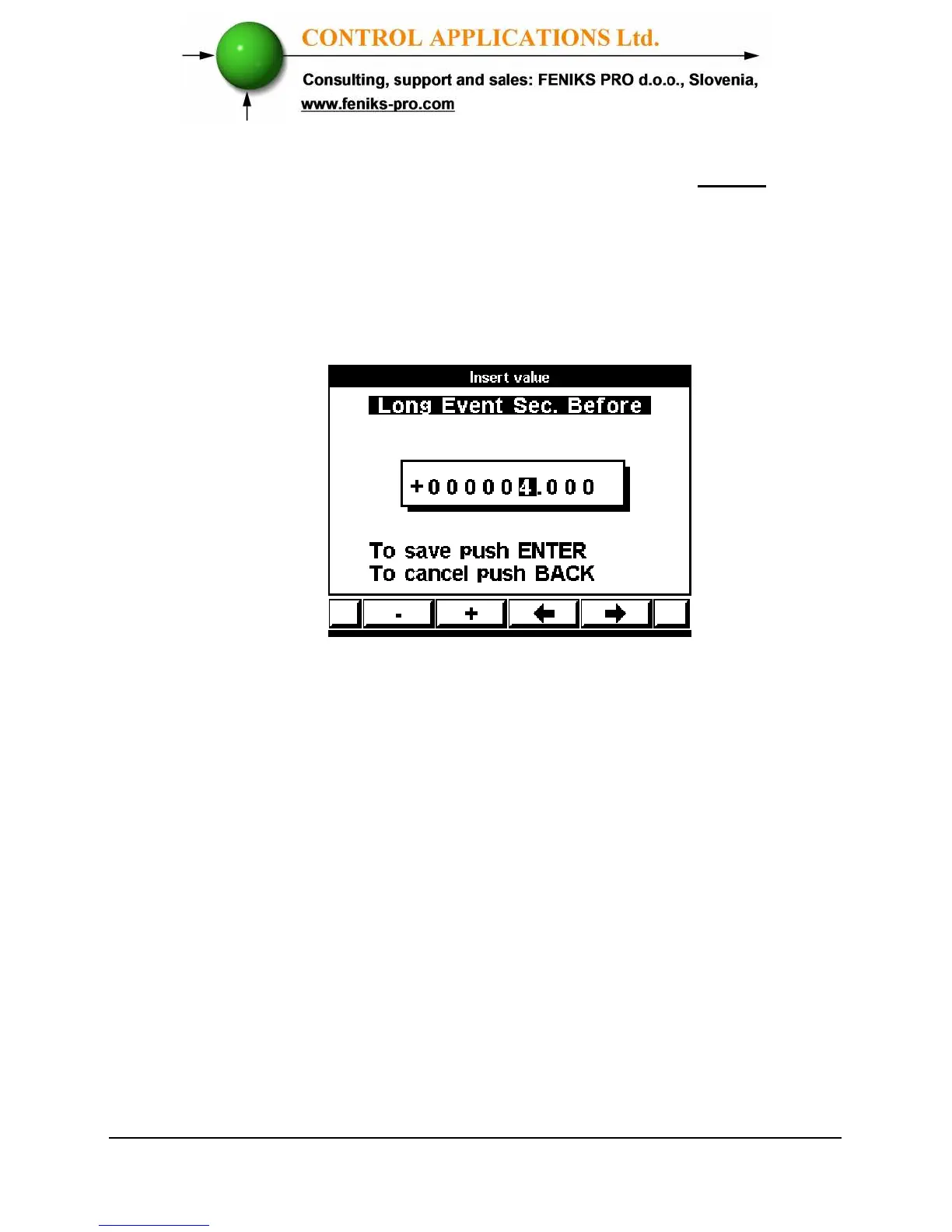
2 Scroll to Long Event Sec. Before.
3 Click "Enter" the Long Event Sec. Before screen
appears.
Figure 5.25. Long Event Sec. Before
4 Use button “F3” or “F4” to move the cursor left or
right and Button “F1” or “F2” to decrease or
increase the value + or -.
There are 3 triggers to start the special long record:
4.1. Changes in current of Line 1:
1 Repeat on steps 1 to 4 from chapter 5.11.7.
2 Scroll to Long Event High Cur. (L1).
3 Click "Enter", the Long Event High Cur. (L1)
screen appears.



 To Next Page