Stitch length
adjustment buttons
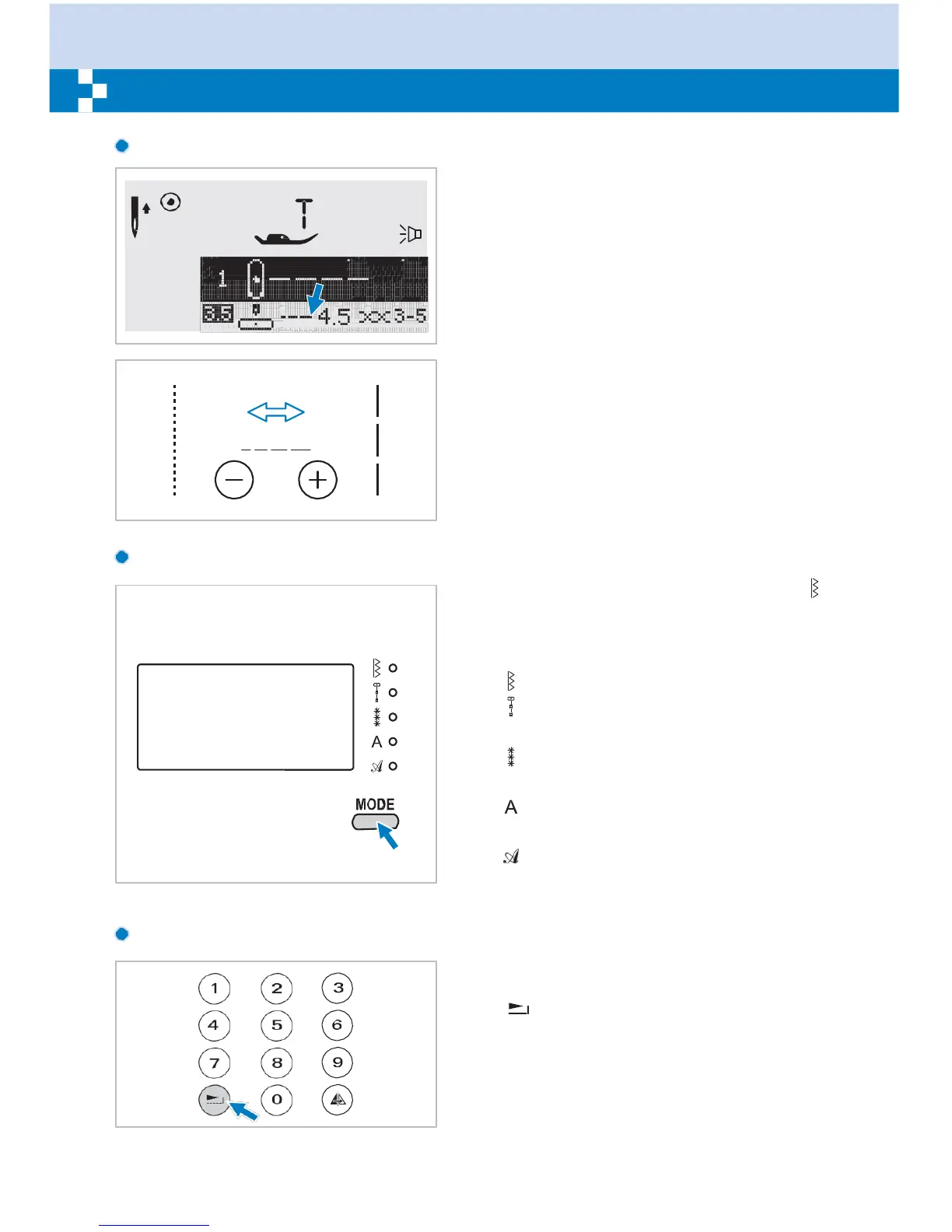
When you select a stitch the machine will
automatically set the recommended stitch
length which will be indicated by numbers on
the LCD screen. The stitch length can be
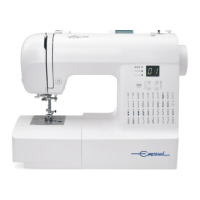
adjusted by pressing the stitch length
adjustment buttons.
To shorten the stitch length, press the " – "
button (left). For a longer stitch length, press
the "+" button (right). The stitch length can be
adjusted between "0.0-4.5". Certain stitches
have a limited length.
MODE
selection button
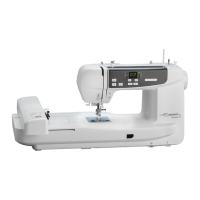
The LED light will be set at direct mode " "
when start the machine. By pressing the
button, LED light will move step by step to
select the stitch mode, as shown.
Direct mode stitch
selection.
Utility and satin pattern
mode:
Stitch selection using number buttons.
Decorative pattern
mode:
Character selection using number buttons.
Block letter
mode:
Character selection using number buttons.
Script letter
mode:
Character selection using number buttons.
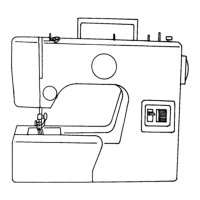
Elongation
button (see page 59)
A Group Patterns 28-51 can be elongated up
to five times its normal length by pressing the
" " button.
When the width or length or stitch is changed,
a greater variety of patterns are available.


 To Next Page