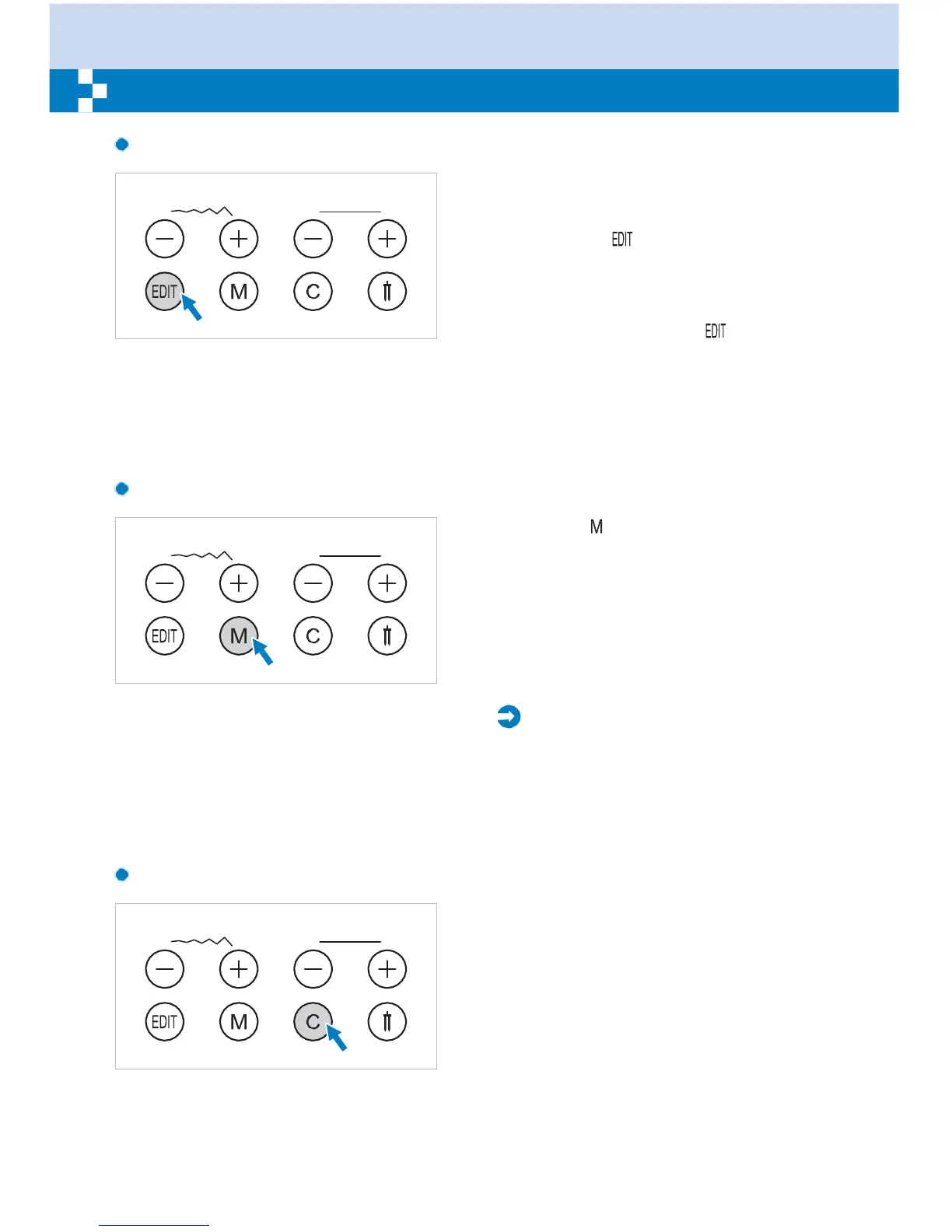
Edit button
–
If you wish to modify any settings in the
memory mode, use the stitch width "+" or "
" button to select the pattern to be modified,
and press the " " button to set the selected
pattern under the editing mode, the LED light
will turn on. Manual setting function of the
stitch width, stitch length, mirror, elongation
and auto-lock for these memorized patterns
is now possible. Press the " " button again
to leave the editing mode and return to
memory mode.
Memory
button
Press the " " butto
–
n to enter the memory
mode, and store the combinations of
characters or decorative stitches. Use the
stitch width " + " or " " button to confirm the
pattern memorized by pressing this button in
memory mode.
Please
Note:
The Direct mode patterns and the
A Group
Patterns 14-27 cannot be memorized.
Clear
button
Press this button when the incorrect
character is selected. Each press of this
button erases one character, or press this
button to remove an added pattern when
sewing combinations of characters or
decorative stitches.


 To Next Page