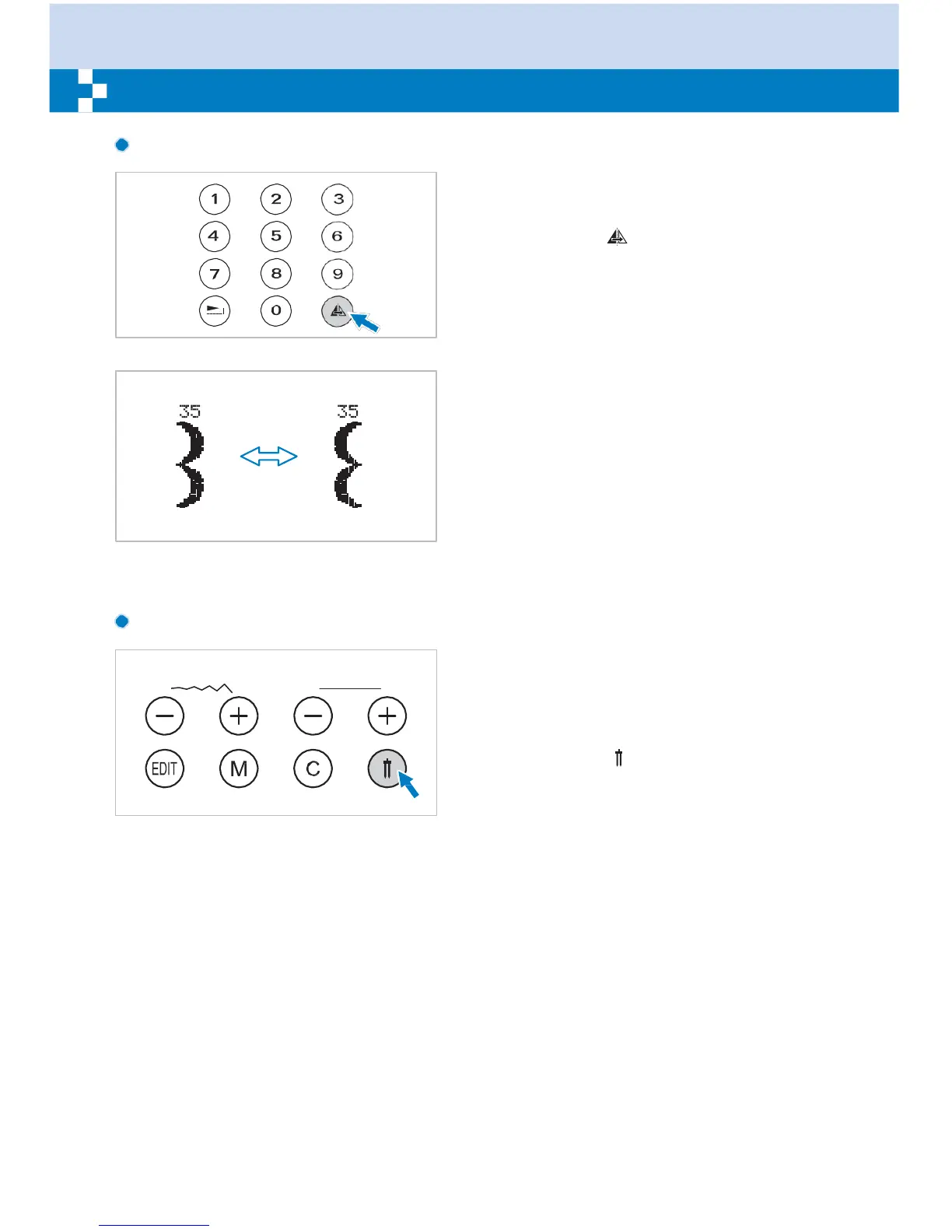
Mirror button (see page 60)
The Direct Patterns 1-9, A Group Patterns
00-13, 28-99, and B Group Patterns 00-99
can be mirror imaged along a vertical axis by
pressing the " " button. The machine will
continue to sew the reflected pattern until the
mirror button is pressed again. The mirror
function also will be canceled if the pattern
changed.
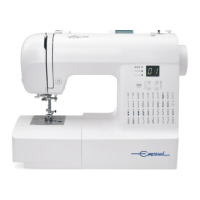
The function for mirror imaging the pattern
appears on the LCD screen.
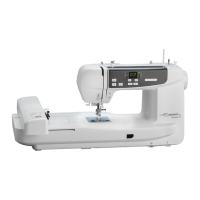
Twin needle button (see page 61)
With the twin needle, the Direct Patterns 1-9,
A Group Patterns 00-13, 28-99, and B Group
Patterns 00-99 can be sewn in two parallel
lines of the same stitch with two different
threads.
Press the " " button, the machine
automatically reduces the maximum width for
twin needle sewing. Press the button again
for single needle sewing.


 To Next Page