Long Range Wireless Access Point / Client Bridge Version 1.0
11
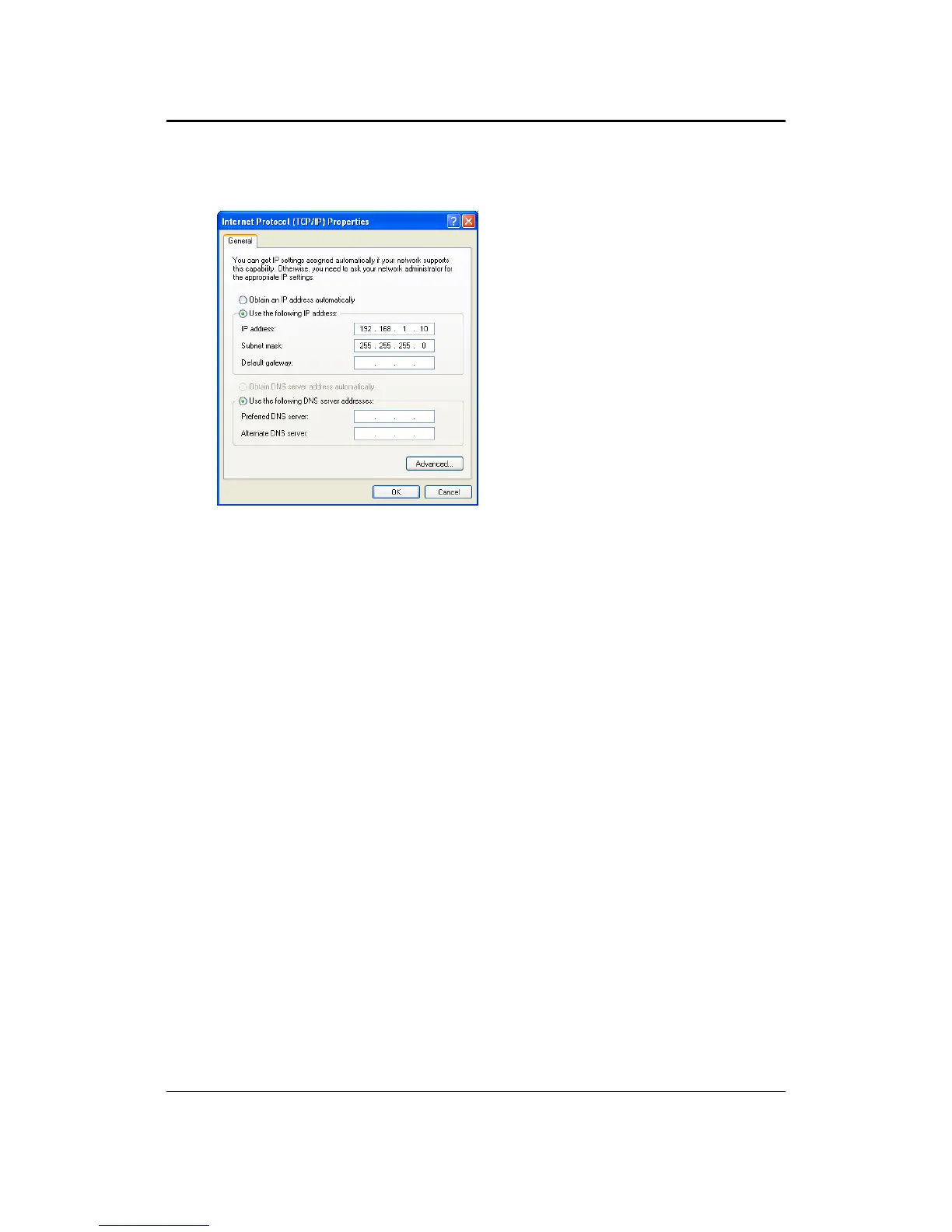
2. Select Internet Protocol (T CP/IP) and then click on the Properties button. This
willallowyoutoconfiguretheTCP/IPsettingsofyourPC/Notebook.
3. Select Use the following IP Addressradio buttonandthenentertheIPaddress
andsubnetmask.Ensurethatthe
IP address and subnetmaskareon the same
subnetasthedevice.
ForExample:
PCIPaddress:192.168.1.10
PCsubnetmask:255.255.255.0
4. Click on the OK button to close this window, and once again to close LAN
propertieswindow.



 To Next Page