Long Range Wireless Access Point / Client Bridge Version 1.0
58
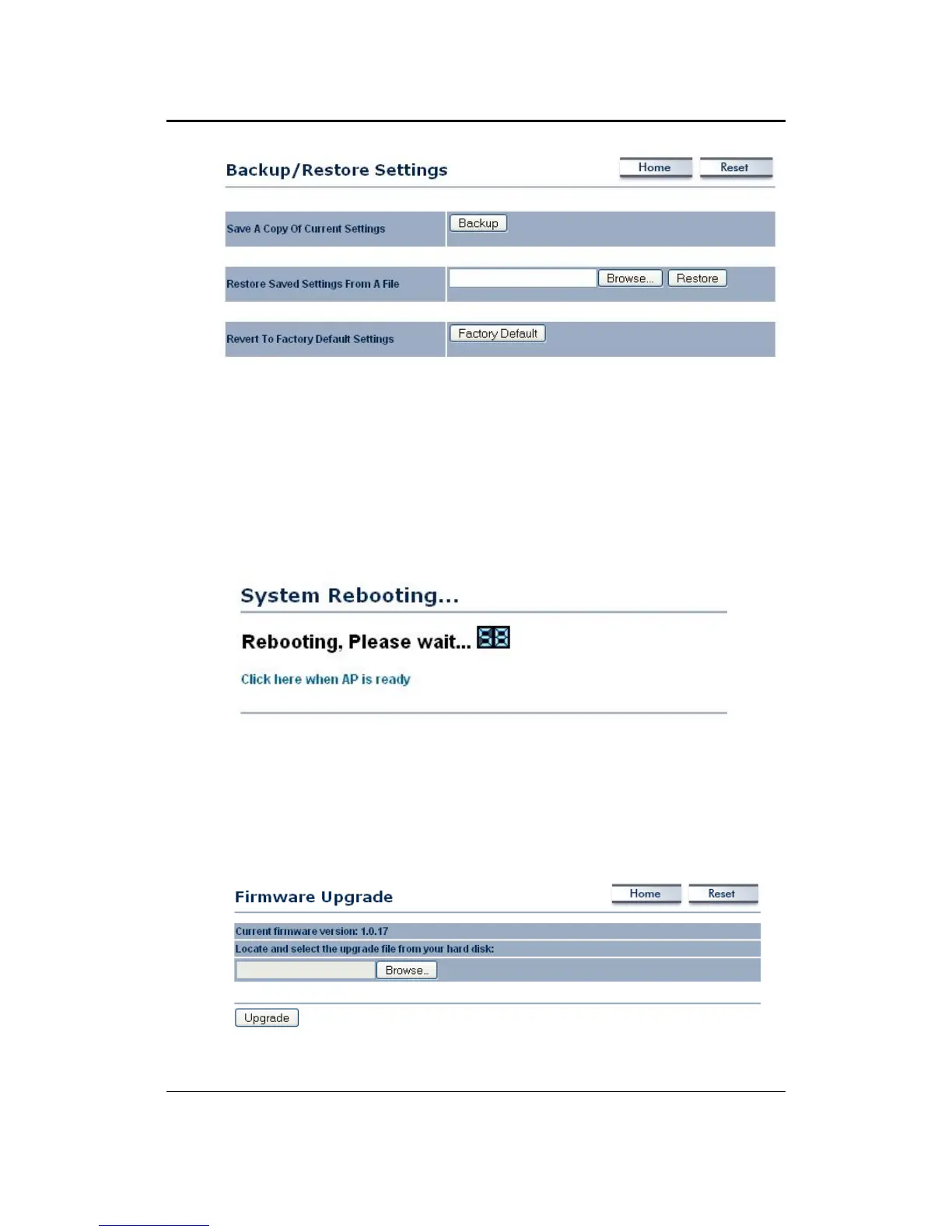
Save a copy of the current settings: Click on the Backup button to save the
currentconfiguration.
Restore saved settings from a file: Once a file has been backed up, you may
restore it by clicking on the Browse button to select the file, and then the
Restorebutton.
Reverttofactorydefaultsettings:ClickontheFactoryDefaultSettingsbuttonto
resetthedevicetothedefaultsettings.Pleasewaitwhilethedevicerestartand
thenaccessthedeviceusingthedefaultIPaddress:192.168.1.1
6.6.4 FirmwareUpgrade
Clickon theUpgradeFirmwarelinkundertheManagementmenu. Thispageis
used to upgrade the firmware on the device. Make sure that downloaded the
appropriatefirmwarefromyourvendor.



 To Next Page