Long Range Wireless Access Point / Client Bridge Version 1.0
40
5.5.4 FirmwareUpgrade
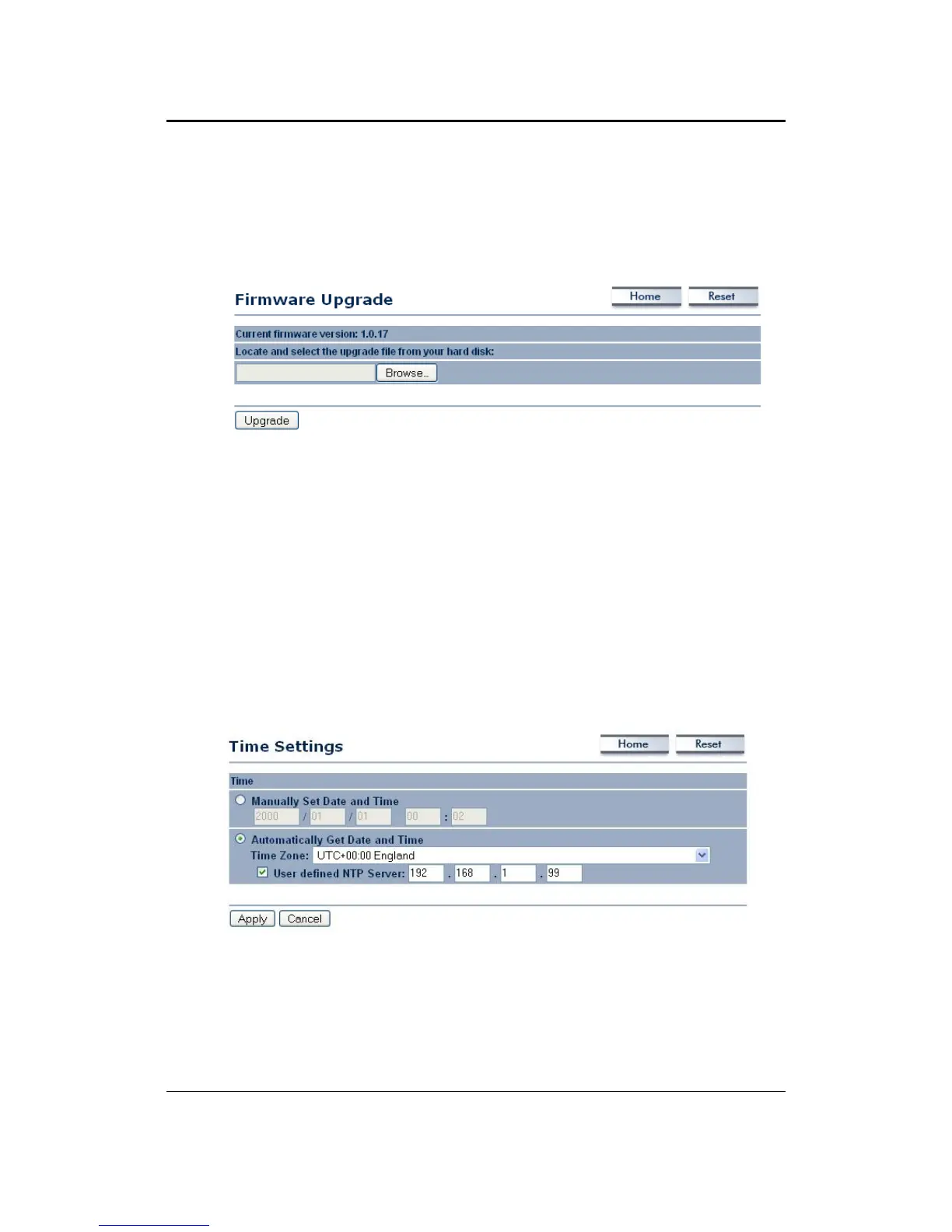
Clickon theUpgradeFirmwarelinkundertheManagementmenu. Thispageis
used to upgrade the firmware on the device. Make sure that downloaded the
appropriatefirmwarefromyourvendor.
Clickon the Browse button and then select the appropriate firmwareandthen
clickontheUpgradebutton.
Note:Theupgradeprocessmaytakeabout1minutetocomplete.Donotpower
off the device during this process as it may crash the device and make it
unusable.
Thedevicewillrestartautomaticallyoncetheupgradeiscomplete.
5.5.5 TimeSettings
Click on the Time Settings link under the Managementmenu.This page allows
you to configure the time on the device. You may do this manually or by
connectingtoaNTPserver.
ManuallySetDateandTime:Specifythedateandtime
AutomaticallyGetDateandTime:Selectthetimezonefromthedropdownlist
andthenspecifytheIPaddressoftheNTPserver.
ClickontheApplybuttontosavethechanges.



 To Next Page