Long Range Wireless Access Point / Client Bridge Version 1.0
46
6.3 System
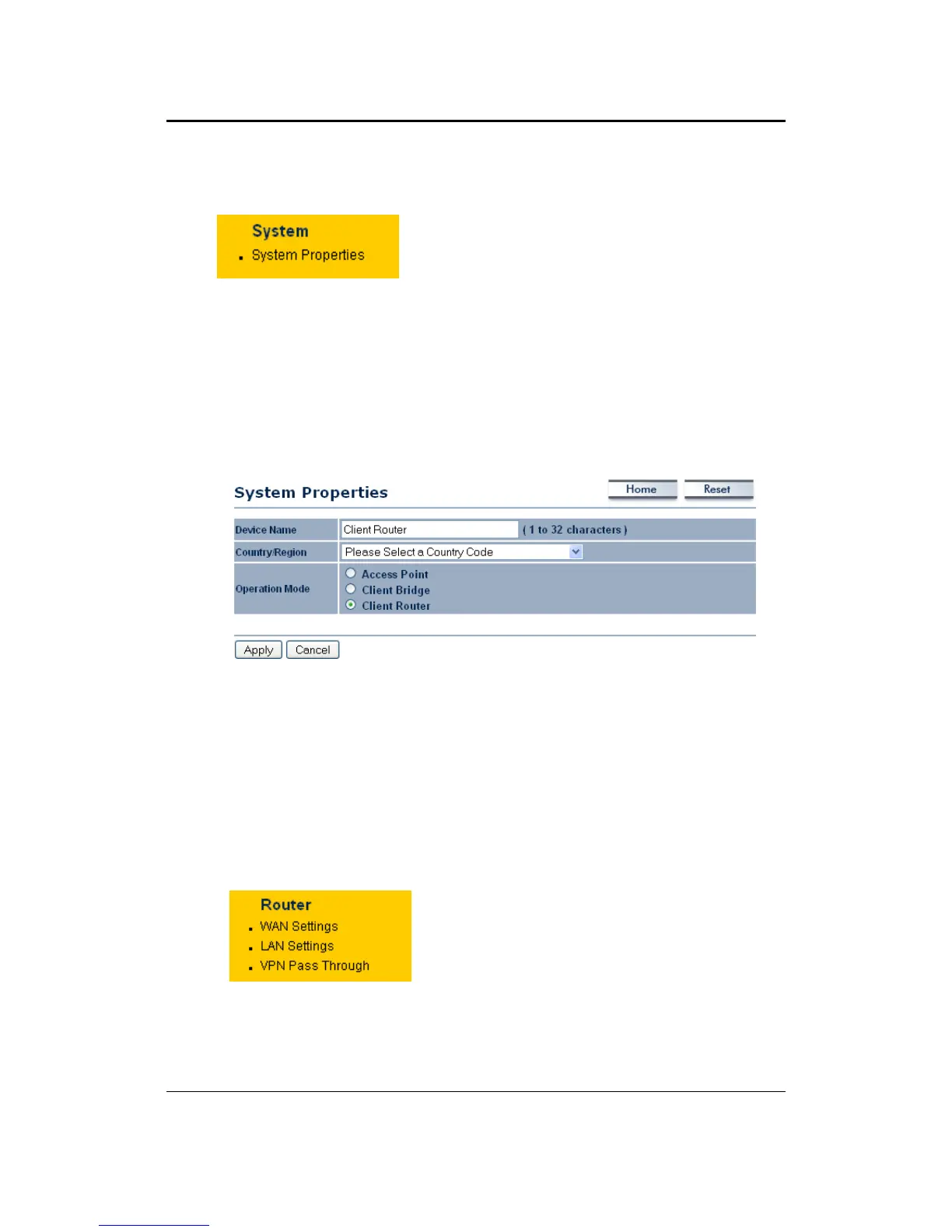
Click on the System link on the navigation
drop‐downmenu.YouwillthenseeSystem
Propertiessetting,whichisdescribedbelow.
6.3.1 SystemProperties
Click on the System Properties link under the System drop‐down menu. This
pageallowsyoutoswitchtheoperatingmodeofthedevice,aswellasspecifya
nameandselecttheoperatingregion.
DeviceName:Specifyanameforthedevice(thisisnottheSSID),
Country/Region:Selectacountryfromthedrop‐downlist.
Operating Mode: Select and operating mode. Configuration for each operating
modeisdescribedintheirrespectivechapters.
ClickontheApplybutton
tosavethechanges.
6.4 Router
ClickontheRouterlinkonthe navigation
drop‐downmenu.Youwillthenseethree
options: WAN settings, LAN settings, and
VPN Pass Through. Each section is
describedindetailbelow.



 To Next Page