Long Range Wireless Access Point / Client Bridge Version 1.0
16
4.3 System
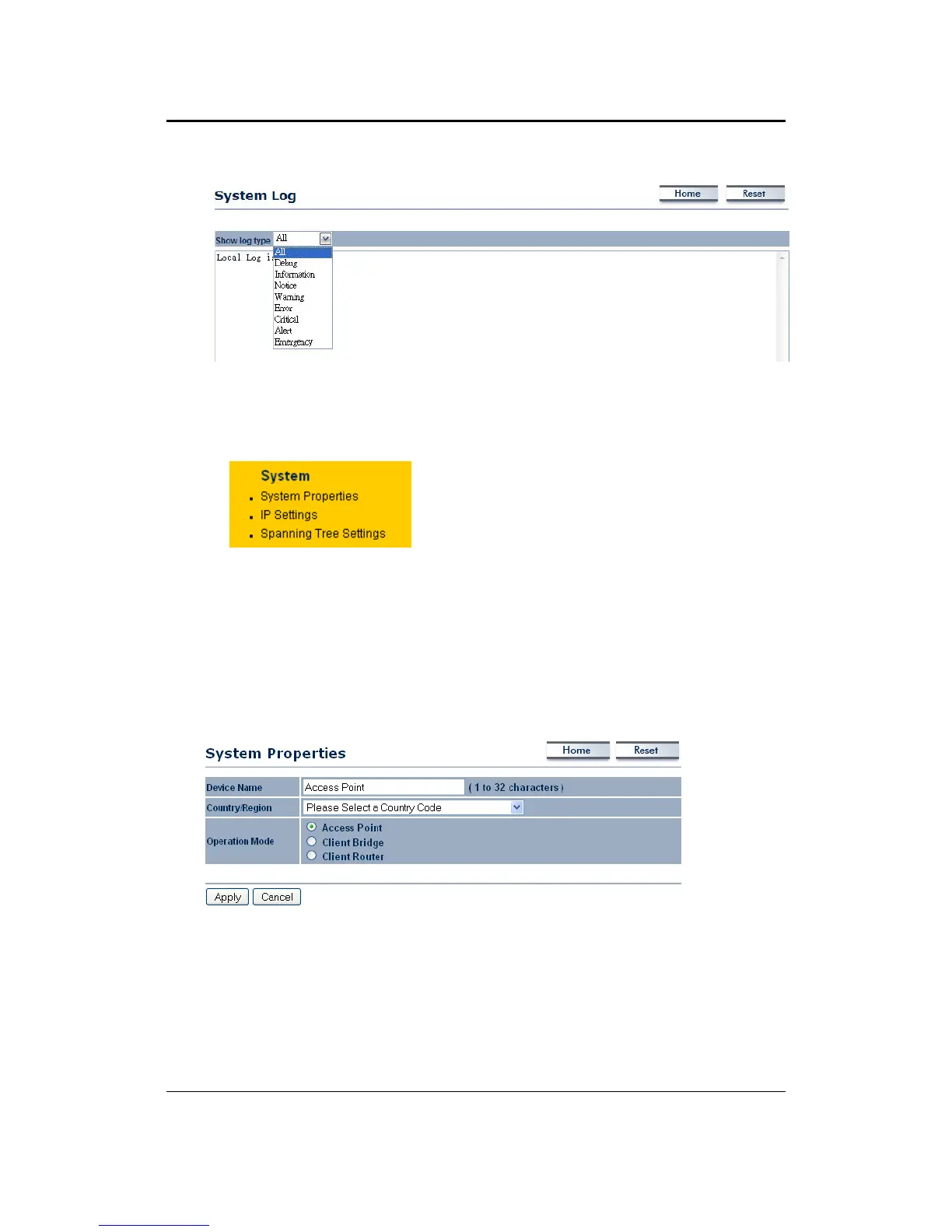
ClickontheSystemlinkonthenavi gation
drop‐down menu. Youwill then see three
options: System Properties, IP Settings,
andSpanningTreeSettings.Eachoptionis
describedindetailbelow.
4.3.1 SystemProperties
Click on the System Properties link under the System drop‐down menu. This
pageallowsyoutoswitchtheoperatingmodeofthedevice,aswellasspecifya
nameandselecttheoperatingregion.
DeviceName:Specifyanameforthedevice(thisisnottheSSID),
Country/Region:Selectacountryfromthedrop‐downlist.
Operating Mode: Select and operating mode. Configuration for each operating
modeisdescribedintheirrespectivechapters.
ClickontheApplybutton
tosavethechanges.



 To Next Page