User Interface
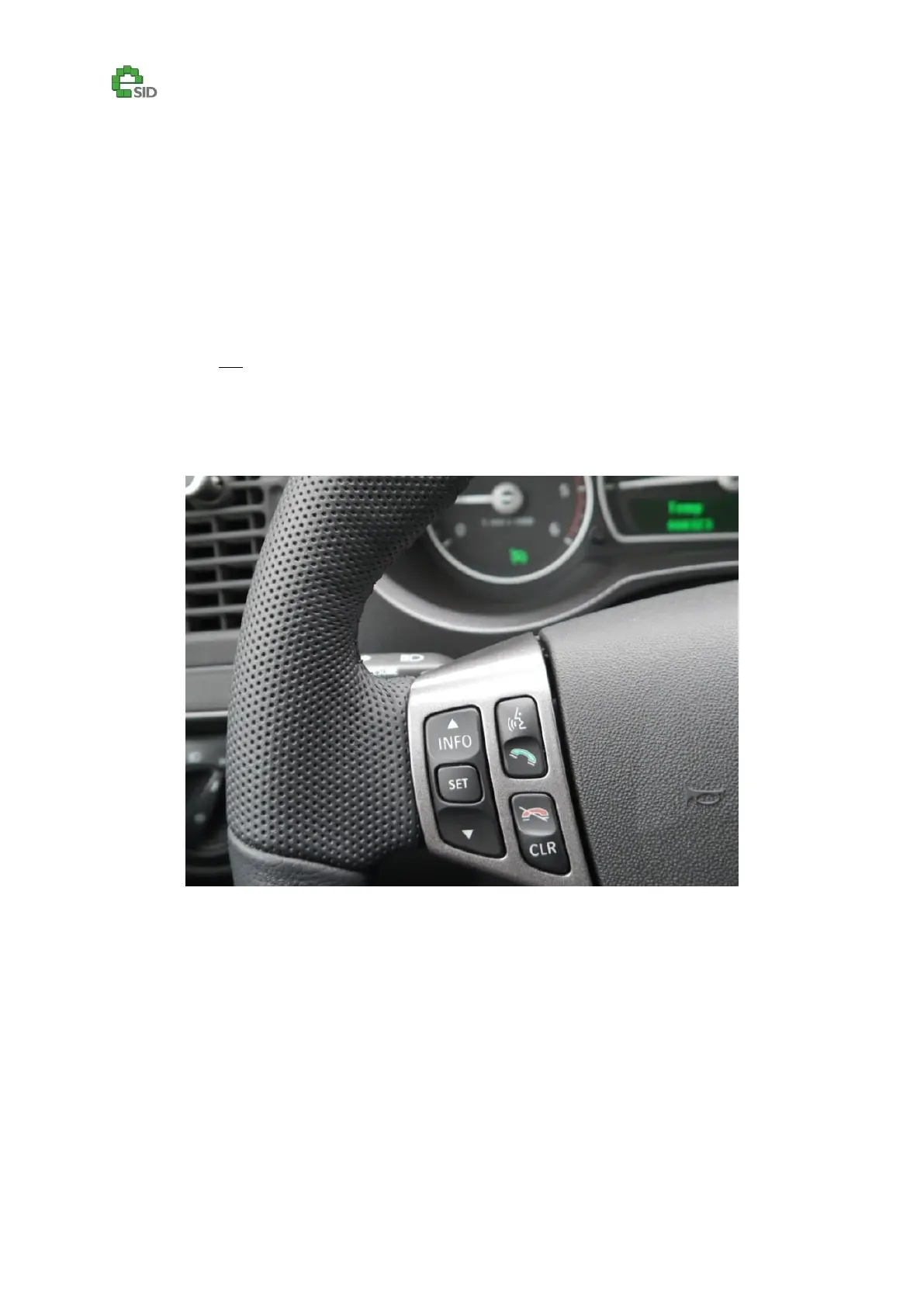
The eSID3 is primarily controlled using the switches on the steering wheel.
Start eSID3 by a long press on CLR-switch
Exit eSID3 or leave sub-functions using short press on CLR-switch.
Change display functions with INFO Up/Down switches and use SET switch to reset data or to
activate sub-functions
eSID3 does not prevent any warning messages to be displayed to the driver, those will always
have higher priority and the driver can always switch between eSID3 and the normal SID
functionality with the CLR button.



 To Next Page