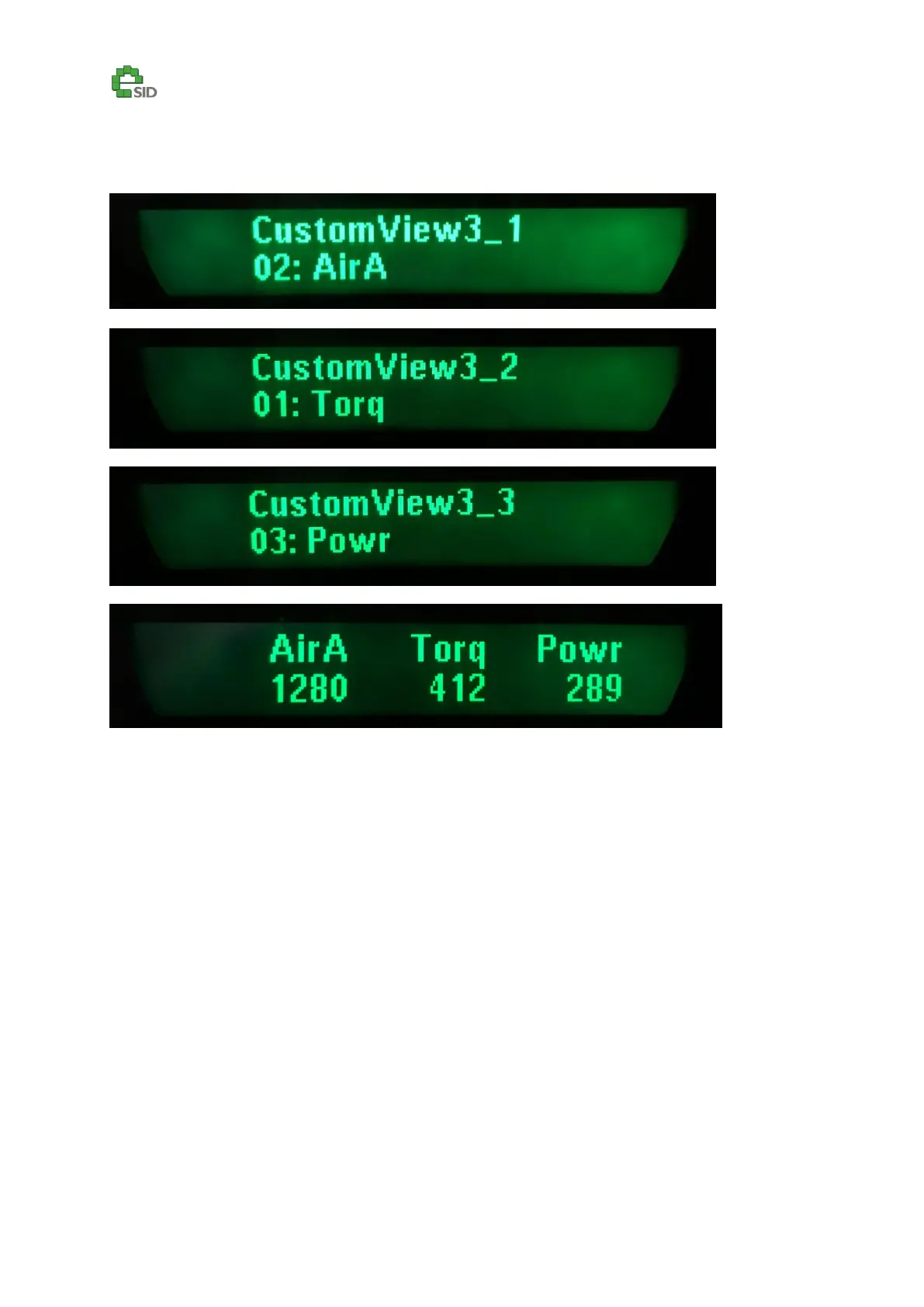
Custom View [1-4]_[1-3]
Description
These views are only available in the Favorite group. Every custom view has three parameters and for
CustomViewX the value CustomViewX_1 is the left parameter, CustomViewX_2 is the middle
parameter and CustomViewX_3 is the right parameter.
Enable Criteria
Custom View settings are only enabled if custom view is selected as favorite
Configuration Options
See next page
User Inputs
SET – Enter or Exit Edit mode (***)
INFO UP/DN – Change Setting in Edit mode.



 To Next Page