Display Structure
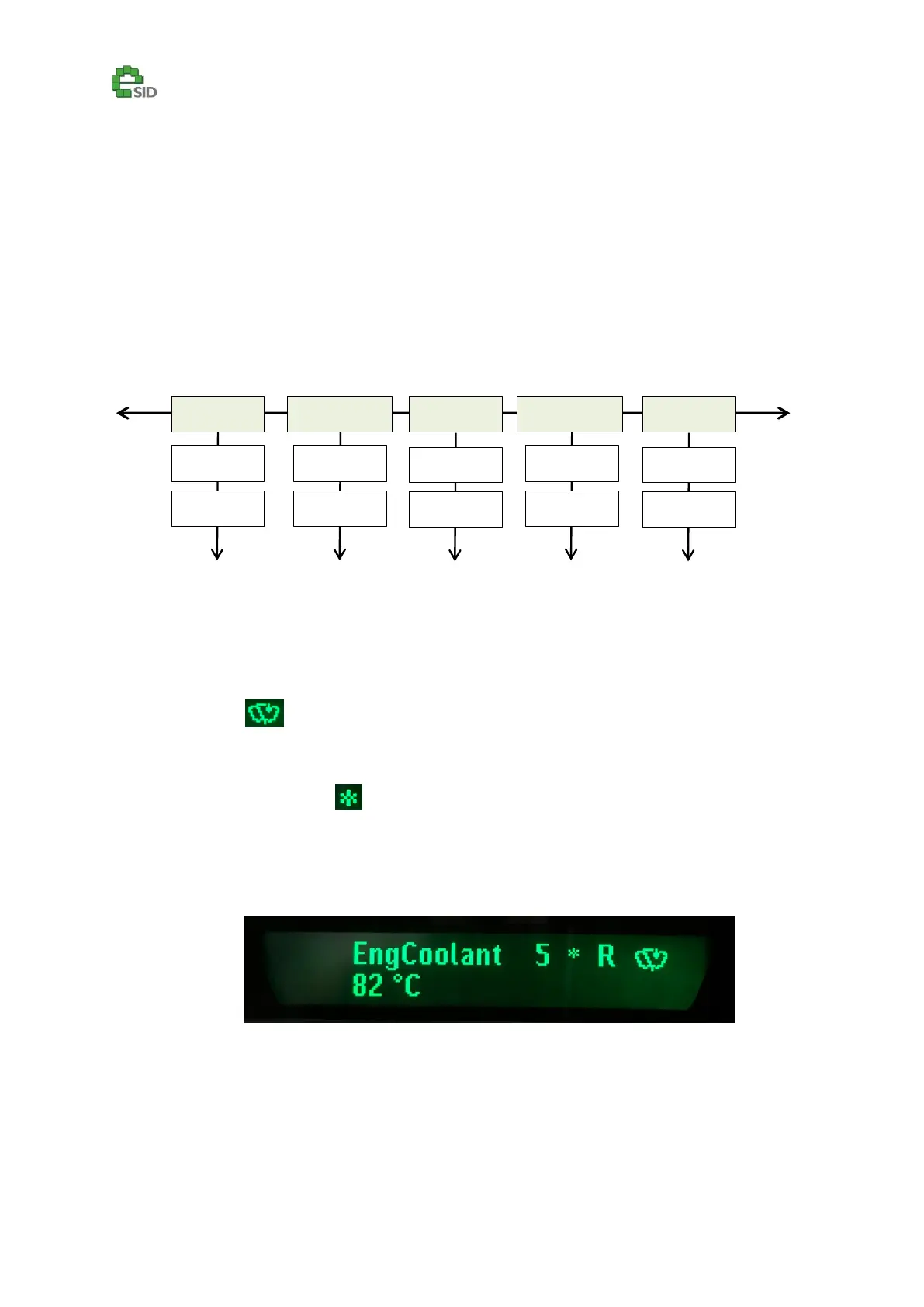
The display contains different display views, which are organized in these groups:
Favorites (five configurable)
Powertrain
Vehicle
Diagnostics
Settings
Only relevant views are displayed to the driver (i.e. Ethanol view is only visible on BioPower vehicles).
Icons
Icons are displayed in the upper right corner in every display view where they fit (up to four icons)
Rainsensor
eSID Wiper function active (character is language dependent)
Diesel Regeneration active (character is language dependent)
Cold weather indication
Actual gear on Automatic transmission in Drive (1-6)
eSID output driver active indication (character is language dependent)
Cruise Control Active (C) (Only on Software SG1.1.x -> )



 To Next Page