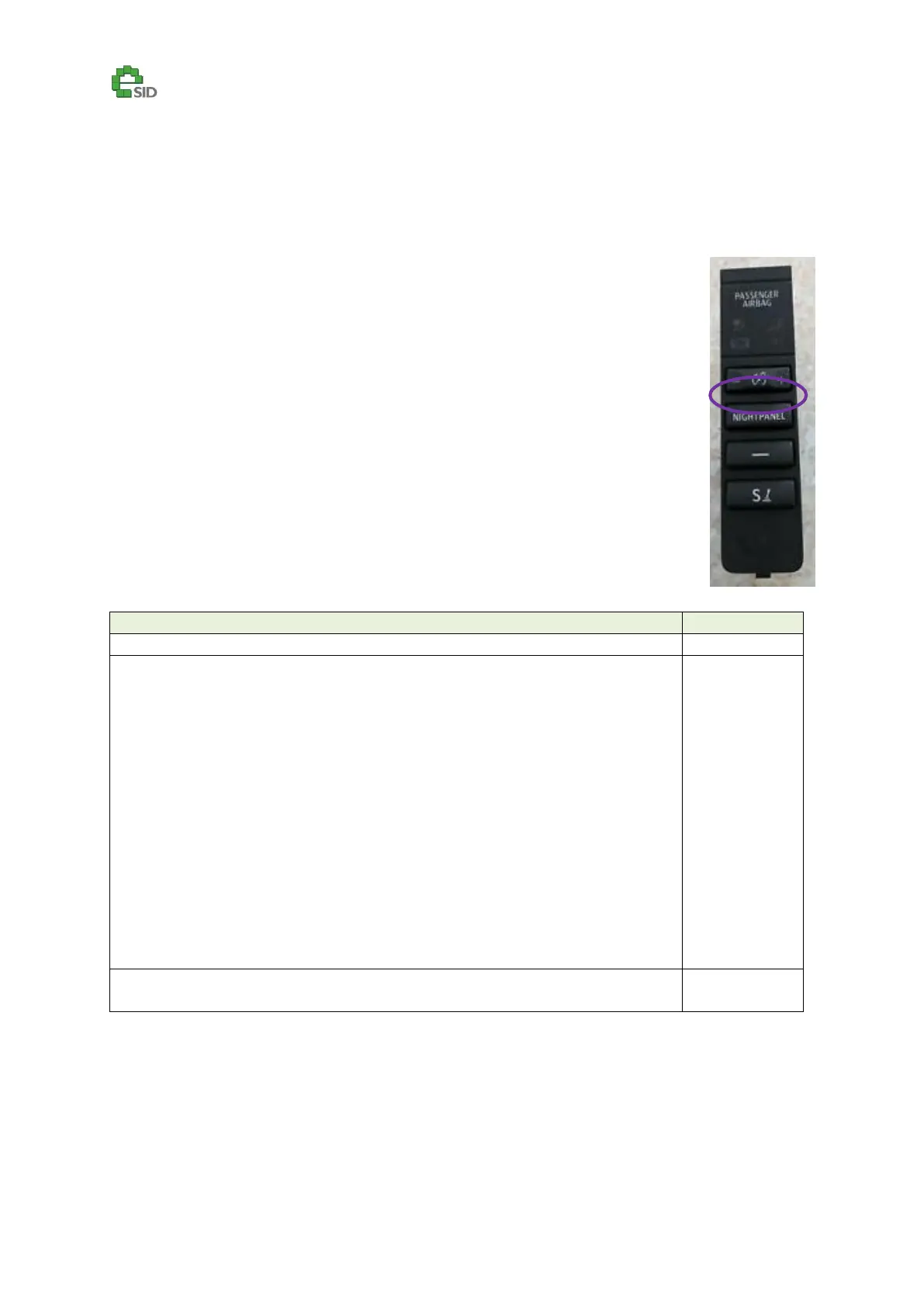
Extra Light Switch Configuration
(Only SW SG1.1.x and newer)
Description
eSID can add new features to the Extra Light Switch. Please note that there is a bug
in the Saab 9-3 so that the switch is only read every 3 seconds, meaning if you press
it, it will take up to 3 seconds until you see the effect (for instance when turning
on/off TCS/ESP)
Enable Criteria
All Vehicles
Configuration Options
eSID controls the Extra Light in the same way as original BUT it remembers to
activate them automatically the next driving cycle.
Note: In this scenario both the normal function and eSID can activate the extra
light, meaning that if you press the switch and activate the function, both eSID
and the car will attempt to activate the relay (no issue) when high beam goes
on, the next driving cycle eSID will activate it automatically (no issue) BUT if you
then press the switch eSID will stop control the relay but the car will start (since
you press the switch). This is important to keep in mind, if you always wants the
extra light on together with the high beam this will not be an issue, but if you
keep turning them on/off during the same driving cycle it will not work.
Note: Extra Light Control CANNOT be used on US/CA/MX markets due to they
use that output for their headlights.
eSID uses the Switch as an TCS/ESP Switch (like on MY2003-2007)
Note: No extra wiring is needed in the case, works on all vehicles directly.



 To Next Page