Favorites Group
The favorites group consists of five selectable views, configurable in “eSID Settings” group. All views
found in the other display groups can be configured as favorite. On top of that, it is also possible to
configure up to four special views as favorite views, see below.
Special Views
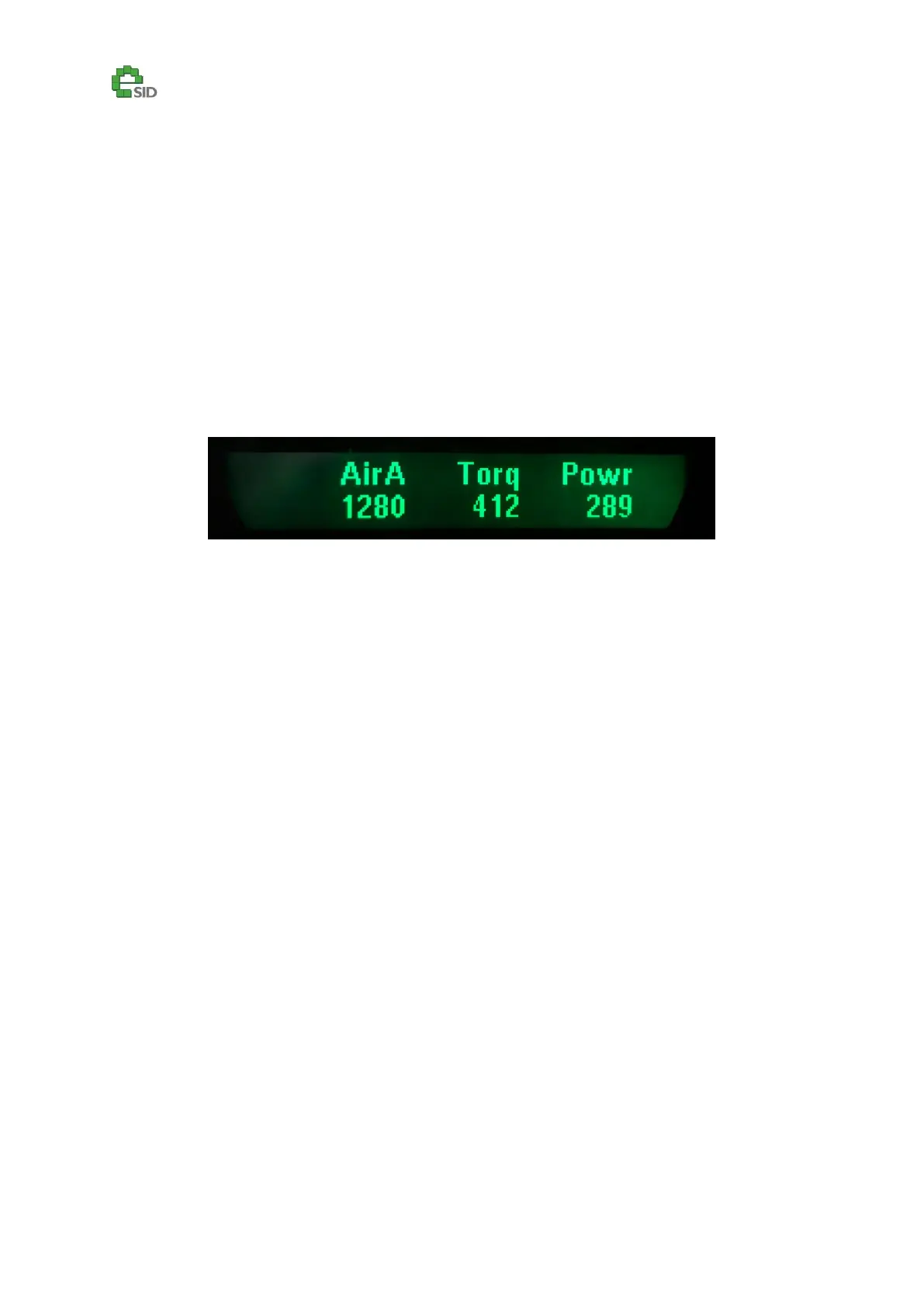
The special views consist of three parameters in each view that can be configured in the Settings
group, for instance it’s possible to see Torque, Air mass and Power together in one special view and
three different parameters in another one. In total 12 parameters (3 parameters x 4 special views)
There are parameters that are only available in the special views and not in any normal view.
Example: Air mass (Actual from sensor), Torque and Power shown together in one view.



 To Next Page