Set System Time
Description
This is the configuration of the System time. To use this function the wire from the eSID3 Cable Kit
must be connected between eSID3 and BCM, see previous section.
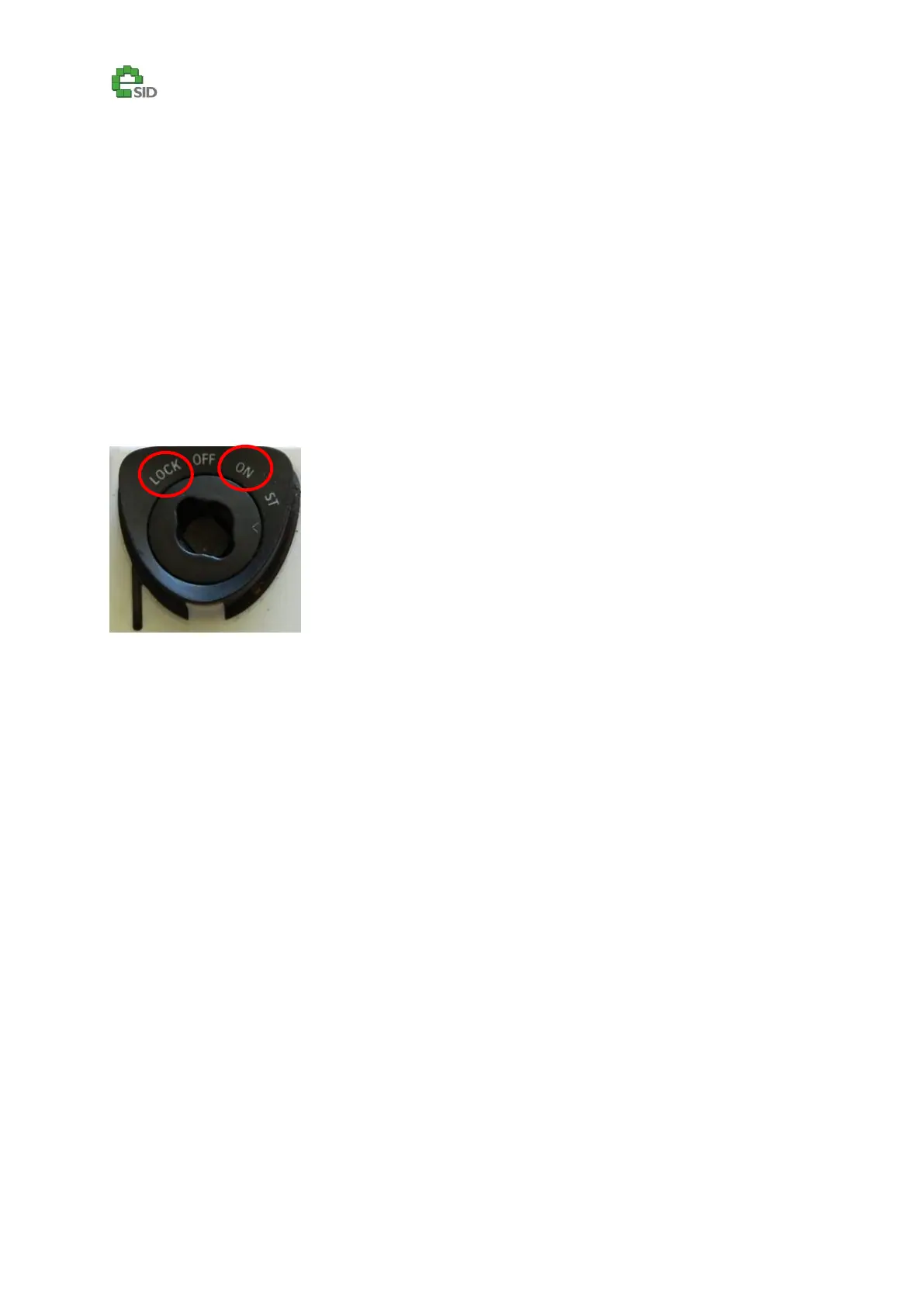
After selecting all the date parameters, follow the procedure on the display and turn the Ignition
switch from ON to LOCK, and then after a few seconds turn it back again to ON (do not start the
vehicle!).
Note! The eSID3 will temporarily be deactivated for a few seconds and then automatically started
again when the sequence has finished.
Enable Criteria
All Vehicles
Configuration Options
Year
Month
Day
Hour
Minute
12/24H time format (Only on software SG1.1.x and newer)
User Inputs
SET – Enter or Exit Edit mode (***)
INFO UP/DN – Change Setting in Edit mode.



 To Next Page