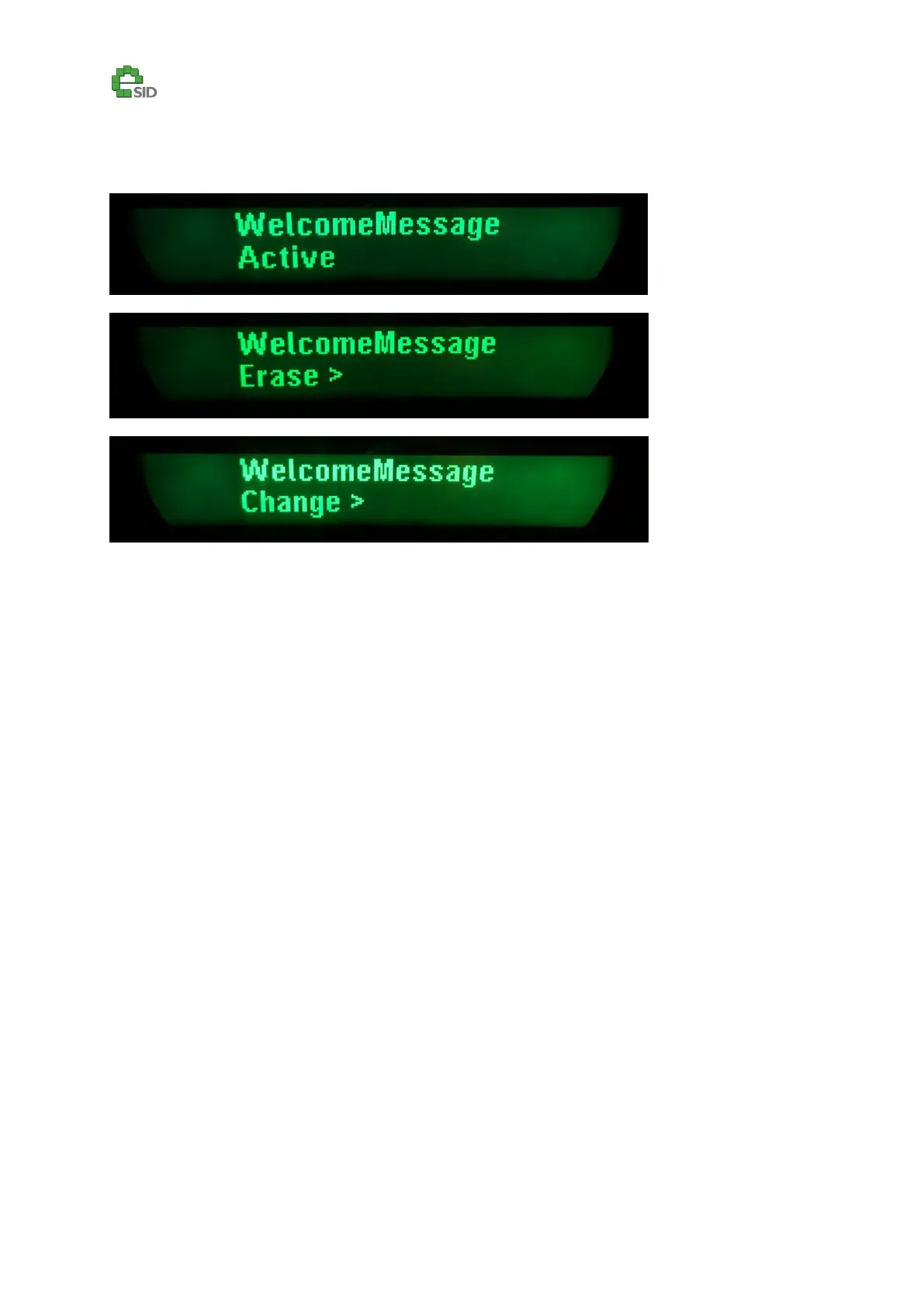
Welcome Message
Description
The eSID3 welcome message can be activated/deactivated, erased or changed. Use the Info
Up/Down switches to change every character. Use the SET switch to move to the next character and
when maximum number of allowed row-characters has been reached it will continue on the next
row.
Enable Criteria
All Vehicles
User Inputs
SET – Activate sub function, move to next character
INFO UP/DN – Change character.
CLR – Exit welcome message editor.



 To Next Page