3 Basics | 16
4. To select the instrument, the configuration, or the layer, press the ENTER or
the SPACE key.
The selected element is now in the focus.
3.5 User Settings
Generally, the last used setting for signals, instruments, and window positions is
stored and automatically reused when e.g. restarting the software or when cre-
ating another item of the same type. For example, if you hide the time slider and
change the background color in an oscilloscope, all oscilloscopes that you create
later will have the same appearance. Only a few exceptions exist. For example,
the axis range needs to be set and saved as favorite axis range explicitly. For
more information, see "To adjust the axis range manually" on page62.
The user settings are stored per Windows user in the settings.user file which
is located in:
%LocalAppData%\ETAS\MDA\<MDA version>
When closing MDA, the application creates in the named folder a file settings_
8.x.x.x.user. Wherein x defines the used MDA V8 version.
When starting MDA again, the available settings are loaded. If for the current MDA
version no user settings file exists, the latest user settings of an older version are
loaded.
You can copy and paste this file into the user folder of another colleague.
To deploy default settings to new users of V8.6 the settings.user file can be
added to the following folder:
%programdata%\ETAS\MDA\DefaultSettings
When a user starts V8.6 for the very first time and no user-specific user settings
files of former MDA V8 versions are available, the default settings are loaded as
initial settings. These are saved as user-specific settings when closing MDA V8.
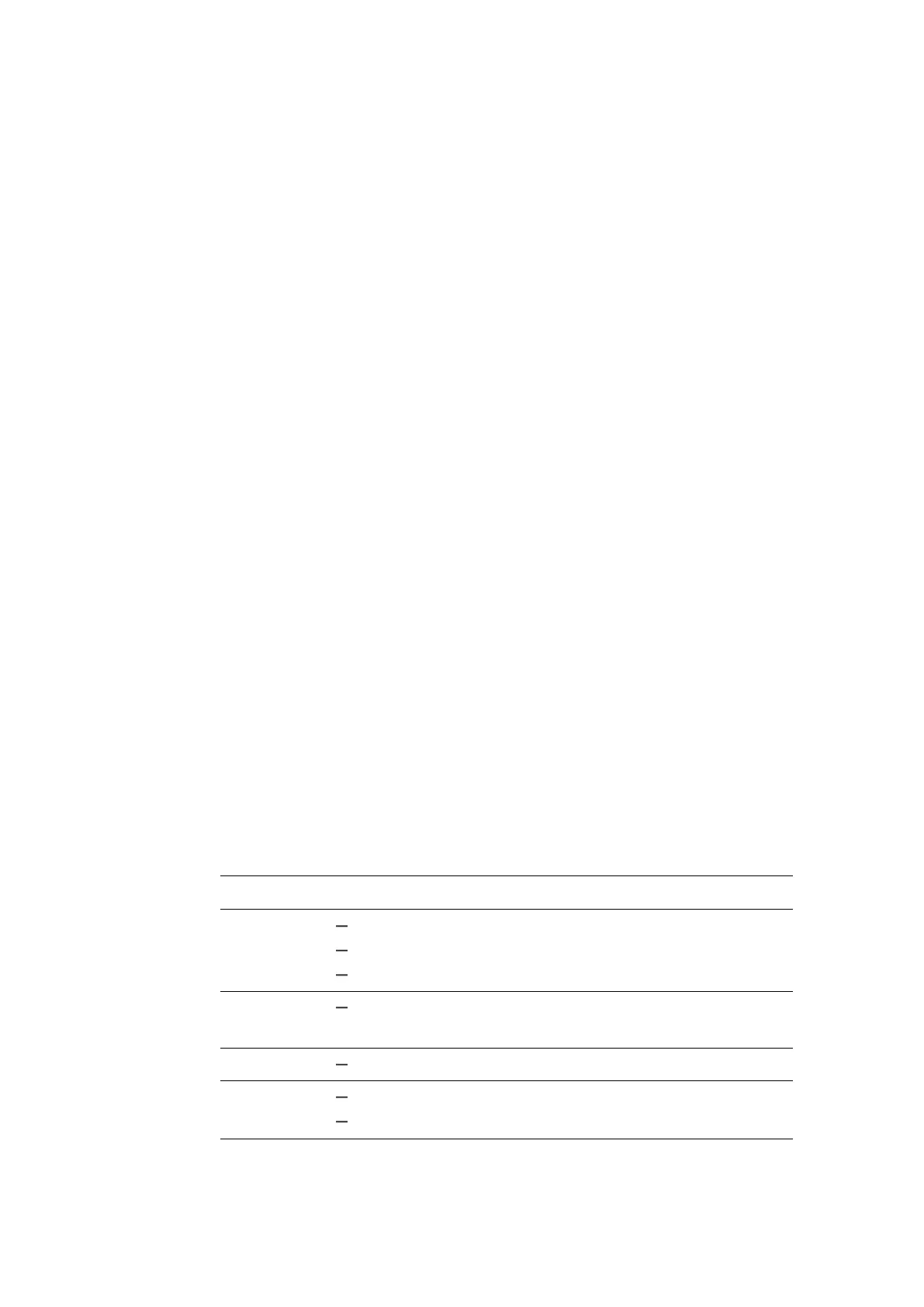
The following table shows all settings that are persisted in the settings.user
file.
Category Setting
Event List Number of decimals for time column
"Show/hide" setting for columns of unit, device, and raster
Width of time column
Folder Folders for configurations, measure files, exported measure
files, and xda import
Format Formats for measure files to be added or exported
Instruments "Show/auto-hide" setting for the instrument header
"Show/hide/auto-hide" setting for the time slider
MDA V8 | User Guide



 To Next Page