3 Basics | 20
Help.
The ribbon is no longer displayed.
2. To show the hidden ribbon, redo one of the actions described under step 1.
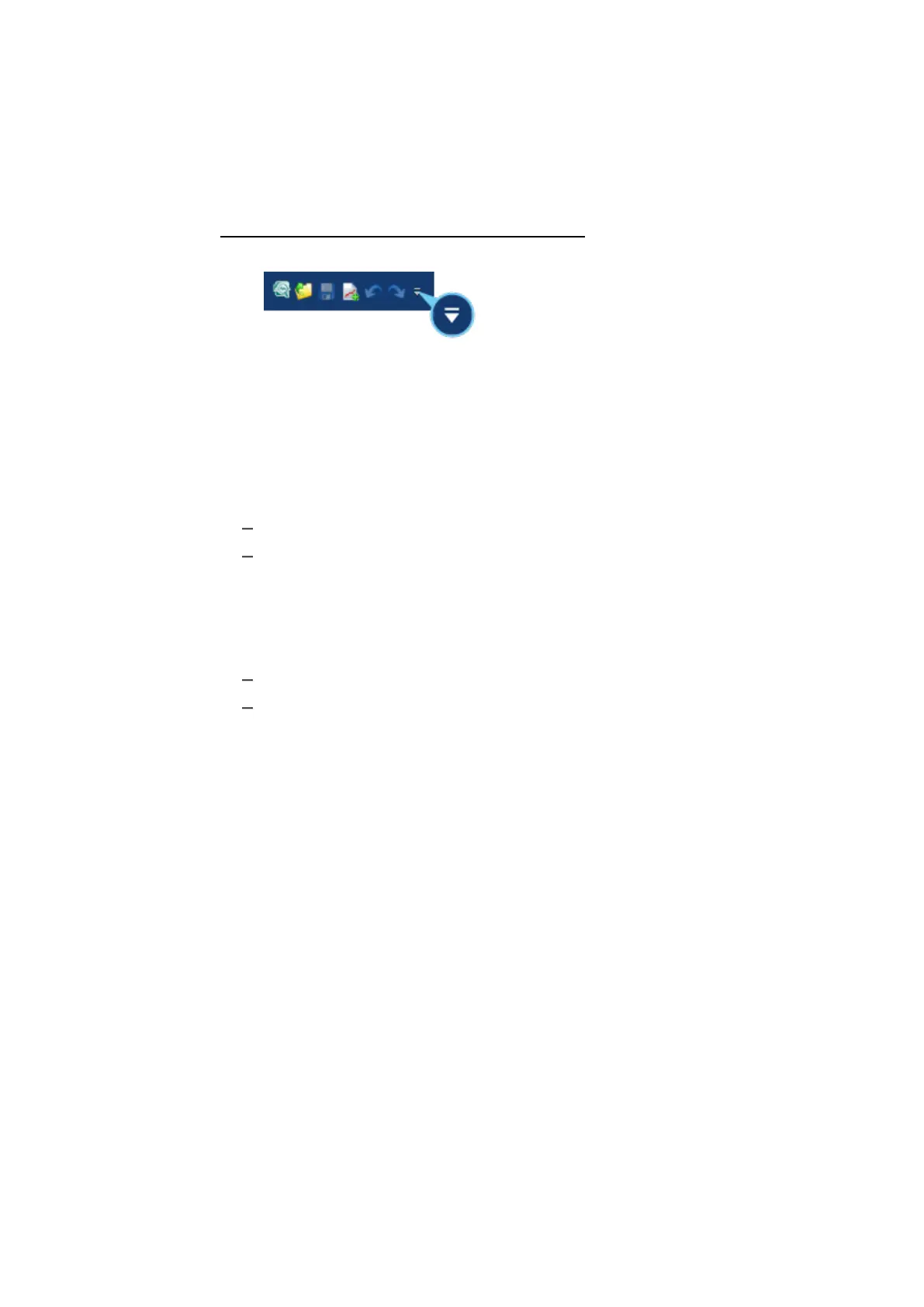
To show the quick access toolbar below the ribbon
1. To show the quick access toolbar below the ribbon, click the arrow.
2. Select Show below the Ribbon.
3. To relocate the quick access toolbar again, click the arrow and select
Show above the Ribbon.
3.6 Supported File Formats by MDA V8
For measure files, the following file formats are supported:
"Binary file formats" below
"ASCII-based textual formats" below
Binary file formats
MDA V8 can read and write all versions of the MDF (Measurement Data Format)
file format:
MDF format V3.x *.dat
ASAMMDF V4 format (*.mdf, *.mf4)
These formats offer efficient and high performance storage of huge amounts of
measurement data. Especially ASAM MDF V4 supports the indexation (see "Indic-
ation of File Index Status" on page39) and compression of measure data in line
with the ASAM (Association for Standardization of Automation and Measuring
Systems) standard. The file format allows storage of raw measurement values
and all necessary meta information for its interpretation (see "Measure File Com-
ment and Other Meta Information" on page38).
MDA V8 additionally supports only specific format dialects of MATLAB®.
ASCII-based textual formats
ASCII-based file formats are usable when exchanging signal data between tools
which have no other common file format. Such files contain for the signals only
physical data, and are not defined to include as much meta information as MDF
files. Moreover, when using textual file formats the tool performance is not as
high as with MDF files.
MDA V8 supports a variety of textual measure file formats. There are basically
two different format variants for handling multiple rates also known as data
groups.
MDA V8 | User Guide



 To Next Page