5 Layers and Instruments | 54
No. Description
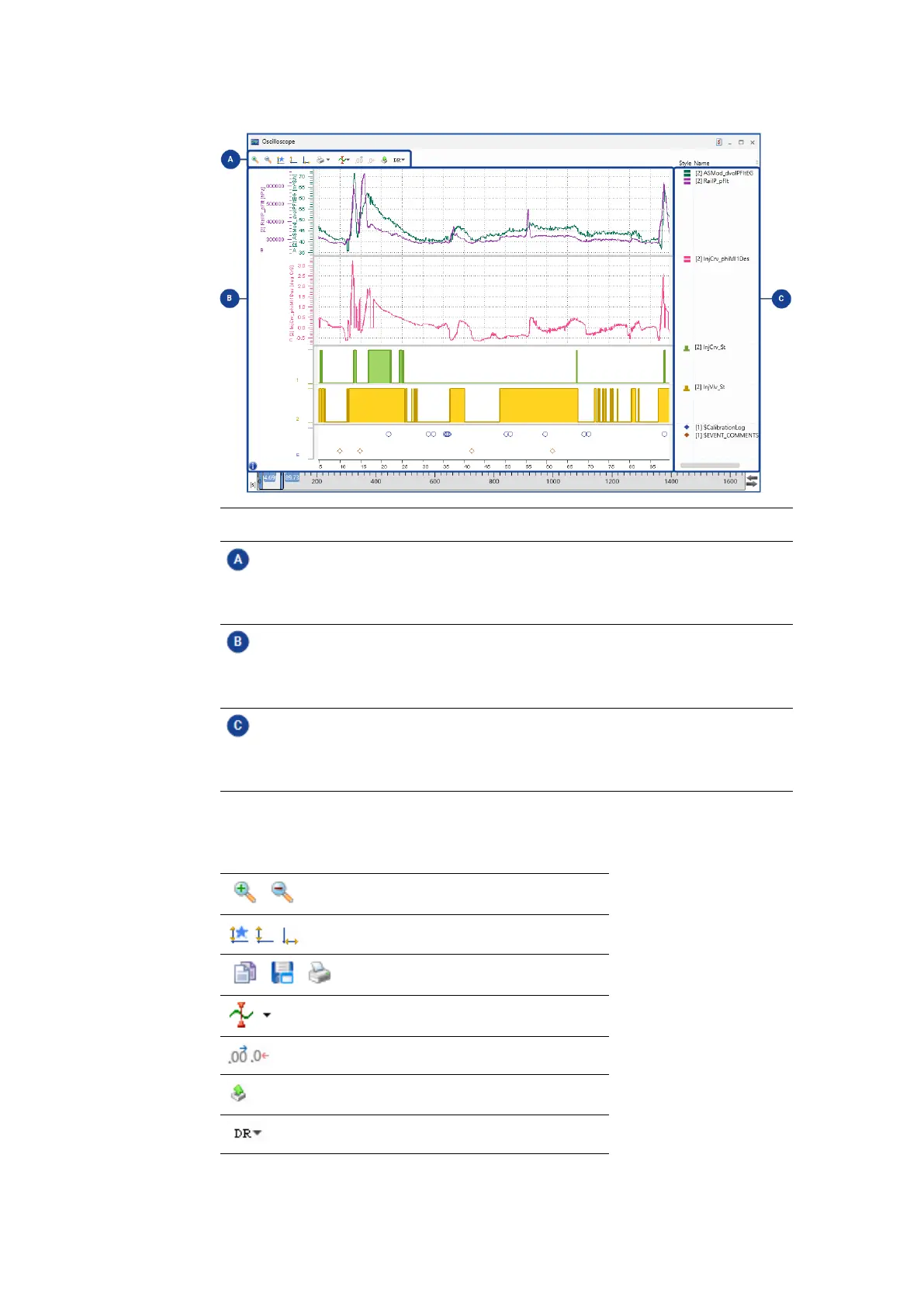
Toolbar
Here several icons for specific functionalities are shown. For a detailed
description of the toolbar functions, see "Oscilloscope's Toolbar" below.
Strip area
The signals in the oscilloscope can be distributed onto strips for a better
overview. For more information, see "Using Strips" on page57.
Signal list
The signal list shows the signal information and cursor values. For more
information, see "Adjusting the Signal List" on the next page.
5.2.2.1 Oscilloscope's Toolbar
The toolbar provides you with the following functions:
Zooming functionality
Adjustment of axes
Print and store functions
Cursor options
Number of decimals for signal values
Export measure data functionality
Data representation
MDA V8 | User Guide



 To Next Page