3 Basics | 11
New Configuration
Creates a new configuration containing one default layer.
Open Configuration
Allows the selection of an existing configuration file in XDX format.
Add Measure File
Adds a measure file from your file system. For more information, see "To
add a measure file" on page34.
Import XDA
Imports an existing configuration in XDA format. For more information,
see "Importing an XDAConfiguration" on page31.
Recently Used
Contains a list with the recently used configurations.
An overview lists new functions and program properties, as well as all available
PDF manuals and videos. For support, you find the direct access to the online
help and the contact information of the ETAS hotline.
To manage the license required for using MDA V8, click on ETAS License Man-
ager.
In case of issues, you can send with ZipAndSend a report of product issues. For
more information, see "To send problem reports using ZipAndSend" on page128.
The following section provides you an overview of the basic steps and windows in
V8.6.
3.1 Getting to Know the Basic Workflow
To see how you can quickly get familiar with the basic handling of MDA V8, watch
our video Just start - Get quickly familiar with MDA V8.
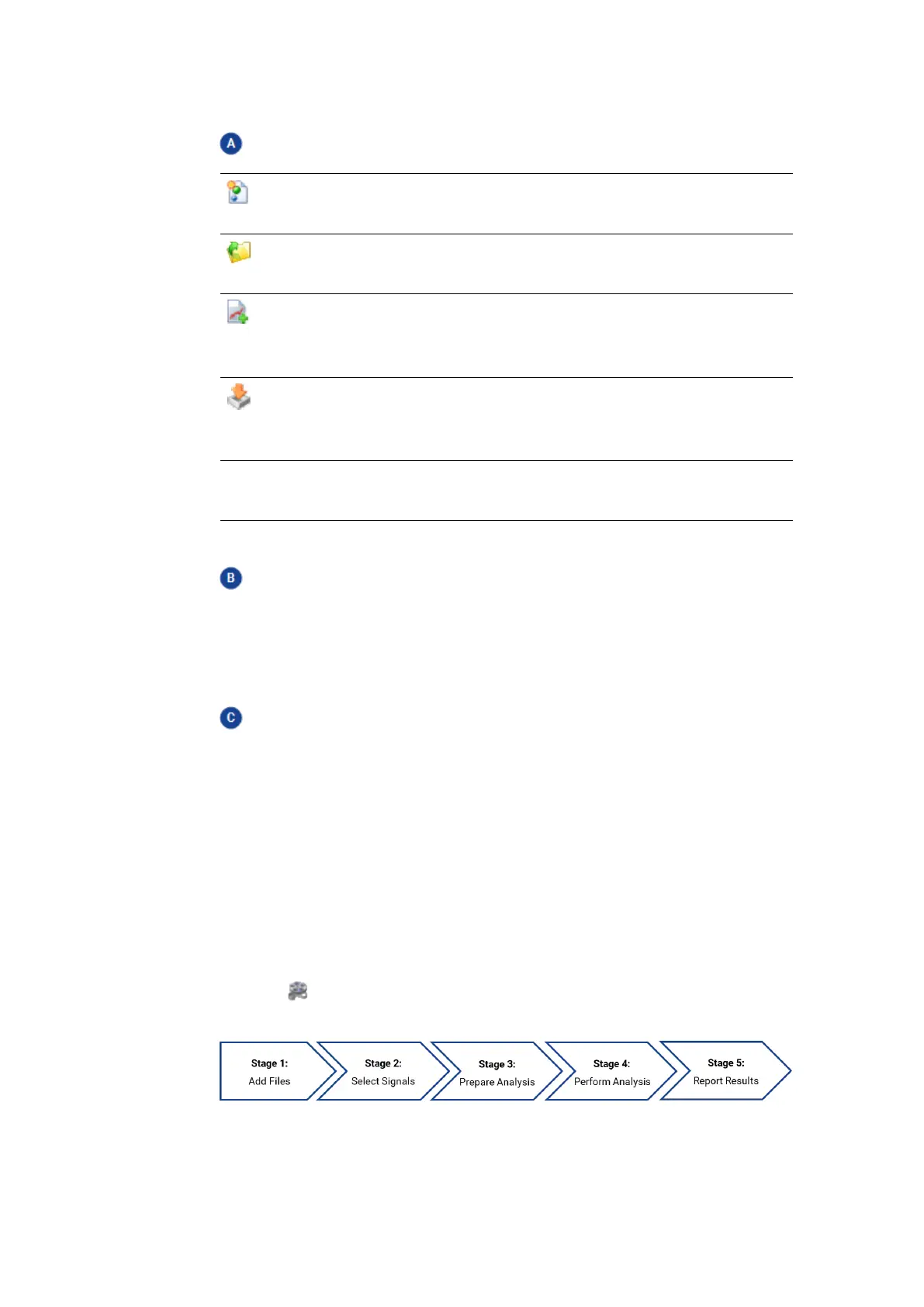
The following outlines the workflow of a typical MDA use case:
MDA V8 | User Guide



 To Next Page