5 Layers and Instruments | 70
For any kind of signals having float data type, a dialog appears. Select one
of the following bits for the data representation:
l
8 bit
l
16 bit
l
32 bit
l
Do not cast
In this case, the shown hexadecimal or binary representation is for the
Float value according to the IEEE-754 standard.
To delete a signal from the oscilloscope
1. In the signal list, select one or more signals.
2. In the context menu, select Remove Signal(s).
5.2.2.9 Creating a Bound in a Strip
1. Define a new calculated signal.
2. Enter a value in the Formula Definition field.
3. Define in the section Output Options a fixed rate with any value, for per-
formance reasons preferably slow (e. g. 10 sec).
4. Drag and drop the calculated signal on the same axis as the signal for
which the bound shall be used.
5.2.3 Scatter Plot
In the scatter plot, one signal is displayed on the x-axis and another signal is dis-
played on the y-axis. If you assign multiple signals to the y-axis, each signal is dis-
played in its individual strip.
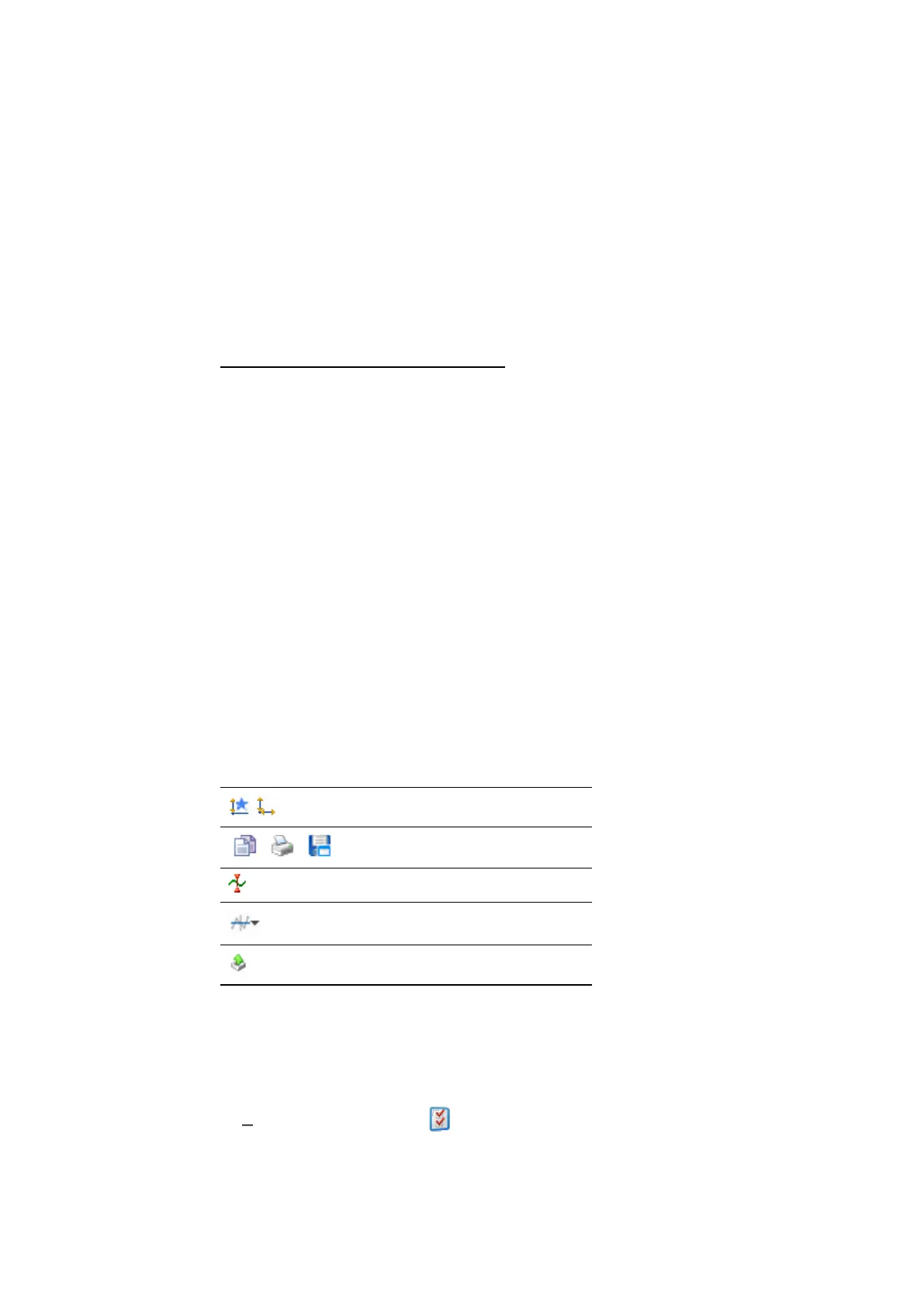
The toolbar provides you with the following functions:
Adjustment of axes
Print and store functions
Cursor options
Bound options
Export measure data functionality
The complete set of configuration possibilities for this instrument is available in
the Properties docking window. There, the tooltips provide a detailed description
of the properties and their possible options.
1. Do one of the following:
In the instrument, click .
or
MDA V8 | User Guide



 To Next Page