5 Layers and Instruments | 75
To add a bound
To add a bound, you must have assigned signals to the scatter plot first.
1.
Click .
2. Select Add Bound from the drop-down menu.
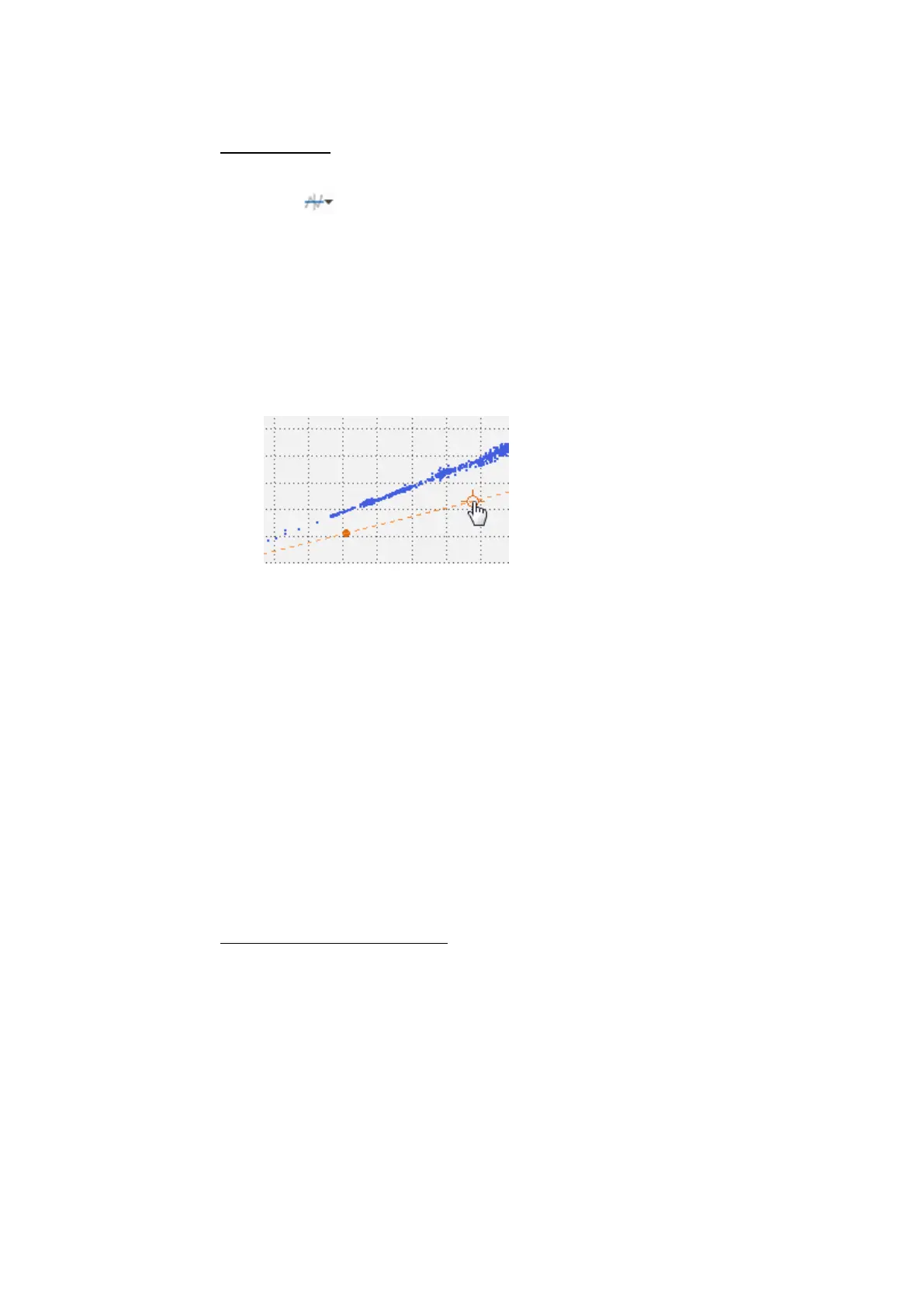
A hand symbol with a cross-hair appears.
3. Move the cross-hair to the first endpoint of the bound and click.
The endpoint is fixed.
4. Move the cross-hair to the next endpoint.
As a preview, a connection line between the fixed and the current endpoint
is shown.
5. If the position is correct, click.
The endpoint and the connection line are fixed.
6. Repeat the steps 4 and 5 until you have defined all endpoints.
Note that you cannot create a bound with intersected lines.
7. To correct the last fixed endpoint, press BACKSPACE and move the cross-
hair to a new endpoint.
8. To delete the complete preview with all fixed endpoints, press ESC.
9. To complete the bound, do one of the following:
l
Press RETURN.
The ends of the bound are extrapolated to infinity. If these extrapolated
lines are intersected, the bound is automatically closed to a polygon.
l
Add the last endpoint onto the coordinate of the first endpoint.
The bound is closed to a polygon.
To close or extrapolate a bound
1. To change a closed bound into a extrapolated bound or vice versa, right-
click the connection line of the bound.
2. Do one of the following:
l
For a closed bound, select Extrapolate Bound.
l
For an extrapolated bound, select Close Bound.
MDA V8 | User Guide



 To Next Page